Argyll Free Press

Growing News Network

Tuesday, January 20, 2026
Log in
  • Business
  • Finance
  • Sports
  • Tech & Science
    • HP Envy 4500 Review
    • LG Optimus 170 Review
    • iPod Touch 6th Generation Review
    • HTC One M8 Accessories Set-up
    • Surrealist Games You Must Play
    • Hisense Sero 8 Review
    • Dell Latitude e7440 Review
    • HP Laserjet 1536dnf mfp Review
    • Garmin Fenix 2 Review
    • Skype Vs Viber
    • Best Video Conferencing Software
    • Sony mdr 1r Headphones Review
    • Canon Rebel t3i Review
    • Sennheiser Momentum 2-0 Review
  • Travel
  • Headlines
  • Health
  • United States

Apple Watch will be Bought only by Reservation Only

March 30, 2015 By Roxanne Briean Leave a Comment

As the Apple Watch release date is approaching, details about this revolutionary device have been coming out about how the company will be managing the product sales for this new gadget. According to some confidential data, Apple will not be selling the watches to walk-in clients at the release.

Apple will start by offering on the internet pre-sales of these watches from April 10, having the first supplies delivered on April 24, the day of the official Apple Watch launching. During these couple of weeks, the clients will be able to program hands-on appointments at the company stores and suppliers.
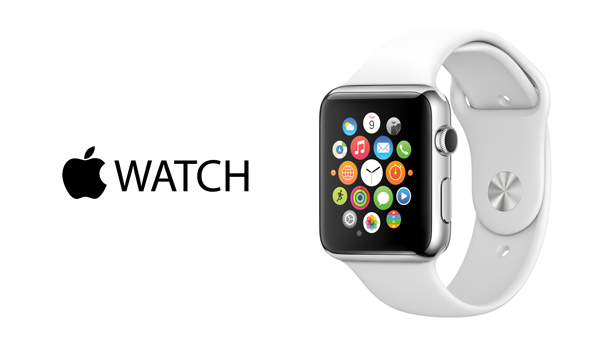
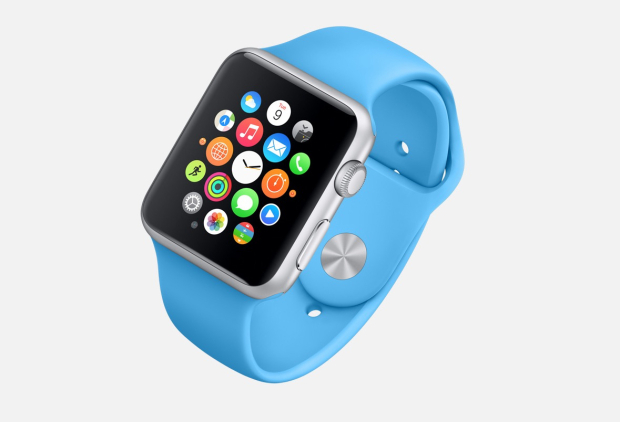
Apple-Watch

But, according to the confidential documents received from anonymous sources, Apple does not allow the any walk-in acquisitions for its watches at launch. The clients must create a “Product Reservation” on the Internet to have a particular model of the Apple Watch at a retail shop. This original “Product Reservation” program is used instead of the company’s “Personal Pickup” option for the Apple Watches. The retail records show if a customer comes in and wishes to buy a watch, he must be offered the possibility to try the watch. Then, he must be guided to place his order in online stores or through Apple Store application.

Apple probably expects low stock for its watches and notices “try-on’ sessions also cannot reserve an Apple Watch for buying it later. Apple wants to permit eventually walk-in acquisitions, but not until the initial wave of demands has passed.

The Apple Watch is probably the most expected wearable yet, since Apple has created the first watch on the highly competitive industry of the smart watches. The organization has presented also the iPhone 6 and iPhone 6 Plus in autumn last season, while Apple announced that more details about the watch and its purchasing methods will be offered at a conference in the next weeks.

During these main events, Apple revealed the official prices and the launch time frame info, providing us our first look at this wearable to come, and presented also a few of the third-party programs that will be loaded on the watch’s system at launch.

The company also programs to upgrade its shops for April 10, when its Apple Watch will be offered for trying out thanks to pre-booked sessions.

We have gathered up everything we found out so far about this model of watch, including its release date, purchasing option and pricing info. Apple has offered some range prices for the different types of smart watches. The 38 mm Watch Sport might be sold from around 500 dollars, while the bigger 42 mm model can cost up to 650 dollars.

The ‘Watch’ version will be sold from 600 dollars, going up to 1,200 dollars depending on its case and strips combinations. For example, the 38 mm Apple Watch made with the Dark Classic strap might get around 700 dollars out of your pocket, while a 42 mm model can be with 75 dollars more expensive.

Image source: www.apple.com
Filed Under: Tech & Science Tagged With: apple watch, apple watch details

20 Apple Watch Features

February 16, 2015 By Roxanne Briean Leave a Comment

The Apple Watch is a new smartwatch that will connect to your iPhone and accomplish numerous tasks. You’re probably very familiar with the new device’s name that’s coming out soon by now, but you want to know more about the things you can do with it, am I right? The Apple Watch release date will be set in April and until then we want to share with you 20 Apple Watch features that we believe are the best and most exciting.

More Apple Watch features are sure to be reveled in the near future in an event where the company will share the exact release date of the new device and its full specifications. Even though there are a lot more features we don’t know about the Apple Watch, we do know some things this new smartwatch can do as the company revealed much of them in 2014.

The price of the Apple Watch starts at $349 for the Sport edition but we expect that the high-end models to reach up to and over $1,000.

To use the Apple Watch you will need an iPhone, of course, because many of the things that you will be able to do with the smartwatch rely on the connectivity between the two devices. This smartwatch won’t replace the iPhone; it just offers a way to access more quickly your daily activities. Even though this device is not the first smartwatch on the market and not even the first to connect to an iPhone, it’s still the most anticipated one.

To help you decide whether the Apple Watch is a great investment or not, we made a list of 20 Apple Watch features that we believe are the best and most useful.

1. Answer calls

answer-calls

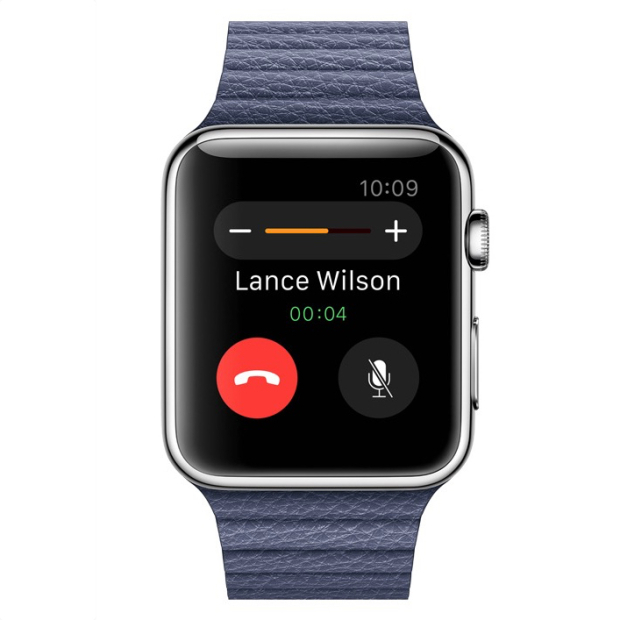
You can use the Apple Watch to answer calls by using it as a Bluetooth speaker. However, after using the Samsung smartwatch that has a similar feature, we now know that you should only use this for small conversations and never answer calls that you wouldn’t take on speakerphone either.

2. Monitor your heart rate

monitor-your-heartrate

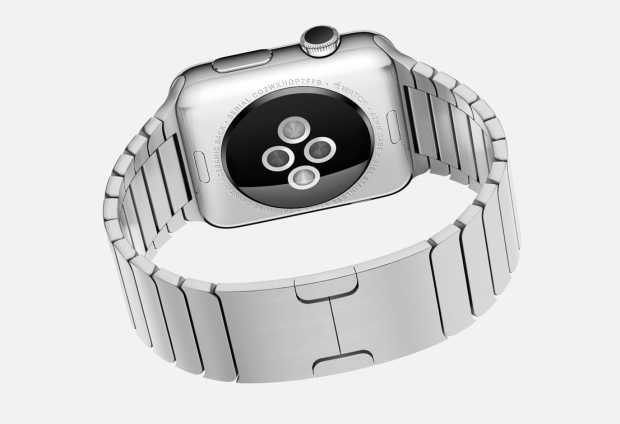
The Apple Watch has sensors on its back that can monitor your heart rate. However, it’s still not clear whether the smartwatch will record your resting heart rate or not, so the usefulness of this feature will definitely depend on how regular the watch will monitor it. We really hope to find out more about this feature at an event held by Apple in 2015.

3. Glances

glances

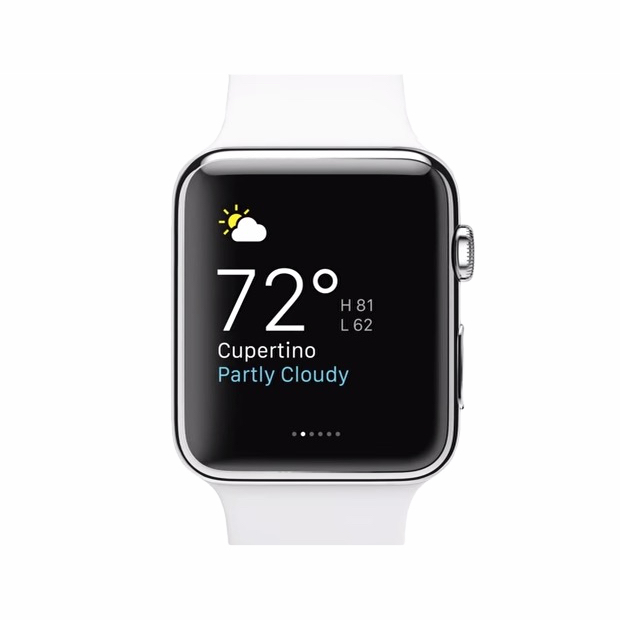
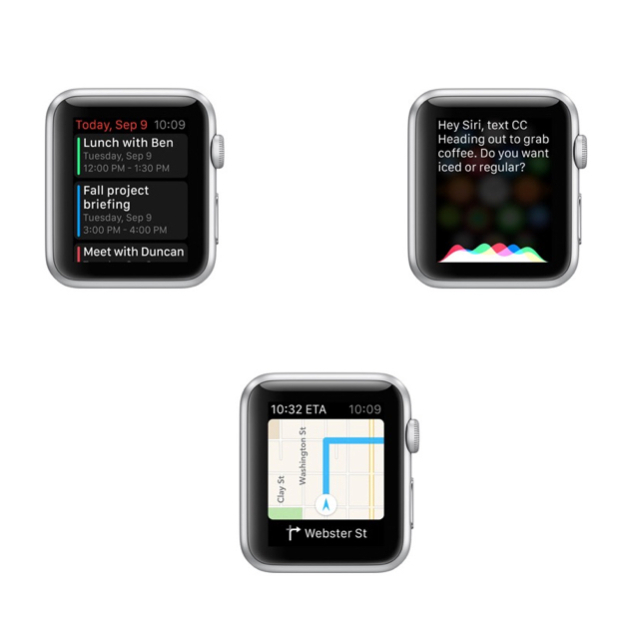
The smartwatch has a feature called Glances. These are small pieces of info that you can look and swap through on your Apple Watch. They can include sports scores, maps, stocks, meetings and the weather. They aren’t the same thing as the notifications on your iPhone, but are similar in nature to the Today panel in Notification Center on your phone. Third party apps can also share Glances on the screen of your watch.

4. Change the watch faces

change-watch-faces

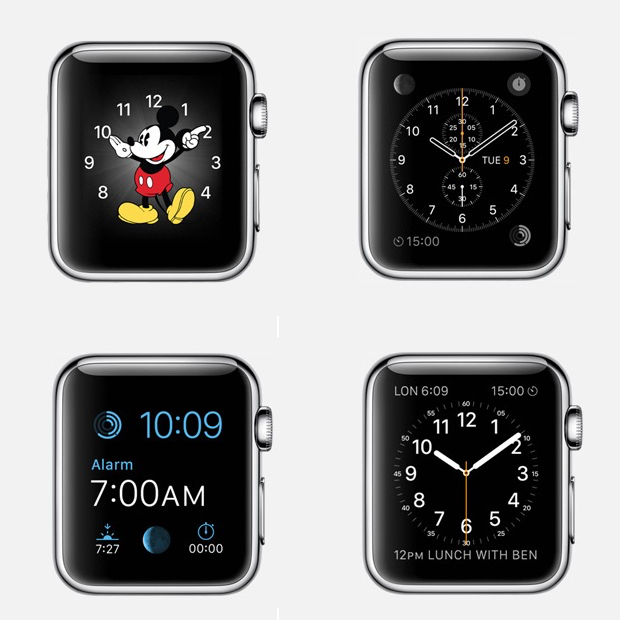
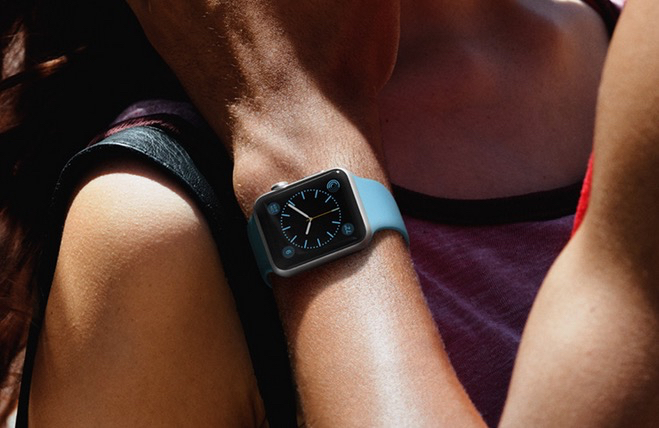
You can pick a new face for you Apple Watch to be relevant to the event you’re taking part of. We’ve seen 12 faces that range from functional and fitness to formal. There is a classic analog look, a face with Mickey Mouse, numerous digital ones and others that include info from the calendar and details such as the sunset and sunrise.

5. Track your fitness activity

track-fitness

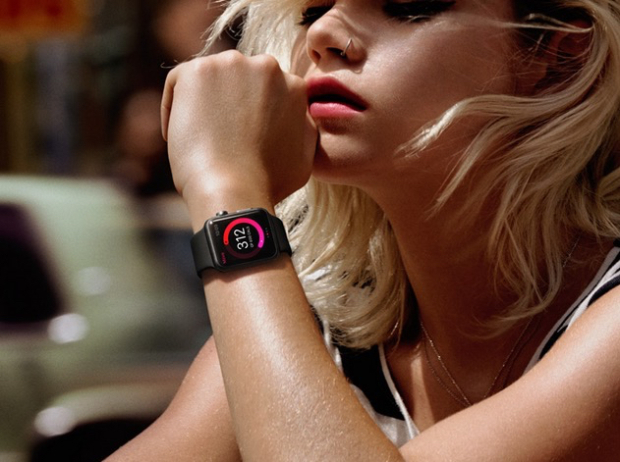
The smartwatch from Apple makes use of numerous sensors to track your movement and your fitness activity progress. You will be able to see your progress in three categories: exercise, time spent standing and movement. Your fitness activity information will also be available on your iPhone.

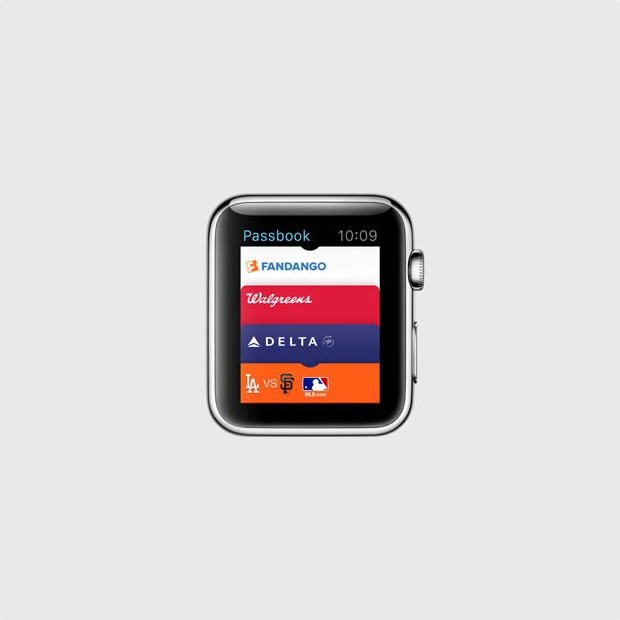
6. Tickets on your Apple Watch

tickets-apple-watch

With the Passbook app on your Apple Watch you will be able to have tickets and loyalty cards right on your wrist. When you will need a ticket you will only have to show your watch to the gate agent or cashier and you will be all set to go.

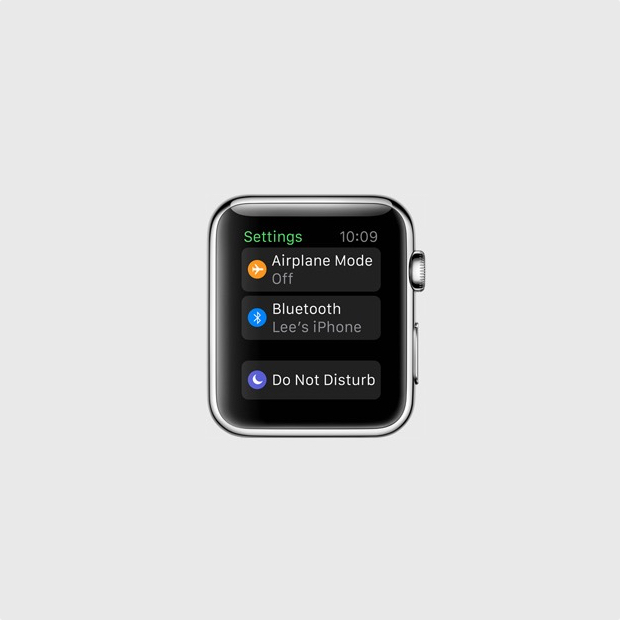
7. Find your iPhone

find-iphone

You can find where your misplaced iPhone is with your Apple Watch, as long as it’s connected to it. However, you can’t find a stolen or lost iPhone, or even one that’s out of the Bluetooth range but it’s still a pretty useful feature for those who are constantly misplacing their phones.

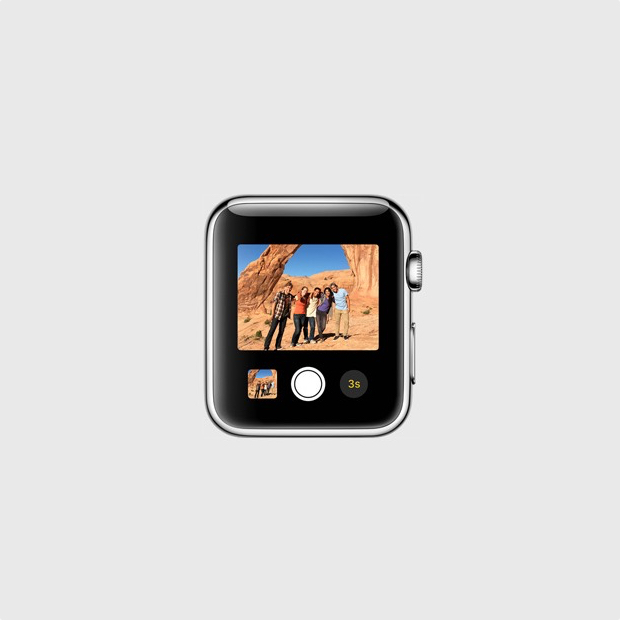
8. Remote viewfinder for your iPhone camera

remote-viewfinder

You can use your smartwatch as a remote viewfinder for the camera on your iPhone. By using this function you can place your iPhone somewhere, then get into frame and take the shot. It’s a way easier and better way of taking your own shot without the front facing camera or with the help of a selfie stick.

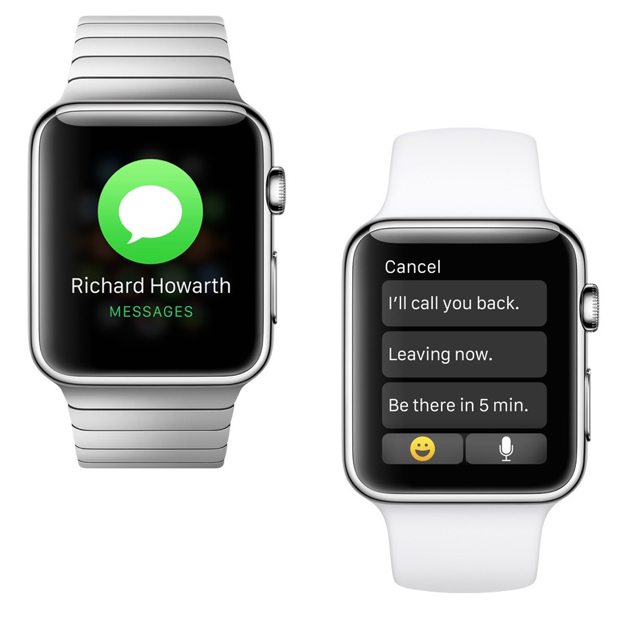
9. View and reply text messages

view-reply-text-messages

You can see the iMessages or text messages you receive on your wrist with the help of the Apple Watch. You may also reply to them with template messages. It’s a pretty useful feature that will save you the trouble of constantly taking out your iPhone out of your pocket. On top of this, you will also be able to use Siri to compose messages.

10. Check your emails

check-your-emails

You can get email notifications on your Apple Watch. You will also be able to flag, delete or read them on the watch or open them on your iPhone for full view. This features works with the Mail app on the iPhone and it’s unclear at the time whether it will work with third party apps too, or not.

11. Browse through all your Apple Watch apps

browser-apple-watch-apps

There will be a lot of apps that you will be able to install on your Apple Watch even though it may be a while until a vast library of apps will be available for it. However, the apps will appear as small circles on the screen of the watch and you will be able to browse through them by using the small Digital Crown on the side of the smartwatch to leave the screen empty for better viewing.

12. Send Emoji

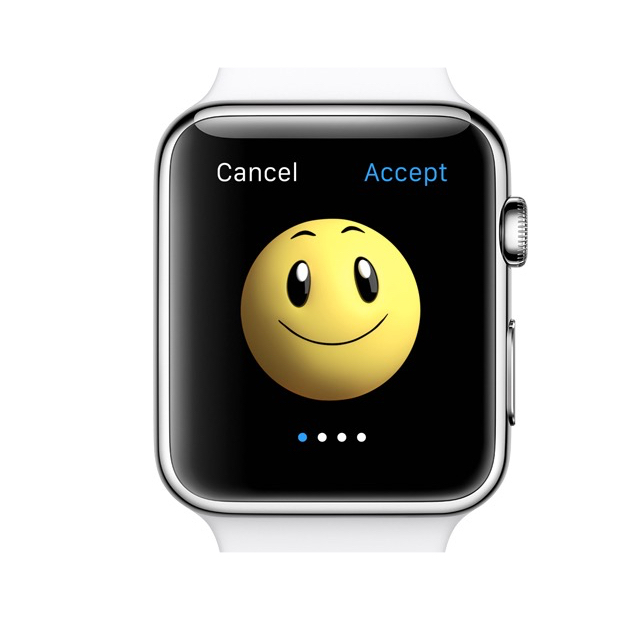
send-emoji

If you’re a big fan of Emoji on your iPhone, you’ll be glad to find out that you will be able to send better, bigger and animated Emoji from your watch.

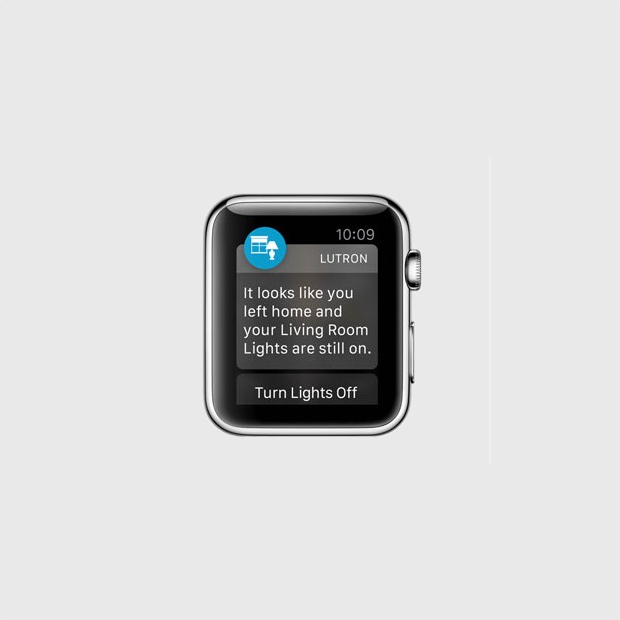
13. Get notifications from your iPhone

get-notifications

The smartwatch can display the notifications from your iPhone. This includes notifications from third party apps such as Gmail, Facebook and pretty much anything you can think of. You can customize the notifications you will receive so you won’t be overwhelmed by invites from Candy Crush and other apps that send annoying, frequent notifications.

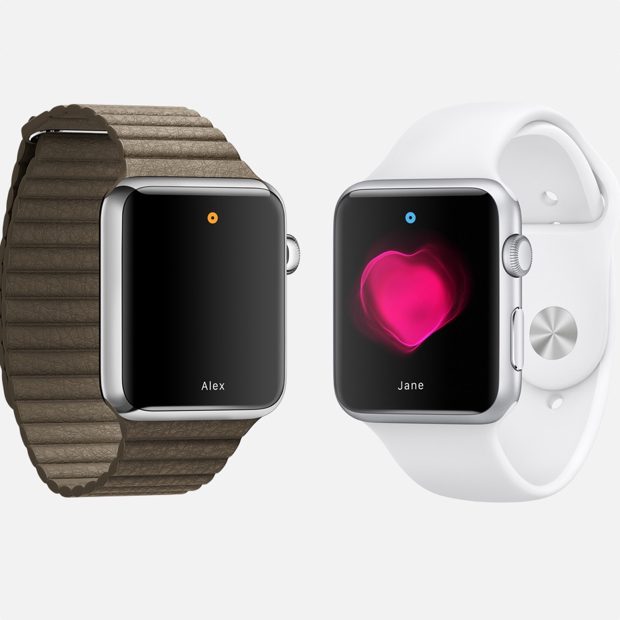
14. Share your heartbeat with other Apple Watch users

share-your-heartbeat

The smartwatch can track your heart rate and fitness activity, but this is not all it can do. If you want, you can share your heartbeat with a friend that also has an Apple Watch. When you share this with a close friend, an animation will appear on the other person’s watch that will show your heartbeat. Apple says that this is an intimate way of showing someone how you feel.

15. Use Apple Pay

use-apple-pay

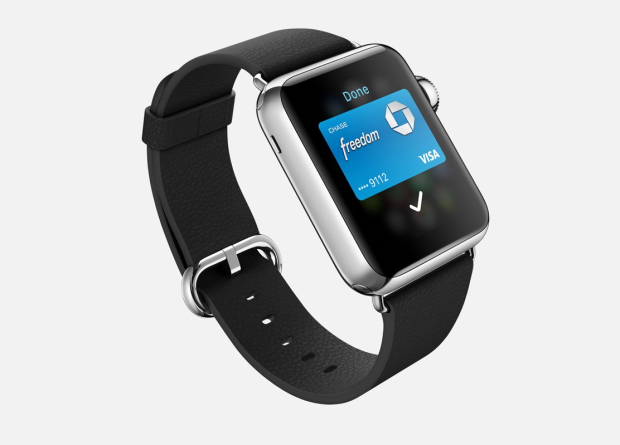
You won’t need to take your iPhone out of your pocket to make a payment through Apple Pay; you can do so just with the help of your watch. Apple Pay allows you to add multiple credit cards in the service so you won’t have to worry about carrying them with you. The service allows you to pay with your Apple Watch in stores that support this kind of payment.

16. Exercise reminder

exercise-reminder

If you’re getting a little lazy and you’ve been sitting around doing nothing for quite some time, Apple Watch will remind you it’s time to get up. While this isn’t the first smartwatch to do this thing, it’s a very nifty feature.

17. Access contacts

access-contacts

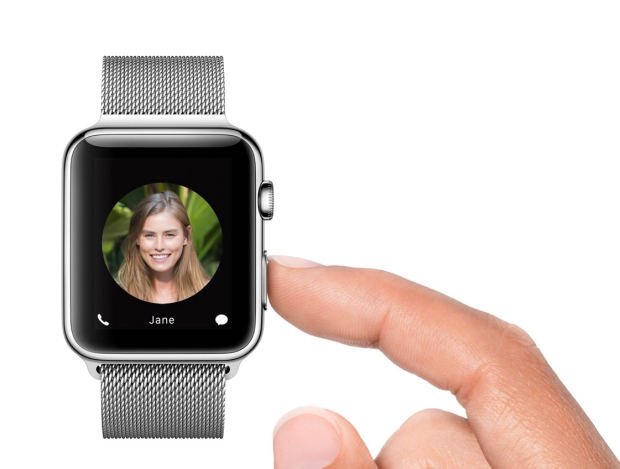
You can push a small button next to the Digital Crown on your Apple Watch to quickly access all your contacts. By doing this, you can select a contact to send a message to or call. This is also how you send your heartbeat to someone, a tap or a drawing. The tap feature is similar to the Facebook poke.

18. Use Siri

use-siri

You can access Siri on your Apple Watch by saying “Hey Siri” or by holding down the Digital Crown button. To use this feature you will have to have your Apple Watch connected to your iPhone.

19. Share your current location

share-current-location

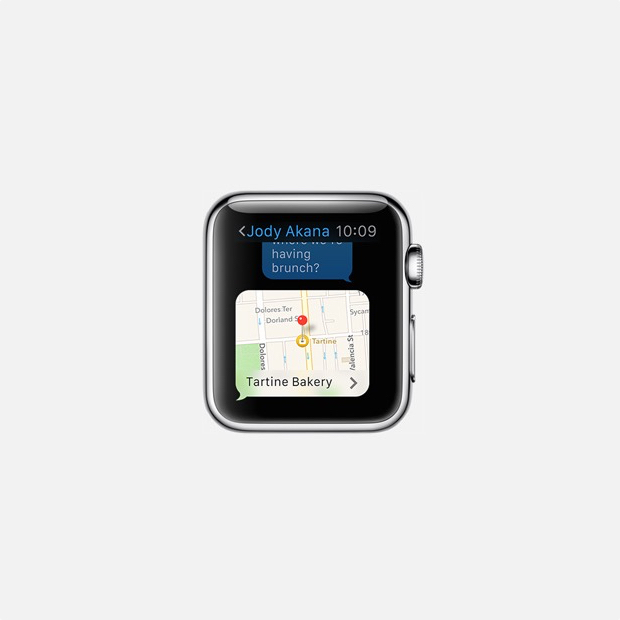
Apple Watch can be used to share your current location with a friend. This feature is already available in Messages on the iOS 8 and makes it easier for people to know where you currently are and in the near future you will be able to do the same thing through your Apple Watch.

20. Control your music and Apple TV

control-music-apple-tv

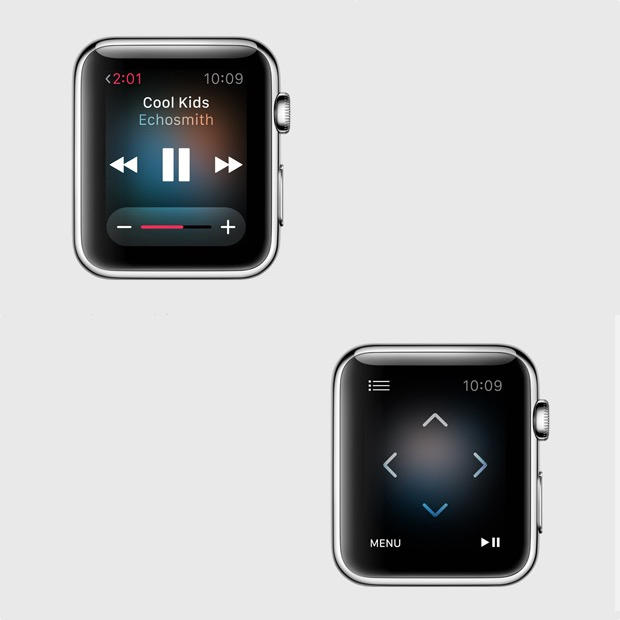
You can use the smartwatch as a remote control for iTunes and Apple TV. This is a pretty cool feature as it’s almost never easy to find that small remote and you sometimes really need to pause the music or TV when you can’t do so by using the iPhone Apple TV remote app. You can use the Apple Watch to browse through lists, menus, choose the movies you want to see and listen to the radio or music on iTunes.

So there you have it. This was our list of the best 20 Apple Watch features so far.

Images source: gottabemobile.com

Filed Under: Tech & Science Tagged With: Apple, apple smart watch, apple smartwatch, apple watch, apple watch details, apple watch features, apple watch price, apple watch release date, apple watch rumors, iphone watch, iwatch

Subscribe to Blog via Email

Enter your email address to subscribe to this blog and receive notifications of new posts by email.

Join 10 other subscribers

Recent Articles

police handcuffs man

German Man Probed In Poisoning That Killed 21 Employees Since 2000

June 29, 2018 By Kenneth Scott Leave a Comment

Chicken wings bar

Intoxicated South Carolina Man Punches Waitress Who Refused to Serve Him Alcohol

June 29, 2018 By Karen Jackson Leave a Comment

gaming

New Zealand gamer Who Flew Halfway Across The World for Virginia Teen Gets Shots By Her Mother

June 28, 2018 By Cristopher Hall Leave a Comment

party

Former Virginia Tech Freshman Sentenced to 50 Years in Prison for Stabbing a Girl to Death

June 28, 2018 By Roxanne Briean Leave a Comment

bonfire

British Couple Sentenced to Life in Prison for Torturing and Murdering French Nanny

June 27, 2018 By Deborah Campbell Leave a Comment

pay phone

Texas Father of Girl Disappeared in the 80s Ignored by Authorities

June 26, 2018 By Cristopher Hall Leave a Comment

bottled water

San Francisco Woman Threatened to Call Police on Girl Who Sold Ice Water for Disneyland Trip

June 25, 2018 By Roxanne Briean Leave a Comment

Maplewood Park

Missouri Man Robbed by Date and Accomplice in Park

June 22, 2018 By Nancy Young Leave a Comment

coding

New York Man Sentenced in Cyberstalking Former Girlfriend, Mailing Drugs to Her Dorm

June 22, 2018 By Deborah Campbell Leave a Comment

headphones

Bose Poised to Launch Sleepbuds, In-Ear Headphones That Help You Sleep

June 21, 2018 By Nancy Young Leave a Comment

Police light

Intoxicated Female Driver in Custody for Pulling Arresting Officer by the Hair

June 21, 2018 By Kenneth Scott Leave a Comment

kitchen

Restaurant Manager Arrested and Charged in Shooting Death of Co-Worker over Negative Yelp Reviews

June 20, 2018 By Karen Jackson Leave a Comment

plastic container

Pennsylvania Couple Charged in Violent Death of Infant Discovered Buried in Cat Litter

June 19, 2018 By Cristopher Hall Leave a Comment

tailpipe

Minnesota Teen Gets Head Stuck In Oversized Tailpipe Winstock Music Festival

June 18, 2018 By Karen Jackson Leave a Comment

Pages

  • About Us
  • Contact us
  • Privacy Policy
  • Privacy Policy GDPR
  • Staff
  • Terms and Conditions

Recent Posts

  • German Man Probed In Poisoning That Killed 21 Employees Since 2000 June 29, 2018
  • Intoxicated South Carolina Man Punches Waitress Who Refused to Serve Him Alcohol June 29, 2018
  • New Zealand gamer Who Flew Halfway Across The World for Virginia Teen Gets Shots By Her Mother June 28, 2018
  • Former Virginia Tech Freshman Sentenced to 50 Years in Prison for Stabbing a Girl to Death June 28, 2018
  • British Couple Sentenced to Life in Prison for Torturing and Murdering French Nanny June 27, 2018
  • Texas Father of Girl Disappeared in the 80s Ignored by Authorities June 26, 2018
  • San Francisco Woman Threatened to Call Police on Girl Who Sold Ice Water for Disneyland Trip June 25, 2018

Categories

  • Business
  • Entertainment
  • Finance
  • Headlines
  • Health
  • Life
  • Nature
  • Science
  • Sports
  • Tech & Science
  • Travel
  • Uncategorized
  • United States
  • World

Copyright © 2026 ArgyllFreePress.com
About · Privacy Policy · Terms of Use · Contact