Argyll Free Press

Growing News Network

Monday, May 4, 2026
Log in
  • Business
  • Finance
  • Sports
  • Tech & Science
    • HP Envy 4500 Review
    • LG Optimus 170 Review
    • iPod Touch 6th Generation Review
    • HTC One M8 Accessories Set-up
    • Surrealist Games You Must Play
    • Hisense Sero 8 Review
    • Dell Latitude e7440 Review
    • HP Laserjet 1536dnf mfp Review
    • Garmin Fenix 2 Review
    • Skype Vs Viber
    • Best Video Conferencing Software
    • Sony mdr 1r Headphones Review
    • Canon Rebel t3i Review
    • Sennheiser Momentum 2-0 Review
  • Travel
  • Headlines
  • Health
  • United States

7 More Awesome Gadgets Exhibited at CES 2015

January 16, 2015 By Roxanne Briean Leave a Comment

The annual Consumer Electronics Show did not fail to deliver the craziest, newest, most baffling, fun and clever gadgets this year around either. We already took a look at some of the most exciting gadgets here, but we felt like that list didn’t include all the contenders. This is why we decided to take a look at some other great innovations.

Some of the devices were there just to tease us with the possibilities of the future, while others are actually slated to become available for purchase (yet, mind you, most will probably be way out of your regular shopper’s budget) later this year for the comfortable, the tech savvy and people who just enjoy the wonders of new technology.

The halls were filled with all sorts of robotics, handheld devices, computerized wearables, crazy smart automobiles and… levitation magic? I guess you could call it magic even though it’s mostly based on magnets. But more on that later on. Here’s a list of 10 things that were exhibited at CES 2015 that deserve attention or are just too cool to not mention.

1. ZANO – The Miniature Selfie Drone
7 More Awesome Gadgets Exhibited at CES 2015

We’re starting off with something less hardcore than some of the rest of the list. Even so, this is a pretty sweet addition to the world of electronics. Ok, it’s not the most useful thing you’ll crave for in your household but fun enough to earn an excited “aah”.

Flying drones are not even remotely shocking anymore. With developers such as DJI running the market and improving their technology by the day, piloting your flying camera remotely as it zooms around your neighborhood or the tourist attraction you’re visiting is possible and easy to do. Such drones have found their way into more artistic and professional filmmaking as well, proving to be the best tools you can get when it comes to time lapse projects for example.

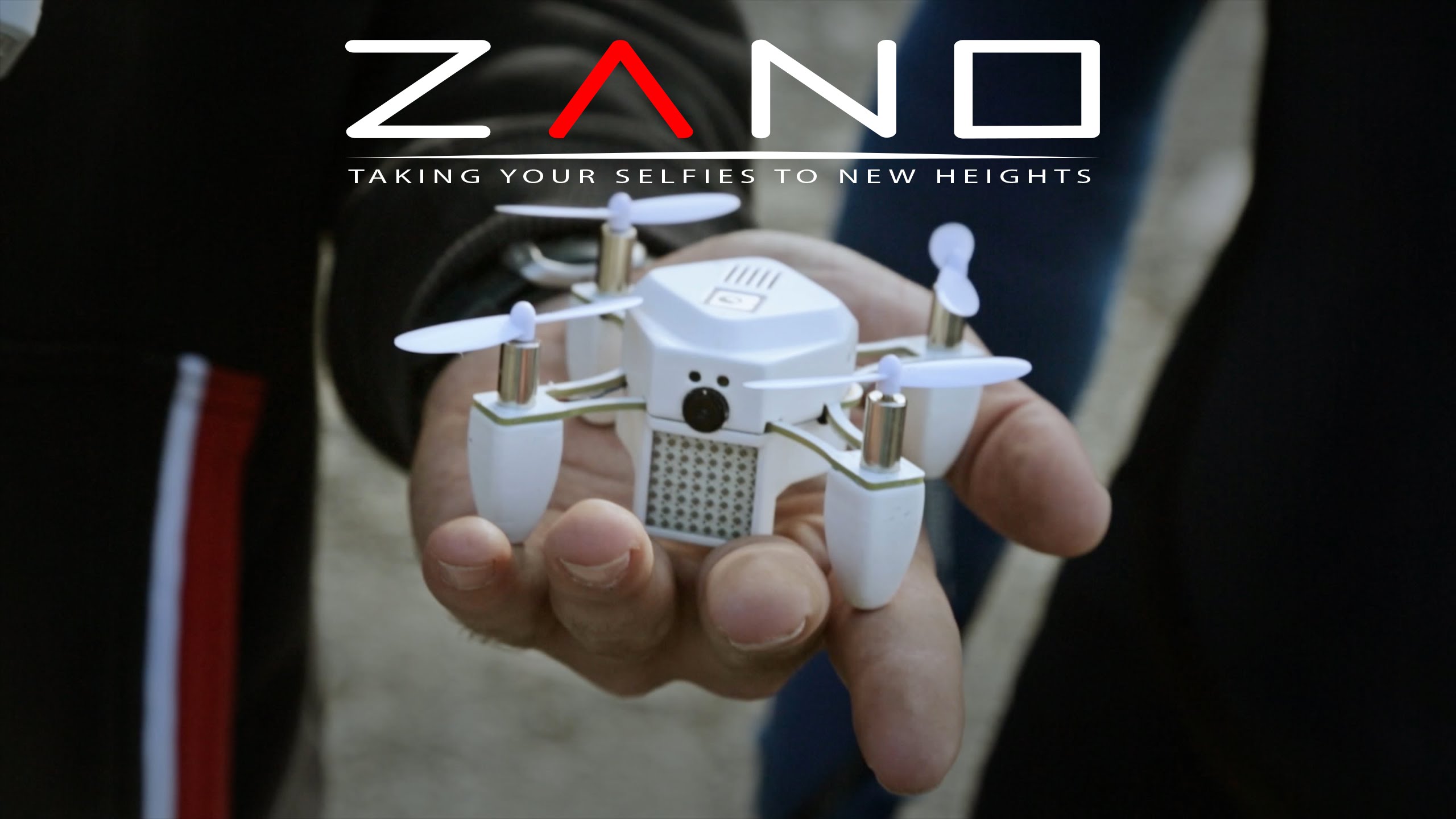
Here’s the next installment, more consumer-friendly version of the flying drone. The SELFIE drone. That’s right, the tiny ZANO miniature drone will make sure that your arm doesn’t even show in your future selfies by letting you capture photos from a height and make sure your entire group fits in the picture.

But selfies isn’t the only thing it specializes in, especially given the fact that it includes digital image stabilization in its design. Even given its size, ZANO can take on lengthy adventures and shoot from an altitude almost just like other flying drones would. However, its operating range is only 15 – 30 meters long so don’t expect to be shooting off of Empire State Building.

ZANO is no larger than the palm of your hand and is capable of shooting photos and HD video just as well. The little drone is remotely controlled through your smartphone but also has autonomous operation capabilities, knowing how to avoid obstacles by itself and knowing to return to your mobile device’s signal whenever it feels it has strayed too far, is nearing the edge of signal strength or its battery is running low. It can take care of itself for approximately 15 minutes and can zip around as fast as 25 miles per hour.

2. LG G Flex 2
7 More Awesome Gadgets Exhibited at CES 2015

Qualcomm’s Snapdragon 810 has been out since the end of last year, promising to deliver never before seen performance for mobile devices that would come out in early / Q1 of 2015. The first happy owner of the innovative processor chip is not Samsung Galaxy S6 as many people thought would be, but the eccentric looking LG G Flex 2.

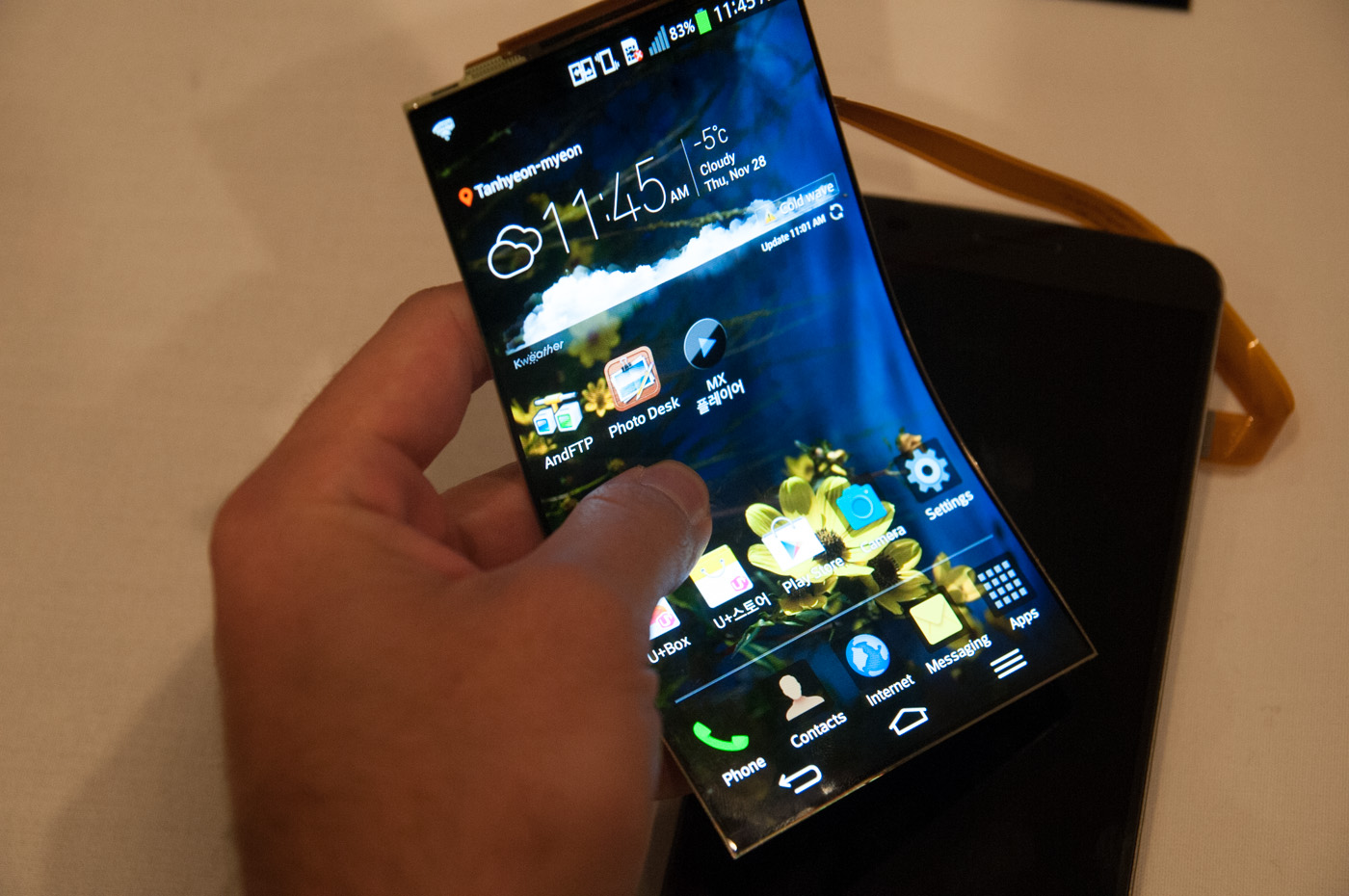
The reason I call it eccentric is because it introduces itself with the most peculiar shape you have yet to see – say hello to the curved display technology that has made its way around this past year in a new, cleverer and better way. The LG G Flex 2 is the second attempt the company made at the curved phone idea, but this time around it seems to have nailed it – or at least, managed to nail it enough to make it into a top 10 CES innovation list.

The 5.5 inch display phone has a curved, bent design that gives the phone a godly feel in the palm of your hand and is made to endure. Not only that the LG G Flex 2 literally flexes when you drop it or apply weight and pressure on it.

The display itself isn’t special just because it adopted the curved technology, it’s special because it’s a true warrior of resilience – it was built to be resistant to cracking and hold next level self-healing capabilities, allowing for scratches to repair themselves in a matter of hours. No joke.

3. Levitating Air2 Speaker
7 More Awesome Gadgets Exhibited at CES 2015

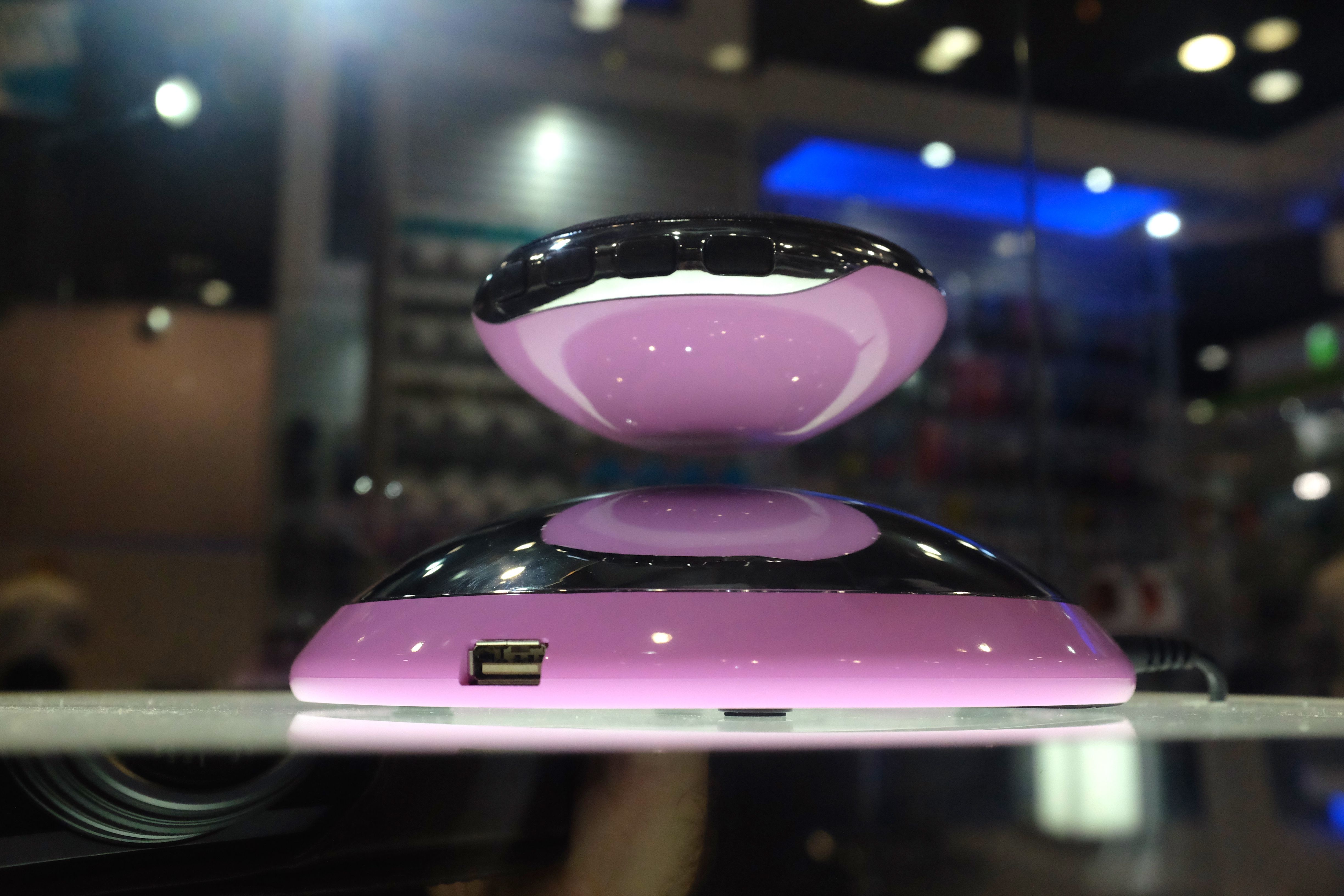
It’s pronounced Air squared and it’s the coolest looking thing I’ve ever seen next to old school lava lamps and plasma spheres. That’s pretty much all about it though, just like lava lamps and plasma spheres. Okay, I don’t mean to bash the device before I even start off giving you details about it, but as amazing as the magnetic speaker is, it won’t exceed the “cool looking gadget” status.

The Air2 is comprised of two parts – the base that does most of the software and sensor work and the actual speaker – a metallic round shaped pad that fits in the palm of your hand. The base includes a microphone for conference calls and a micro-USB port used for charging the device.

Considering the design of the Air2, actually getting the speaker to magnetically levitate on the round base involves quite a bit of effort if you manage to do it by hand but luckily the package includes a device that you place the speaker in then settle on top of the base for easy setup.

Since it’s magnetic, the speaker can also be attached to any metallic surface such as refrigerators if you want to listen to your favorite tunes when getting dinner done. Its Bluetooth capability extends to 33 feet distances and it won’t require any juice for up to 12 hours of playtime. Air2 is already available for purchase off of Amazon as we speak, for a price of $199.

4. Toyota Mirai
7 More Awesome Gadgets Exhibited at CES 2015

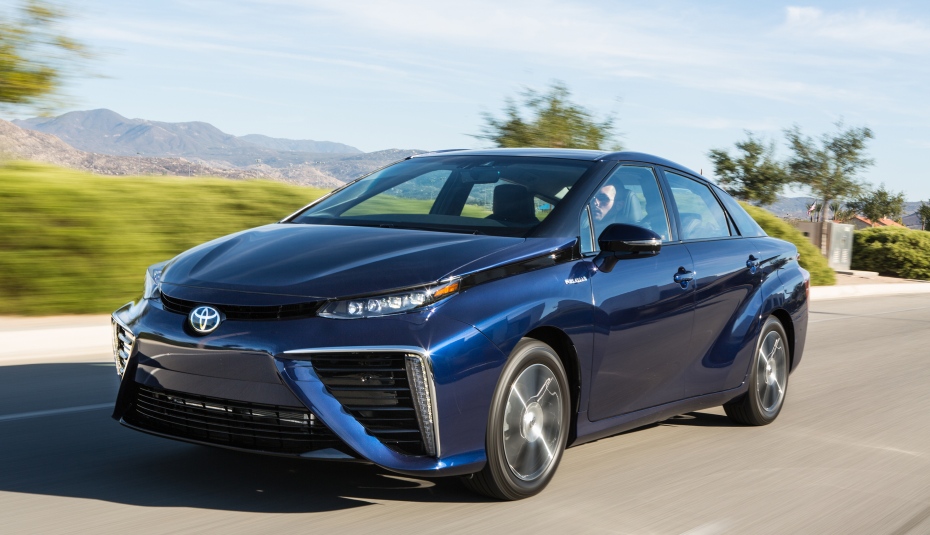
Dr. Michio Kaku, famous theoretical physicist, futurist and popularize of science was the lovely and charismatic person to present the next step in automotive technology. And we’re talking realistic next step here, given that the Mirai will be available for purchase later this year.

What made the Mirai so special to be endorsed by Dr. Kaku is the purely hydrogen-fueled car. The way fuel-cell engines work is transforming the hydrogen and oxygen chemical reaction into electrical power to fuel the engine while instead of CO2 emissions, you get… water. Indeed, the Toyota Mirai uses the one element that’s the most abundant in our universe and exhaust something that will not ensure our atmospheric demise inside a couple dozen years.

From many perspectives, Dr. Michio Kaku insists that the Mirai is the perfect car – no pollution, vast quantities existent for fuelling it, no internal moving engine parts that reduce the regular wear and tear that kicks in in regular automobiles, and lastly – the expected demise in prices for hydrogen fueled vehicles expected in the near future.

The Mirai has a range of 300 miles per “fill” and accelerates from 0 to 60 miles an hour in 9 seconds. A hydrogen tank refill doesn’t last longer than 5 minutes so the fuel-cell car is on par with combustion engine vehicles and not as time taxing as electric ones. The Toyota Mirai will be available for purchase later this year for the price of $57,000 – a bit of a luxury for now – but Dr. Michio Kaku is certain that once governments begin funding and encouraging production of hydrogen fueled cars over oil ones, prices will plummet.

Toyota also announced that the entirety of the 5,680 patents behind the construction of the Mirai will be made available, royalty free and given to anyone wishing to innovate more on the concept.

5. Mercedes-Benz F015 Luxury in Motion
7 More Awesome Gadgets Exhibited at CES 2015

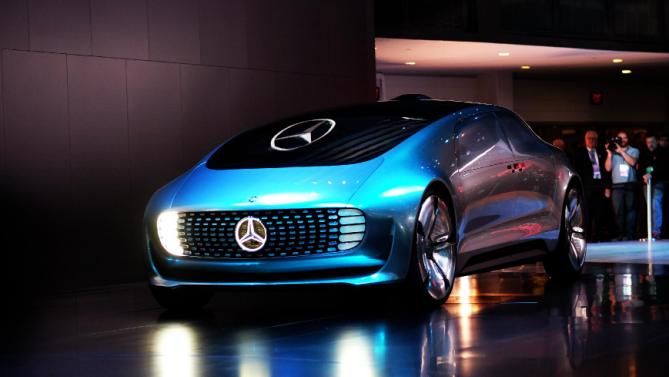
Possibly the most eye catching exhibit at Las Vegas’ CES 2015 was Mercedes’ concept model for the autonomous car of the future. Eye candy is an understatement – not only that, but the things that it promises to deliver on top are almost hard to believe.

Mercedes CEO held a speech when presenting the F 015, depicting what inspired building this different car – the belief that the future of automobiles turns them into more than just means of transportation, but something he called “private retreats”. Thus the car was built as a haven of comfort.

While the outside of the car is not even close to any other car made so far in human history, depicting a very unusual shape and face, the inside of the F 015 is the real bomb.

Considering it’s meant to be a self-driving car, the first thing that catches your eye are the 4 chairs facing each other two and two, with large glass panels giving you snippets of your surroundings on the front, back, sides and roof of the vehicle.

All around the inside of the car there is a number of 6 LED displays that change color from a blue glow when the car is in autonomous mode and a white glow when it’s turned on to manual; yes, the F 015 will also let you drive it by popping the steering wheel out from under the dash and revolving your driver’s chair the other way around.

The 6 displays are there to allow you to control your car through motion and gesture, and along with the audio capturing devices allow you to give spoken instructions as well. The technology that allows the car to be autonomous is a series of laser projection systems that allow the F 015 to sense traffic, obstacles and map a complete 3D map of its surroundings.

There’s no telling when a car such as Mercedes-Benz’ wonder will come to fruition; but CES attendees can tell you themselves that stepping into the F 015 is like warping at least a few decades into the future.

6. Intel’s Computer Stick

7 More Awesome Gadgets Exhibited at CES 2015

Not sure what else I should call this tiny device other than “computer in a stick”. Forget about laptops, notebooks, Alienware Alphas or whatnot. Intel has done it. Intel has managed to fit an entire computer inside a 4 inch stick. Here are the specs: 2 GB of RAM, 32 GB of storage and even a microSD slot if you want some more.

This portable computer is not much of a machine by itself. Its power truly kicks in when you plug it into any HDMI port host device and connect a USB cable to it to give it power. Bear witness as your flat screen TV, LCD monitor or any other HDMI capable device transforms into a computer.

With the specifications mentioned above, it won’t be smoothly running Photoshop, Ableton or your favorite video game, but for anything else that you would ever want to use a computer, it’s there. The Intel Compute Stick will start going on sale in March and even ship with Windows already installed, for a price of $150. Intel is also considering offering a variant to the Windows based stick – a Linux model that will be sold for even less: $89.

7. CyberPowerPC’s Fang Trinity Gaming PC
Cyberpowerpc_Deepcool_Fang_Trinity_2-pcgh

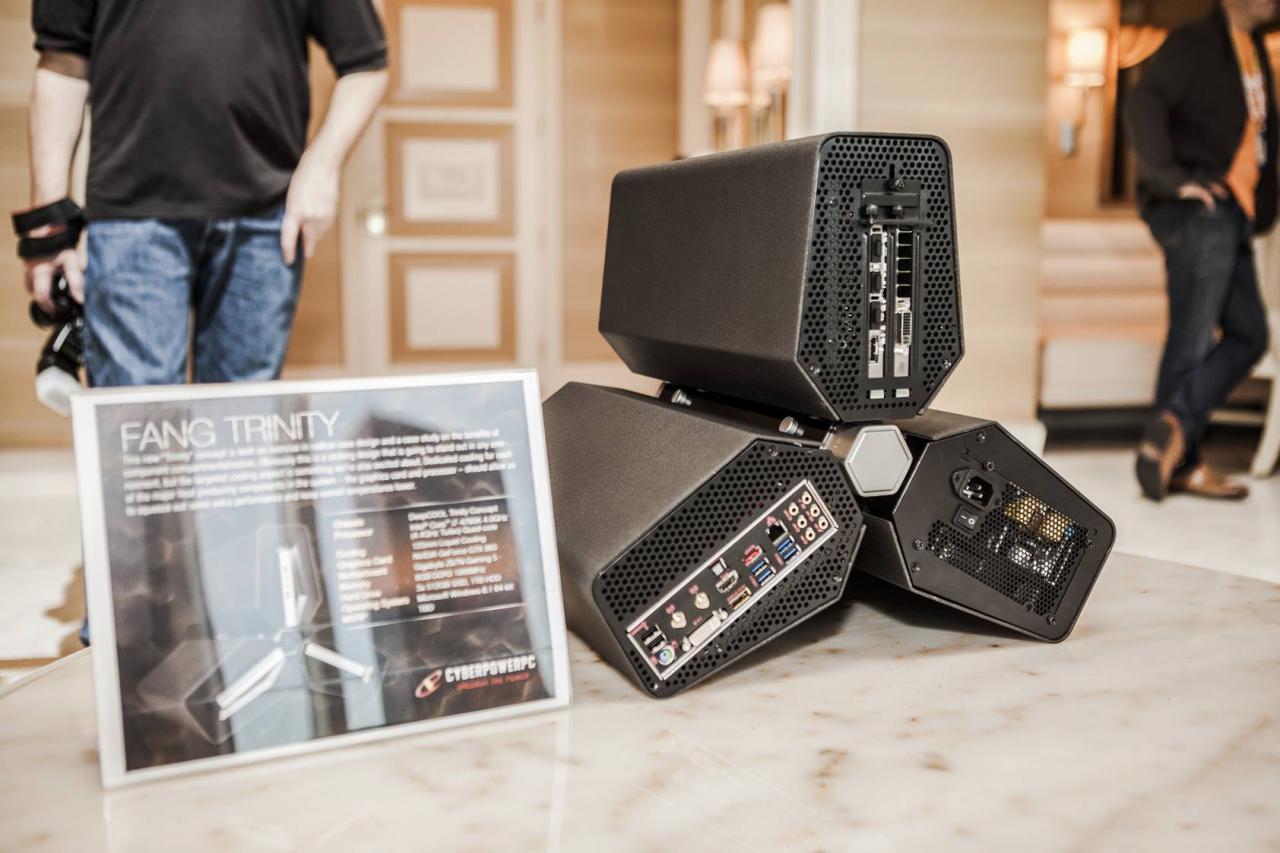
We may have mentioned the Trinity Gaming PC in our previous overview of CES innovations, but it deserves a lengthier introduction. Is it a bird? Is it a plane? Hell yes it’s a plane. A gaming plane. Downright rocket science gaming computer. God knows why the Fang Trinity looks the way it does, but I’ll be damned if it’s not the coolest, craziest desktop that your eyes have ever set upon.

Its alien and Sci-Fi appearance is nowhere near to where it ends though. The components held in the 3 separate pods of the computer are great, state of the art parts that will run any single game coming out now or even next year on Ultra settings for sure.

The prototype presented at CES 2015 packs a foot long nVidia GeForce GTX 980 4 GB graphics processing unit, packed with an extra fan to keep things cool (metaphorically AND literally), and anywhere between 3 to 5 SSD hard drives in the first pod. The second houses the power supply, an optical drive and two SATA hard drives. The third is host to the liquid-cooled Intel Core i7-4790K quad-core 4.7 GHz processor, a Mini ITX motherboard and more fans.

The Fang Trinity is planned to make it in stores in about 3 months but don’t expect it to be cheap. The case alone costs approximately $350, while the whole thing could go up to $4,000 for the most high-end configuration. CyberPowerPC stated that they will be building some more easily accessible models – $1,000 for an entry-level configuration.
Filed Under: Headlines Tagged With: CES 2015, CES 2015 innovations, CES 2015 inventions, CES 215 gadgets, gadgets from CES 2015

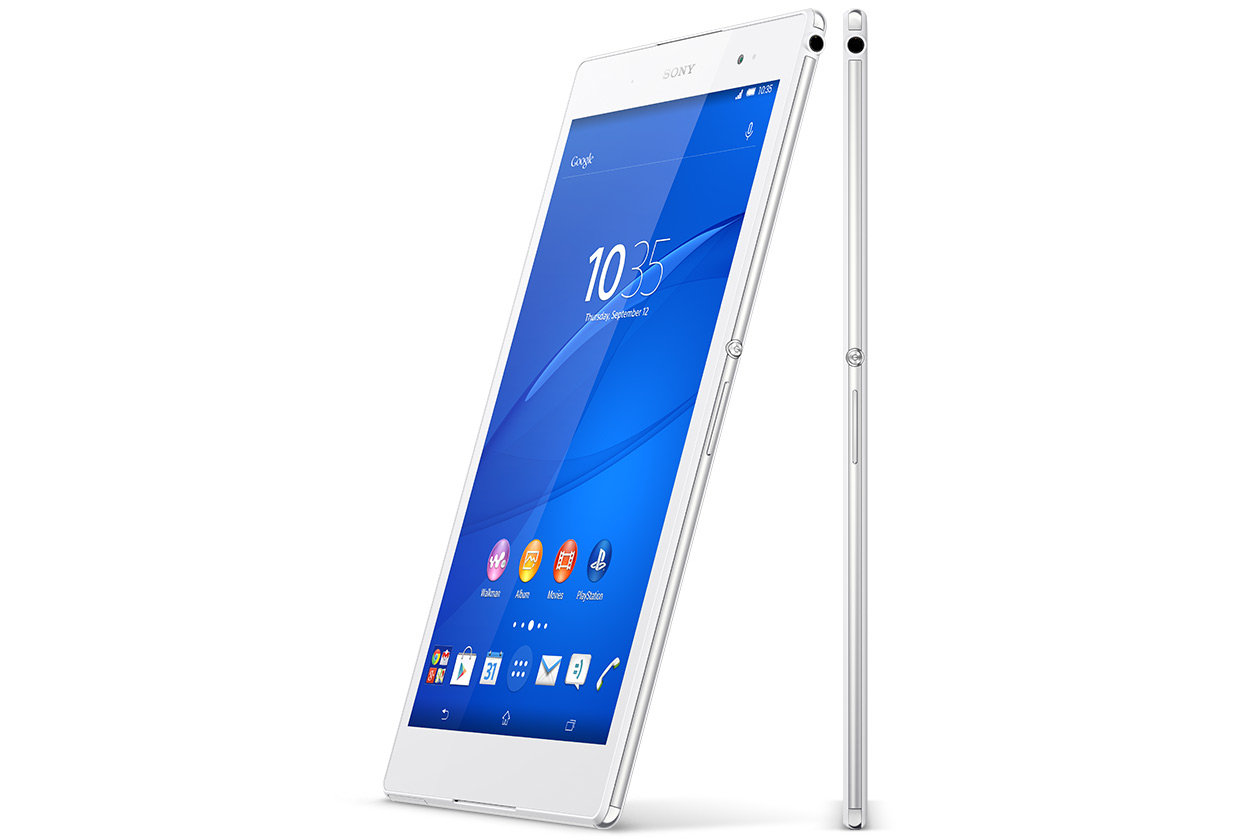
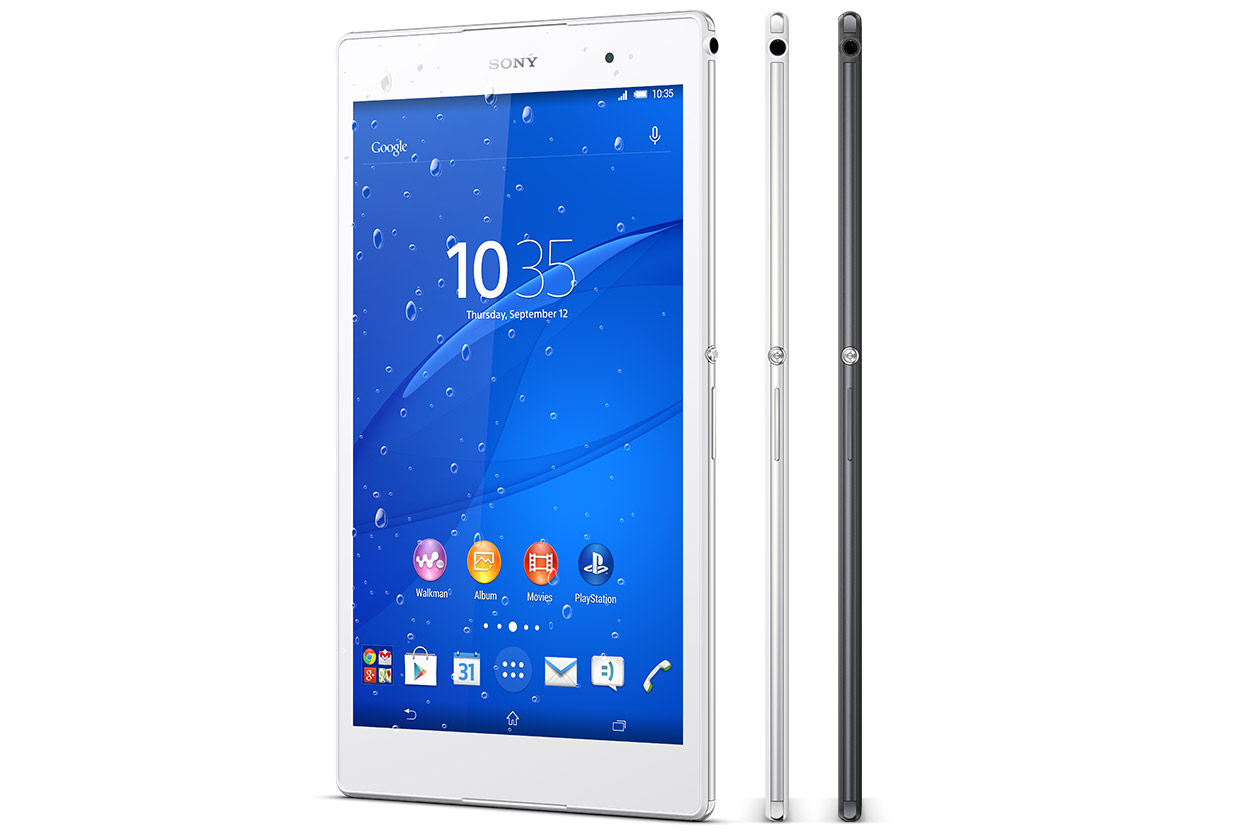
Sony Xperia Z3 Tablet Compact Review

January 15, 2015 By Roxanne Briean Leave a Comment

z3-tablet-compact-1

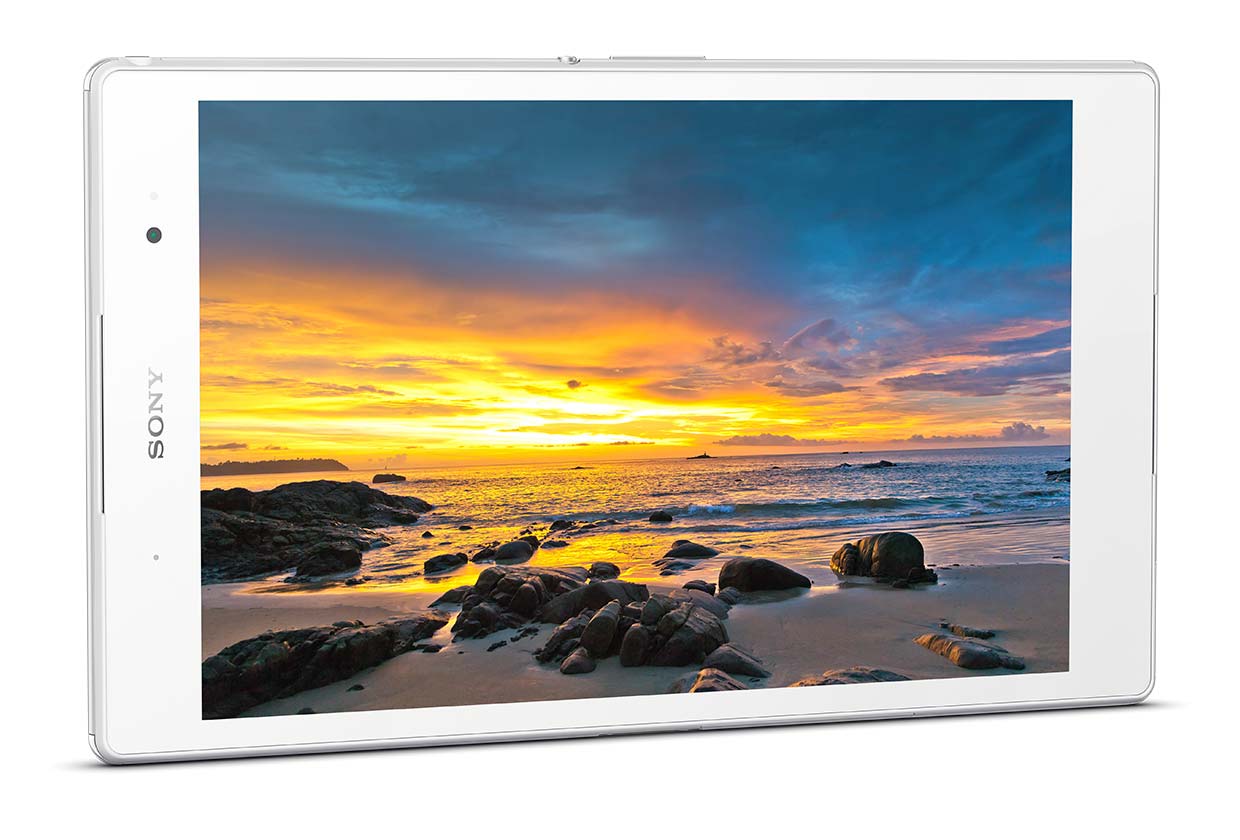
The newest model in the Z series from Sony did not take long to surface as the Xperia Z2 was announced earlier in 2014. Sony has recently launched a series of devices that all go by the name of Z3. There is the Z3 5.2 inch smartphone, the Z3 Compact 4.3 inch and the 8 inch tablet called the Z3 Tablet Compact. This 8 inch device from Sony is a really welcomed addition if you liked the gorgeous 10 inch Z2 Tablet but wish for something more comfortable to use and carry.

The Z3 Tablet Compact, tricky as it may be to pronounce, has a very thin design much like its older brother and is also waterproof. The display has full HD resolution and it runs Android 4.4.4 KitKat. The tablet has a 2.5GHz quad-core CPU and 8MP camera.

So far, it seems like it is a standard Android tablet. However, the Z3 Tablet Compact can also be used as a display for Sony’s PlayStation 4. While the console still does all the work, it will be able to stream the game to the tablet so you could play games such as The Last of Us, Titanfall and Destiny on the Z3 while lying in bed or sitting on the toilet.

Design

z3-tablet-compact-4

The Z3 Tablet Compact looks quite good. The white design looks clean and neat and the device is pretty thin – more specific, it’s 6.4mm thick. The size used by Sony makes the device more pleasant to be looked at in landscape orientation when watching movies because there won’t be any black bars surrounding the video. Its shape also makes it easy to put it in your pocket, even though there is some unused space on the top and on the bottom of the tablet that may make the device a little uncomfortable to hold in your jeans.

Like the previous model, the Z3 Tablet Compact is entirely waterproof. This, above anything else, will keep your tablet safe from any spills while sitting on the coffee table in your living room. This also means that you won’t have to worry when taking the tablet with you when taking a long, relaxing, bubble bath and browse through Netflix or Facebook without having to worry what happens if you drop your tablet in the water.

The tablet has a 3.5mm jack for headphones, a charging port, which is behind a waterproof flap positioned on the bottom of the device and a microSD card, which is also hidden behind a waterproof flap on the side of the tablet. There’s also room for a SIM card next to the micro SD card slot but only if you pay for the 4G capable model.

The Z3 Compact Tablet, as its brothers in the same series, has some rough edges which are only slightly softened on its sides and corners. And while other tablet manufacturers may choose to use their imagination to combine textures and colors, Sony prefers to keep the device looking classy and use steel guards to protect the device rather than make it dazzle. But this doesn’t mean Sony didn’t put any thought into the design.

However, there is a downside for being this light and thin. When you pick up the device you will have the sensation that it’s a little too delicate but the build quality is definitely good. I don’t believe there is someone out there that would rather sacrifice weight and size for it to be sturdier than it already is. Keep in mind the device is waterproof so this mean Sony did not just throw together some pieces of plastic mindlessly.

Display

z3-tablet-compact-5

The tablet’s 8 inch display is full HD, which means it has a resolution of 1,920 x 1,080. This means that Sony’s tablet has a smaller resolution than that of Apple’s retina display found on the iPad Mini or on the Samsung Galaxy Tab S. The full HD resolution is more commonly found on smartphones than on tablets of this size, some smartphones such as the LG G3 having a bigger resolution than full HD with 2,560 x 1,440. You may think the resolution is discouraging but the display looks very good and it’s difficult to see major differences between the Z3’s display and the iPad Mini display.

Text and icons look very crisp and sharp and all high resolution images we’ve tested looked great on the screen. This is partially possible because of the screen’s amazing brightness and the very vivid colors. Viewing angles are pretty good as well, so if you have a few friends around you watching a video on YouTube there will be no problem. The screen also performs amazingly well in direct sunlight.

Overall it is a very good screen and the strong colors make it perfect for watching movies and videos. While we do not consider the screen to be of low resolution, it would have been nice if Sony coughed up a couple of more pixels to compete with other tablet giants.

Audio

We didn’t expect much from the stereo speakers on the tablet. The only evidence that they exist are two missing pieces of plastic below and above the glass of the display and we wouldn’t necessarily say that they look very functional. Given our low expectations, however, it was inevitable that we were pleasantly surprised by the sound quality. The sound is very well defined and the speakers have a lot more volume than you would expect. But at around 75 percent, the audio loses all quality and is replaced by a very annoying distortion while the whole tablet starts to vibrate. The speakers could be a lot better and some bass would have been nice but there are also a lot worse ways in which you could watch a show in the comfort of your bed.

Through headphones, the audio is amazingly crisp and well balanced with great bass. There are a lot of things working in the background to ensure the best possible audio quality such as an audio up scaling engine and the Z3 Tablet Compact also supports numerous high resolution audio formats.

Software

z3-tablet-compact-6

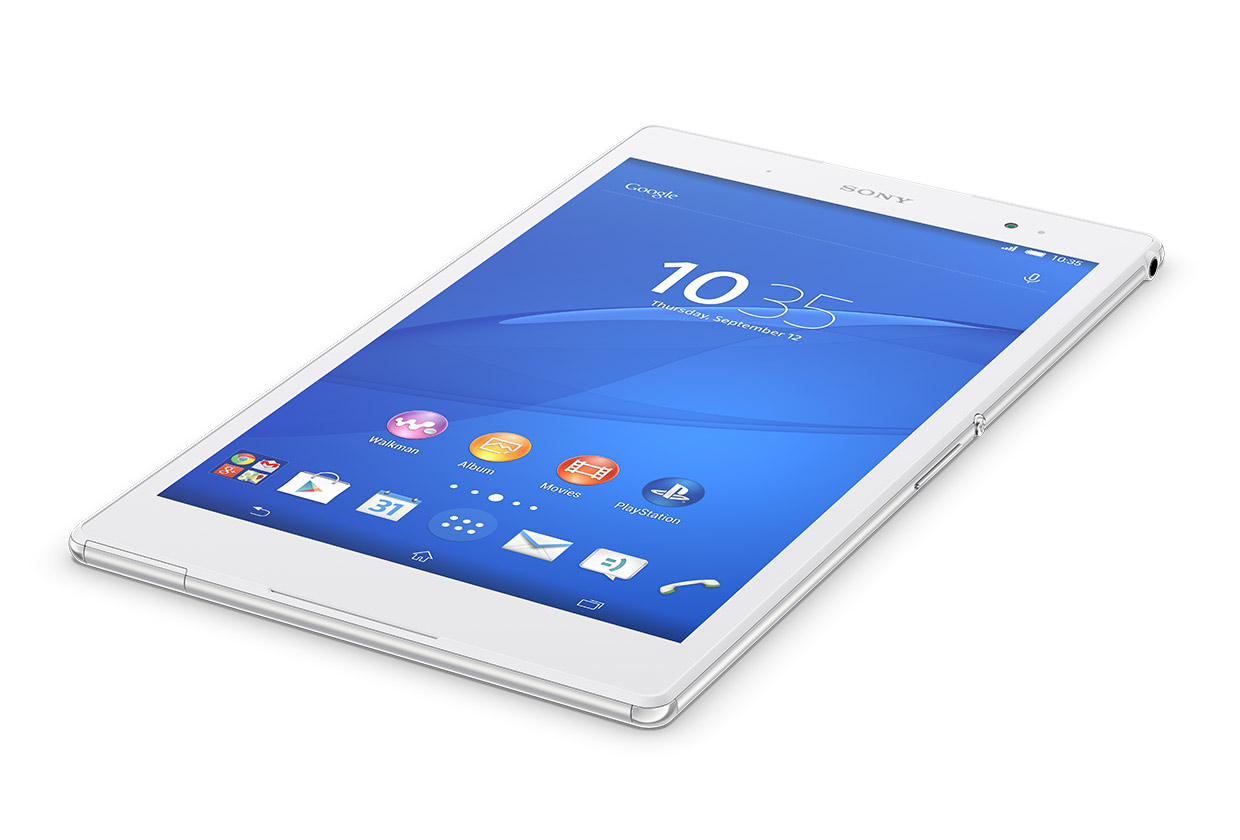
The device uses Android 4.4.4 KitKat, over which the same interface Sony uses for its phones can be found. It’s very simple to use and some tweaks such as a menu sitting right next to the app tray will let the user reorganize all apps. But the interface sort of looks almost too cartoony and colorful for the tablet’s design. Sony also said the device will support Android 5.0 Lollipop in early 2015.

Sony loaded the tablet’s interface with a lot of extras, which, sadly, not all of them are welcome. There are a couple of good choices, such as the PlayStation 4 link, for instance, but most of the extra apps are unnecessary. You will find apps from AVG, Kobo and Garmin that come preinstalled on the device and more than a few Sony apps that seem rather useless.

That and all the widgets on the home screen make the device seem messy even before you’ve started to install your own apps of choice. Thankfully, most of the software that comes with the tablet can be uninstalled as well as the widgets. We suggest you do so before actually starting to use the tablet as they will be very annoying from the very start.

There are some features on the tablet that are pretty awesome. The function that lets the user record the screen is pretty cool even though you probably won’t use it that often. Also, the PlayStation 4 Remote Play is quite awesome. This function lets you use your tablet as a wireless screen for your Sony console if both of them are connected on the same WiFi. The smartphones in the series are also capable of doing this but seeing how the tablet has a bigger screen it feels much more at home on it.

PlayStation 4 Remote Play

The PlayStation 4 still does all the hard work but it streams the video output to the Z3, letting you play games on the screen of the tablet while the TV is free to be used for other things. The main point is that you can continue to play your game if your significant other or anyone else wants to watch TV or when you sit on the toilet.

The feature is quite impressive and easy to set up. The PS4 Link app will search for the console in the same network the tablet is connected to and you will be able to play your games the same as on the TV.

The frame rate dropped a few times while playing The Last of Us and the game did freeze a couple of times. And while in slower parts of the game it is possible to ignore these things, in combat or more action packed segments of the game, these downsides will definitely ruin the game experience. In its defense, the app is still in the early days and Sony didn’t have enough time to polish the product, so there is a possibility the app will work better and be more stable in the future.

We don’t recommend you to purchase the tablet if you’re interested in this function alone, but if you own a PS4 and are searching for a tablet to buy, it’s definitely a reason to consider it over other Android devices.

Camera

z3-tablet-compact-3

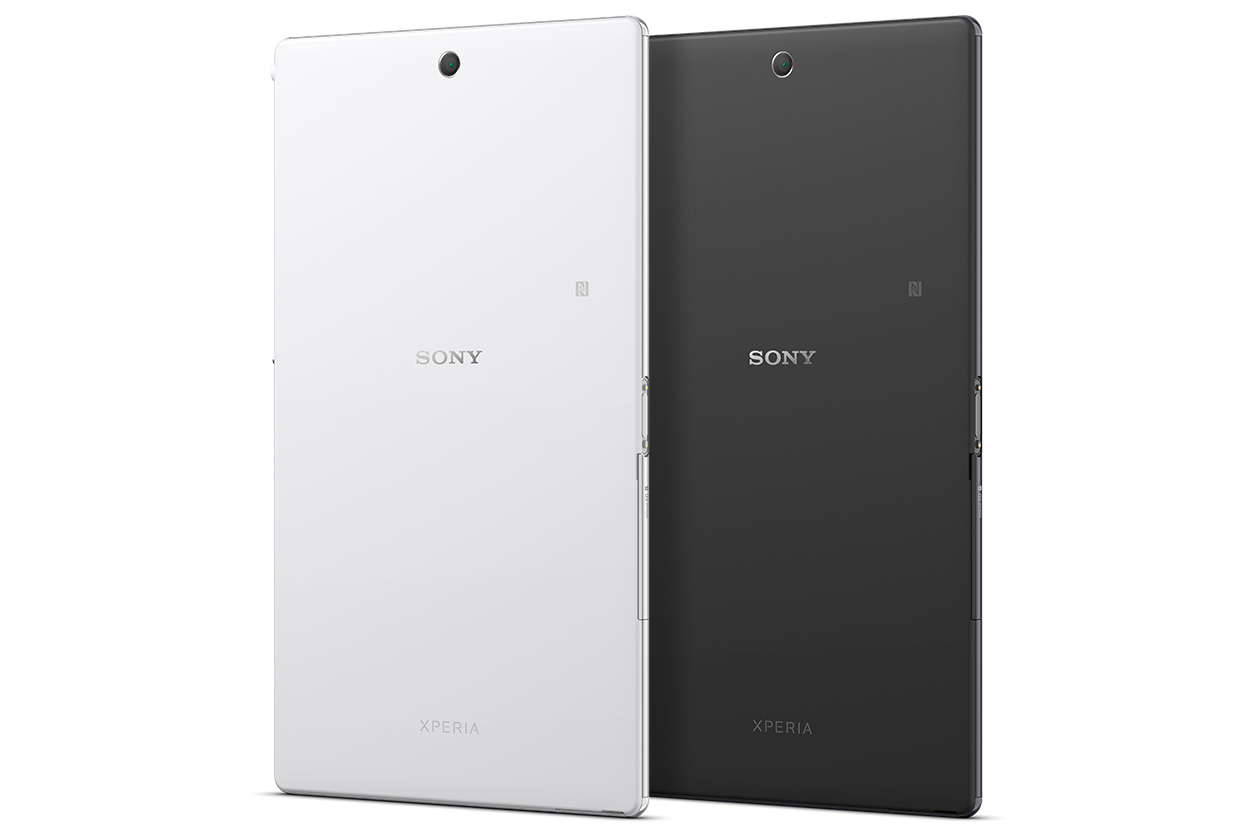
The 8MP camera on the rear side of the tablet is quite a step back from the 20.7MP camera available on Z3 smartphones. We understand that tablet manufacturers don’t see the camera as a priority but it’s unacceptable for Sony to allow such a poor camera on its tablet, especially when you have to pay around $500 for the device. There is no flash on the camera, and is only suitable for quick snaps of your cat doing something cute when you don’t have anything else within reach. The 2MP front facing camera is fine, and nothing more, for video calls and really terrible selfies, as long as you stand in good light.

Performance and Battery Life

The Z3 Tablet Compact has a 2.5GHz Qualcomm Snapdragon 801 quad core CPU and 3GB RAM which proved to be more than enough in our tests. It is still easy and fast to navigate despite the numerous unnecessary software preinstalled. Web browsing was fast and all apps worked without any hiccups.

Netflix high definition streaming was handled very well and more demanding games such as Grand Theft Auto: San Andreas and Asphalt 8 ran just fine. In Quadrant benchmark, the Z3 Tablet Compact scored pretty much the same as the Xperia Z3 smartphone with 19,887. The Sony Xperia Z3 smartphone scored a slightly higher 20,425. All in all, the device has enough power to handle anything you want.

Sony put a 4,500mAh battery inside the tablet and it kept going for just under 13 hours on a video-loop test. Even though the iPad Mini 2 achieved lasted for just under 14 hours on the exact same test, it’s still pretty impressive, considering the tablet’s size and power. But for how long the battery lasts is entirely up to you.

If you use it as a replacement for your laptop or play games on it all day long, you will definitely need to recharge it at night. If you use it to casually browse the web and occasionally watch Netflix videos on it – a full charge once every other day will likely be enough.

Wrapping up…

PROS

– The Sony Xperia Z3 Tablet Compact is very powerful for how slim it is

– Good quality display

– Waterproof

– The function that allows the tablet to work as a screen for the PlayStation 4 is a great addition, despite having some flaws

CONS

– The interface is full of bloatware and it looks quite cluttered even before you install the first app

– A higher resolution display would have been nice

Verdict

The Sony Xperia Z3 Tablet Compact’s waterproof body, thickness, screen and power make it worth taking into consideration when looking to purchase an Android tablet. Even though its resolution isn’t above or even on par with other tablets, the ability to play the games on your PlayStation 4 on it makes it unique, even if the function is still far from being perfect.

Images source: sonymobile.com

Filed Under: Tech & Science Tagged With: sony, sony xperia, sony xperia z3, sony z3, sony z3 tablet compact, xperia z3 review, xperia z3 tablet, z3, z3 tablet, z3 tablet compact, z3 tablet compact review, z3 tablet review

7 Best Smartphones Worth Buying in 2015

January 13, 2015 By Roxanne Briean Leave a Comment

This is our review of the best smartphones currently on market. Keep in mind that these are the opinions of people who use them; we just made a list of the most common positive and negative aspects about these devices.

We made this list in order to give you some information about smartphones before deciding which one to buy.

1. HTC One M8

htc-one-m8

Image source: htc.com

In our research, most people have rated this device with a 4 or a 5 out of a possible 5. The result, therefore, is averaged at 4.5. This smartphone performs amazingly well in some areas such as design but not so great in others such as the resolution of the camera.

One of the first things that come to mind when you see the M8 is that it’s extremely beautiful and has a solid and great metal casing. This is one of the reasons it is appreciated by its users and is what makes this smartphone stand out from the crowd.

The M8’s battery life is said to be better than the previous generation and most people who use the device seem to be happy with it even though there are some people that say the battery life could have been even better. Almost everyone is happy with the specs of the M8, software, display and performance and users tend to believe its price is quite reasonable. Another great feature is that the mobile phone supports a 128GB memory card.

The 4MP camera takes rather good pictures in darker environments and performs well with appropriate lighting. However, the low resolution is not something to be ignored and everybody agrees that it’s one of the lowest points in the M8.

The BoomSound speakers are also an important known feature of the HTC One mobile phones and it is certainly something that no other smartphone can beat at the moment. Even though almost everyone is pleased by the sound quality coming from the speakers, not all users are happy of how big they are.

Some people see the M8, however, as a step back in design quality from the M7 and argue that the smartphone would have been a lot better if it had more than 16GB internal storage.

2. Motorola Moto X

motorola-moto-x

Image source: geeky-gadgets.com

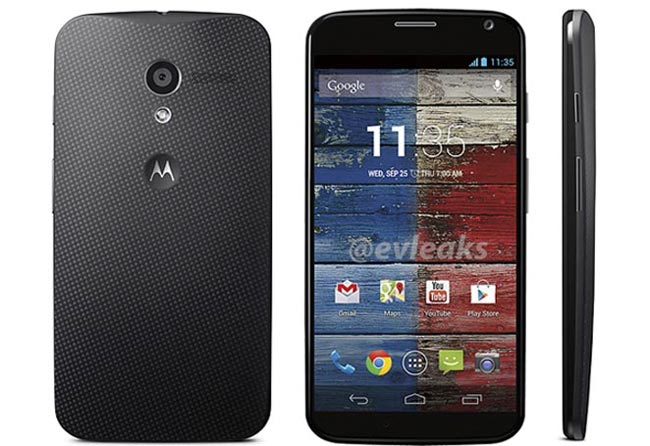
The Motorola Moto X has some features that make it great and was able to score 4.6 out of 5.

It seems that one of the most appreciated features of the Moto X is its rendition of Android OS that seems to be very close to stock. This helps the performance, as well. Even though the processor found in this smartphone is a little old, a lot of people are happy with its performance and how the smartphone can handle almost everything without any form of lag.

Another appreciated fact about the Moto X is its design and how comfortable it is in the hand. Because it has a 4.7 inch screen, the Moto X can be held without problems in just one hand and people also seem to like the AMOLED display.

Even though the Moto X was pretty expensive when it came out last year, this year the device can be pretty affordable.

The quality of the camera, however, seems to be the biggest problem, according to users of the Moto X. The camera that is found on the Moto X is not the same quality as the cameras found on different competitors. Also, the battery life seems to be a little disappointing and another downside is the fact that the device doesn’t support microSD and doesn’t have much storage space.

Some users from certain countries also criticized that the Moto Maker isn’t available in their locations.

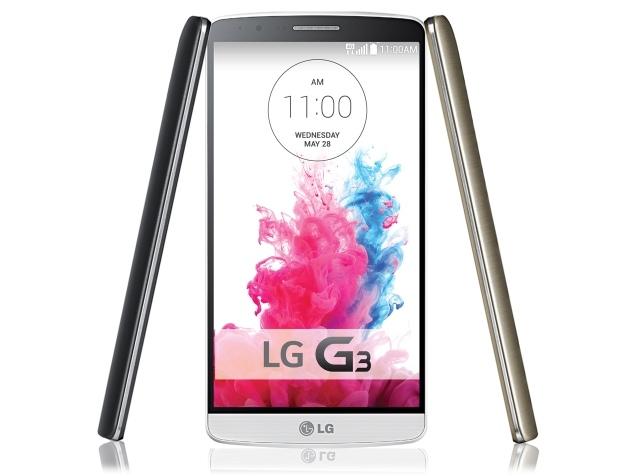
3. LG G3

lg-g3

Image source: ndtv.com

Even though it didn’t score as high as others, the LG G3 is still a pretty important smartphone. The LG G3 scored 4.3 out of 5. Even though the phone is appreciated in most of the cases, it does have some quirks that some people do not enjoy.

One of the most talked about features of the LG G3 is its display of 1440p which looks amazing. People who own the device also seem to be happy about the performance and specs of the LG G3. Many users seem to like the phone’s design and describe it as being compact as the device has very thin bezels. The camera also seems to be good although there are certain issues affecting it also.

The biggest complaint regarding the G3 is its battery life. The resolution of the display in combination with the GPU that sometimes can’t really handle it very efficiently makes the battery life quite short. The resolution of the display seems to make many complain that the device gets rather hot when watching videos or playing games.

The camera doesn’t snap great quality photos in darker environments and one other flaw seems to be the fact that it is rather slow to react. Some like the features offered on the LG G3 but some people feel they are somewhat heavy and unpolished.

4. Samsung Galaxy S5

samsung-galaxy-s5

Image source: loadthegame.com

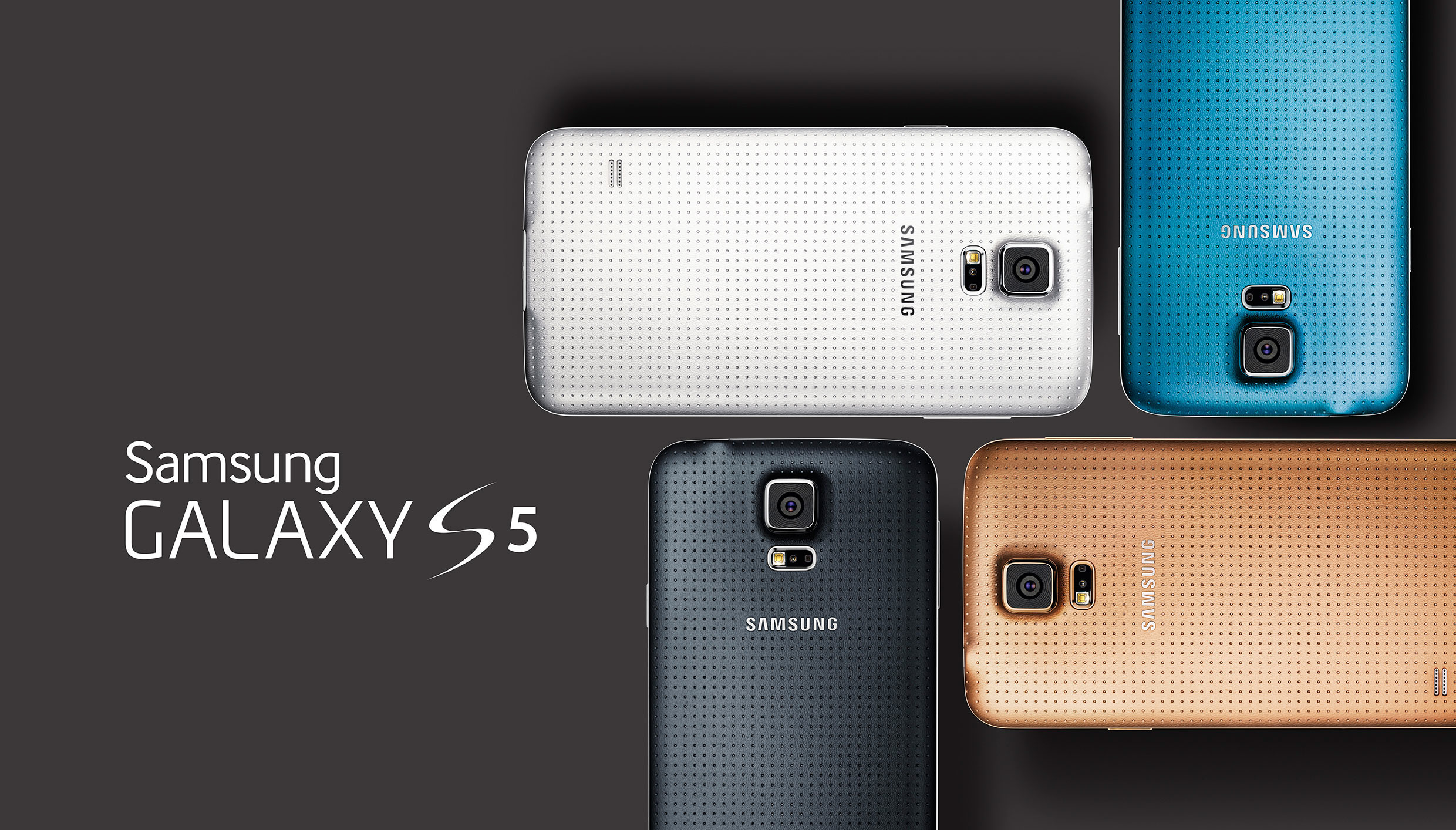
The Samsung Galaxy S5 has received a score of 3.9 out of a possible 5. This seems to be one of the most controversial smartphones out there. Some people seem to hate the device while others seem to love a couple of features on it and hate others and some just plain love everything about it.

Most users seem to appreciate the battery life of the Samsung Galaxy S5 and the display. The screen is said to work very well both outdoors and indoors. Compared to previous generations, the camera seems to have improved a lot and many people are happy that Samsung worked on it. People seem to really like that the device is waterproof, also.

However, it’s not all roses and one of the most complained about feature is the interface called TouchWiz. People also seem to be unhappy with the software Samsung decided to cram into the device as it really slows the smartphone down, even though the Samsung Galaxy S5 had some of the best specs when it initially launched. The software may also lead the device to overheat even when used just for the basic things. Also, some of the Galaxy S5’s features don’t work as they are intended to such as the fingerprint scanner and IR blaster.

Some users really like the design of the Samsung Galaxy S5 but some think the design is quite boring and old.

5. Samsung Galaxy Note 4

samsung-galaxy-note-4

Image source: cbsistatic.com

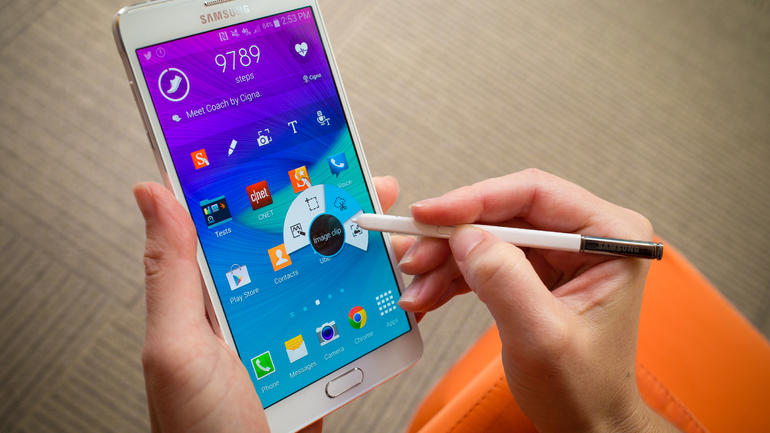
The Samsung Galaxy Notes are usually well received and the Samsung Galaxy Note 4 got a score of 4.5 out of 5.

The most important Note 4 features are the display that boasts a quad-HD resolution of 2,560 x 1,440 and is Super AMOLED, the S Pen and great performance. Owners of the Note 4 claim that the S Pen is more natural to use and better than the one found on previous generations.

Cameras found on Samsung smartphones are good most of the times but it look like Samsung outdid themselves with the Note 4 camera. Most users were surprised with the quality of the camera which makes the gap between DSLRs and smartphone cameras seem a lot smaller. The battery life is also great with some users reporting that it even lasts for a couple of days when the device is moderately used.

Even though Samsung smartphones don’t have the best build materials some users say that the Note 4 is a lot better than previous generations.

The biggest down point of the device is the interface known as TouchWiz which has been described as being heavy. The Note 4 also comes with a lot of preinstalled software that eat up both storage space and RAM. Some users wish that Samsung would have put 64GB of storage in their phablet so they would have more space for apps. The 4K recordings the device is capable of doing can also fill pretty fast the internal storage on the device.

Another low point is the price of the device but users are willing to pay the extra money for the device.

6. iPhone 6

iphone-6

Image source: wordpress.com

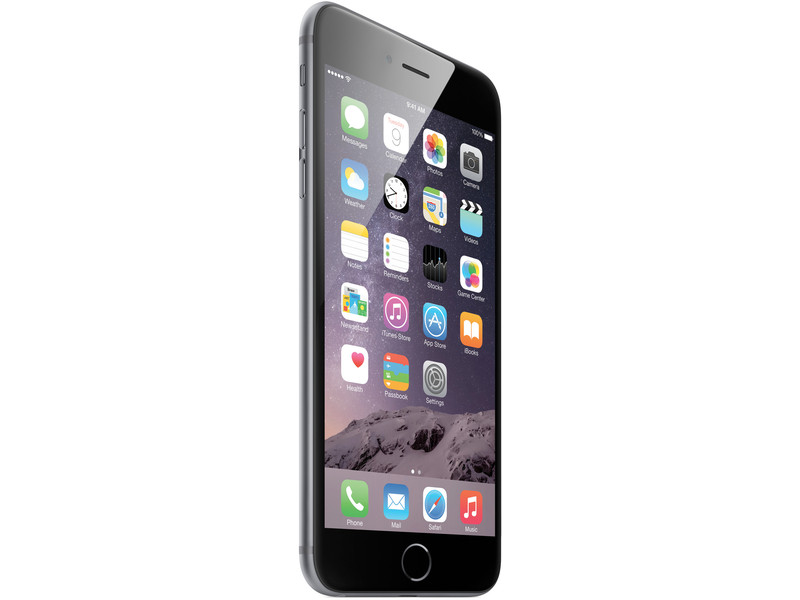
Even though it’s probably the most known smartphone in the world and is produced by one of the most important tech company the iPhone 6 only received a score of 3.3 out of 5. Some people love the device because of how easy the iPhone 6 can be used and some people hate it because it doesn’t have very powerful features.

The most important point in favor of the smartphone is the camera. The camera was already great in previous generations but Apple outdid itself with the camera found in the iPhone 6. Many users love the quality of the screen and how well the device performs. The Touch ID also seems to be one of the best features on the device not just because it is a great fingerprint scanner but because it does what it’s built to do, when compared with other such devices that have the same feature. The design of the iPhone 6 seems to have gone down a little since the 5s but the device feels great in the hand and is very thin.

Many users don’t enjoy the restriction Apple imposes on its devices and because they are forced into using iTunes, software that is hated universally. As for hardware, the iPhone 6 doesn’t really lack but some people are disappointed and angry that Apple still decided to put only 1GB of RAM in the smartphone.

The camera protrusion from the rest of the body is also an annoyance for many users, despite the phone looking quite good. Some users also say that the battery life could be better and others wish the iPhone 6, like the iPhone 6 plus would have optical image stabilization and a 1080p display.

7. iPhone 6 Plus

iphone-6-plus

Image source: engadget.com

The iPhone 6 Plus received an even lower score than its brother, of just 3.2 out of 5. The main reason for this seems to be its size.

The favorite features found on the iPhone 6 Plus are the camera, how slim the device is, a wide variety of apps to choose from, the slow motion video capabilities and the performance of the CPU. The optical image stabilization also seems to be appreciated by the users of the smartphone as well as the 1080p display.

Many issues still plague the device, however, such as the bugs in iOS 8, a very limited app store and restricted functionality. The biggest problem with the device seems to be the size which many people have said that makes the device really uncomfortable to hold. It could have been easier to hold if Apple would have put smaller bezels on the iPhone 6 Plus. Some users dislike the fact that Apple uses its proprietary hardware and software and hate the charger for not being standard.

There you have it. This was our list of the best smartphones out there. We hope we helped you in making a decision of which smartphone to buy.

Filed Under: Tech & Science Tagged With: android phones, best android phone, best smartphones, htc one, Htc one m8, iPhone, iphone 6, iphone 6 Plus, lg g3, moto x, motorola moto x, samsung, samsung galaxy, samsung galaxy note, samsung galaxy note 4, samsunt galaxy s5

Qualcomm Connected House Impressions

January 13, 2015 By Roxanne Briean Leave a Comment

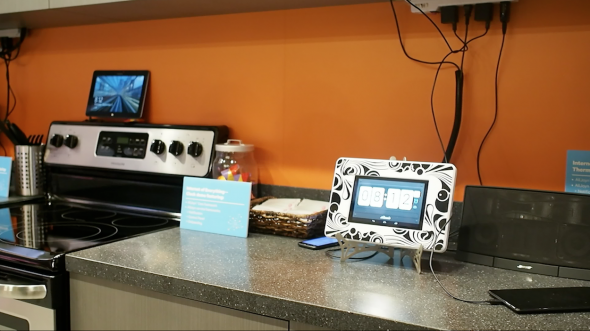
We have been teased with a concept of a smart home or connected home for many years now. This year’s edition of CES revealed that a connected home is more of a reality than ever before. Qualcomm has revealed its smart home and showed just how technology is able to impact the way we live our lives. However, this year, the focus was on things people can buy separately; install them in their homes and how we can make use of them in our day to day lives.

Home can be much more when it is connected. Kids spend time on tablets, the adults spend their time on computers while everyone uses a smartphone. Our activities revolve around playing games, surfing the Web, watching movies and listening to music. There are five or more devices that are connected in our homes these days but in the future that number could rise to 50 or even more than that. Qualcomm asks what’s the use of so many smart devices when there is not a smart network capable of bringing together all of them.

Qualcomm networking claims to be able to make your home more digital, smarter and a lot more connected. From Ethernet, Wi-Fi and Powerline that are able of handling media traffic, to hybrid networks and small cells that are able of maximizing flexibility and performance, Qualcomm’s connected home is supposed to redefine how and where we live so we can enjoy a better lifestyle.

Connected-Home-1

Image source: geek.com

Qualcomm Connected House is proof that the future is now. The front door “speaks” to the smoke alarms inside the house and lights flash when you leave the fridge door open. Everything inside the house can be controlled remotely with a smartphone and is linked together.

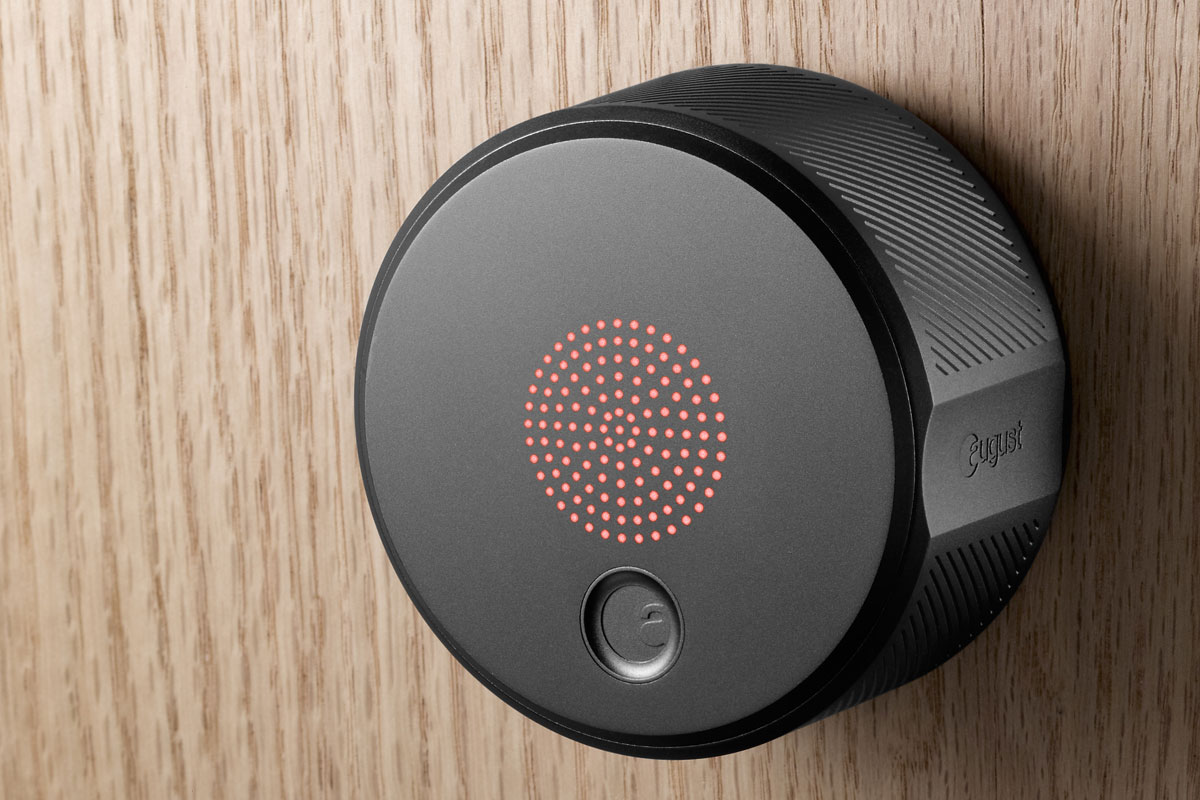
Some interesting features include a smart lock that unlocks the door when someone who lives in the house is near it. Smart TVs inside the house warn parents when their children are surfing the internet when they are supposed to be sleeping and a system allows the users to set all the clocks inside the house with just one touch of a button.

All the products Qualcomm uses in its house can also be bought separately and are developed by Qualcomm and other companies. All of these devices run the AllJoyn Software which is an open source project initiated in 2011 by Qualcomm. It lets devices using the software to communicate between each other. Qualcomm partnered with numerous other companies to create more smart devices for the house and to develop the software even further.

Events are triggered when the user performs actions within the house. For example, if a person opens the door on the fridge an event will be triggered and lights will flash or a sound will be heard.

august_lock

Image source: slashgear.com

In the front door of the house the August smart lock can be found. The lock works by sensing the August app on the home owner’s tablet or smartphone. In order for the lock to be opened, a person with a code must approach the door with Bluetooth enabled on their tablet or smartphone and access the address from the August app. The lock verifies the identity of the user via Bluetooth and allows him or her access inside the house. Red lights on the front panel of the smart lock will turn green and the device will open the door by unlocking it. In order of having access to another person’s home, the home owner must send you an invitation via Facebook or using the address book.

CES 2015 proved that we’re all already living inside the connected dream. Numerous new products presented at CES 2015 were improvements on previous ones. One of our favorite things from CES 2015 regarding a connected home was Parrot Pot. Parrot Pot uses the concept of the Flower Power sensor and improved it by developing a flower pot that is able of keeping someone’s plants alive without them having to worry about when and how much to water them.

Another interesting device was the Misfit Bolt. There is nothing new about smart light bulbs but Misfit Bolt significantly lowered how much the these kinds of products cost and made it a lot easier for everyone to install such things into their own home. D-Link and Honeywell had their share of the spotlight and many other companies besides them presented a series of sensors, hubs and cameras that are able to make our homes smarter.

Smart homes have been dreamed about for years now and they have even been present in entertainment from anywhere between the McFly home in Back to the Future to one of the Halloween specials in The Simpsons. Qualcomm and other companies seem to bring the dream closer to reality and we can’t wait to see if the future will find us living in such homes or at least using some of these devices separately.

Filed Under: Tech & Science Tagged With: alljoyn, ces, CES 2015, connected home, connected house, future house, qualcomm, qualcomm connected house, qualcomm smart house, smart home, smart house

The GoPro Hero 4 Takes it Up A Notch

January 11, 2015 By Roxanne Briean Leave a Comment

gopro-hero4-black-08

GoPros have gained more and more ground in the past few years, giving a new feel to video recording on the move and capturing dynamism in the most personal manner. Over the years, the GoPro series hasn’t seen much change to the general idea that the original device brought to the market. However, with the release of the GoPro Hero4 family – Black, Silver and White – in October 2014, this has changed quite a bit.

The Hero4 family consists of the three different models mentioned above, with performance and price differences between them – the Black version is the top specification model while the White version comes at the cheapest price you can get as far as GoPros go. All of the models can host microSD cards – the Black and Silver versions can hold cards of up to 64 GB of space, while the White model can only support cards that go up to 32 GB.

Main Features for the GoPro Hero 4

Some changes that have arrived for all of the Hero4 products are the addition of both WiFi and Bluetooth connectivity in their construction and finally, better battery life and housing. The physical design of the cameras is a little stronger as well, having got rid of the difficult to deal with back doors now sporting a spring-based mechanism for opening them.

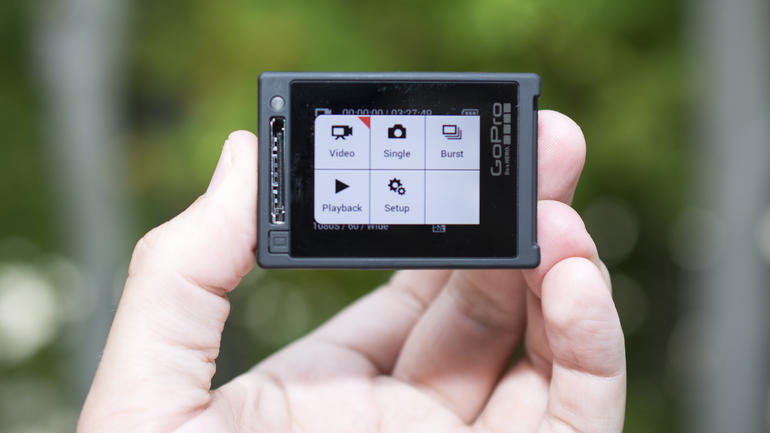
Dimension-wise, there is no change whatsoever in the size or weight of the Hero4 models in comparison to the older Hero3. So any cases or mounts that you previously used for your GoPro will fit the new acquisition perfectly. One last thing deemed worthy of mention on the Hero4 is the addition of touch-screen display included in the Hero4 Silver model.

Performance of the GoPro Hero4

BN-ET239_GOPROH_P_20140928195600

Considering the speed at which the new Hero4 can shoot at – of up to 120 frames per second on White and Silver, and 240 frames per second on the Black – slow motion recording is amazingly smooth. However, the top fps you can get will cost you on image quality, making you downgrade all the way down to 480p if amazing slow motion is what you are looking for.

Photo capturing modes also received a facelift, now including Single Shot Mode, Continuous – either as long as you hold your finger on the button or until 30 photos are taken at the frequency you want them to, Burst – shooting up to 30 photos inside a second, Time Lapse Mode, Night Photo and Night Lapse – same as regular Time Lapse except it takes on features that make lighting better in pictures shot at night.

For the Black and Silver models only, the GoPro Hero4 comes with a mobile app, allowing you to control the camera through your smartphone and upload or sync your data with your handheld device. This is all done through the new addition of WiFi to the Hero4, that will create a network for your phone to connect to.

After a few initial setup steps, you’ll be ready to go, the app settings giving you full control of how you want to shoot using your GoPro. Live streaming is also possible via the same mobile application.

Video Recording with the GoPro Hero 4

gopro-hero4-silver-12

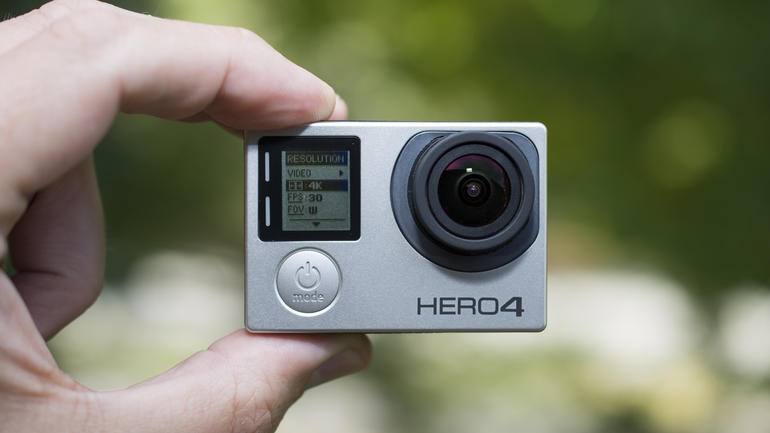
The Black model is the one that has come up with most upgrades in comparison to older models, being able to not only record 4K video at 30 frames per second, or alternatively 1080p in 120 frames per second and the intermediary option of 2.7K video at 50 frames per second. This is a considerable upgrade from the Hero3 that although had the 4K video capability, it could only record in 15 frames per second, forcing you to trade quality for motion clarity.

Another nifty feature that makes the video editing and revision post-recording a breeze is the highlight tag feature that allows you to mark a particular moment while shooting by the press of the WiFi button. This will make it easier for you to find the marked moment easier upon importing the video using the GoPro Studio software application afterwards.

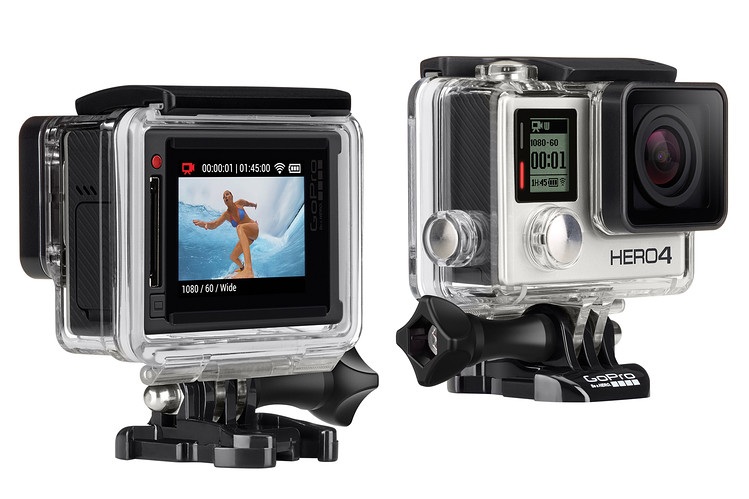
As I mentioned earlier, the Silver model is the only of the Hero4 family that includes a touch screen. In previous GoPros, you could opt in to attach an LCD screen to the back of your device but it would definitely encumber the device and give it a clunky, burdened feel.

The Silver Hero4 however has this feature embedded into the camera itself, without taxing on size at all. Now, while you won’t be getting the 4k video at 30 fps feature, but at a 15 frames per second just like the Hero3, a lot of the pro features that you’d get on the Black version will be able to be found on the Silver as well.

Wrapping Up…

Between the Black and the Silver, the choice stays between truly professional video shooting and opting for the really useful touch screen which makes not only viewing possible while recording, but also gives the Hero4 easier controls via the display rather than having to operate the camera through the side buttons or the tiny LCD.

The White version of the Hero4 is not that long of a shot from the Hero3 / Hero3+. While you’ll probably be getting the most recording time done with it in comparison to the other two models, quality will not be as amazing. It only has a 5 megapixel zoom, unlike its 12 megapixel siblings. However, it will only cost you roughly $130, while the Silver and Black jump the $399 and $499 bars respectively.

Image Sources: Photo 1, Photo 2, Photo 3

Filed Under: Tech & Science Tagged With: gopro hero 4, gopro hero 4 video recording, gopro hero4 review, gopro review, hero 4 gopro

HTC Desire Eye Brings Next Level Selfies

January 11, 2015 By Roxanne Briean 1 Comment

HTC Desire Eye Brings Next Level Selfies

So 2014 is done and over with, and the new year is promising to bring us some very impressive additions to the high end smartphone family, but with a price to match. While new tech and nifty gadgets are a thing all of us can end up to enjoy, it is not always exactly what we are looking for.

The HTC Desire line of smartphones has always catered to the public interested in the mid-range devices, nailing a good mix of quality and price. The new HTC Desire Eye does not falter in that perspective, and actually manages to pack a little more than usual to fit to your liking.

Overall, the HTC Desire Eye is a strong phone, no doubt. It may not be the HTC One M8 or the Galaxy S5, but it is still a vicious fighter for the end of 2014 market. And because selfies are just as normal and natural as actually owning a smartphone these days, the company decided to give this aspect of our lives a closer look. Literally.

Along with the features I’ll be describing in great detail below, the focus of the HTC Desire Eye seems to be its potent capability to take impressive selfies, including both a powerful zoom and a flash for your front facing camera. But don’t worry, that’s not where the HTC Desire Eye hype ends.

So let’s talk detail.

HTC Desire Eye: Design

HTC Desire Eye Brings Next Level Selfies Design

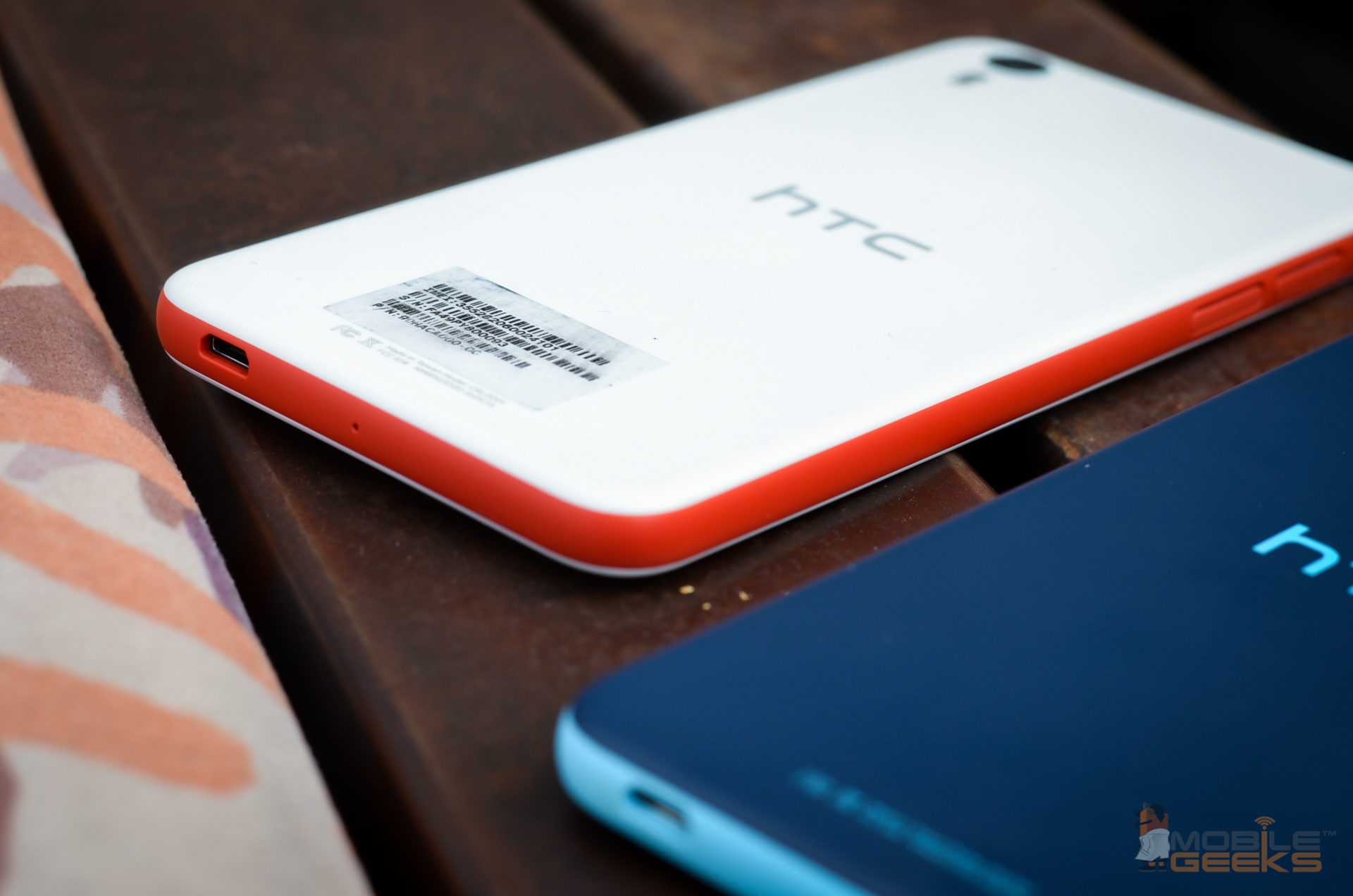
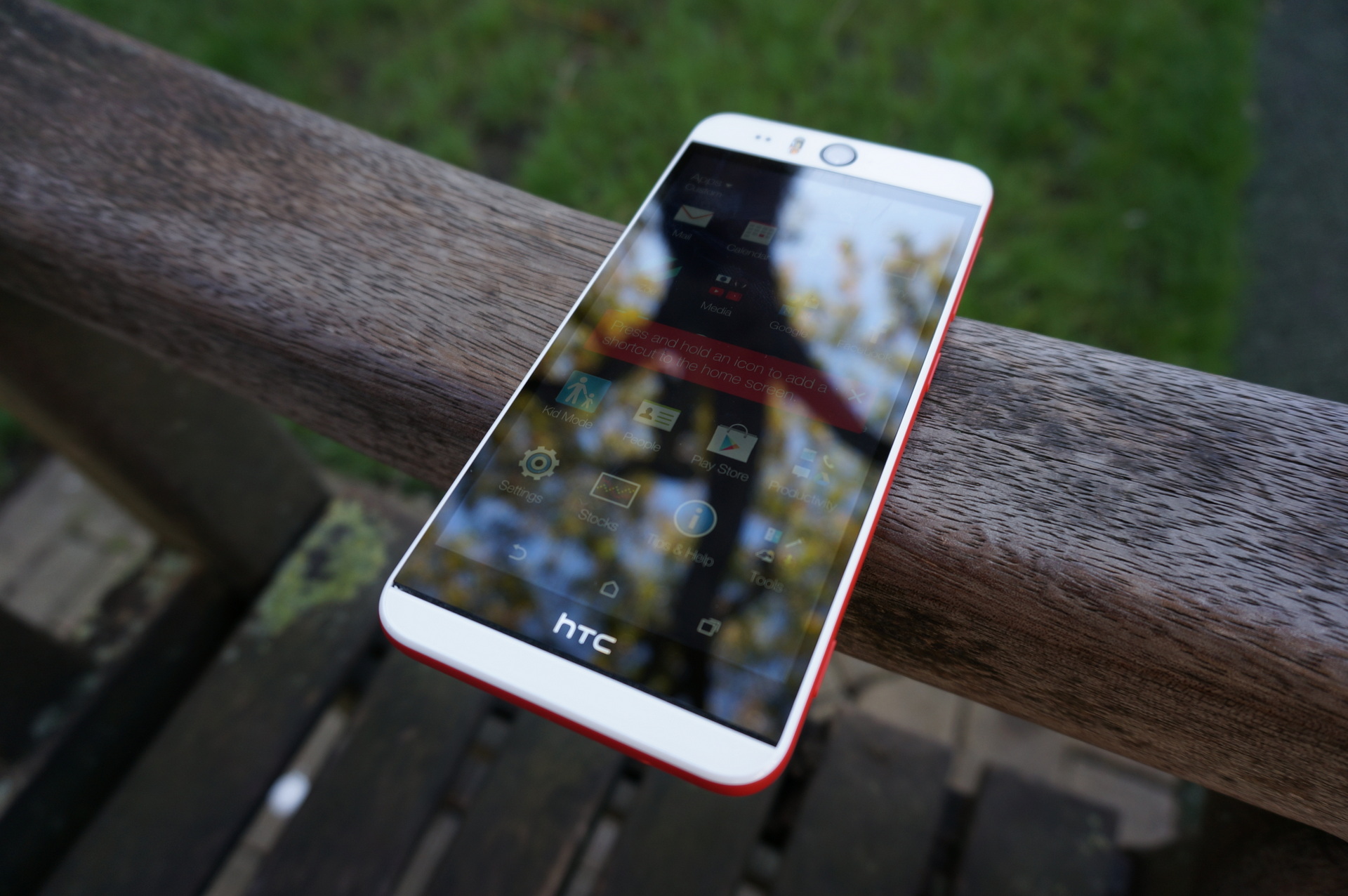
The HTC Desire Eye is a pretty large phone. Not large enough to fall into the phablet category, only packing a 5.2” display, but it’s still of a considerable size. Unlike its less affordable siblings such as the One M8, it has given up on the metal exterior look, being completely made of plastic. One single piece of plastic case makes up for the whole exterior, with plastic covers protecting your memory card and micro-SIM slots.

The reason behind this is that the device has been built to withstand dips in water as deep as 1 meter for roughly 30 minutes before the condition of your phone may become critical. This is the first time in HTC history that a smartphone under this name is built to be waterproof; and hoorah for that. The HTC Desire Eye even allows you to take photos underwater thanks to this, but the touchscreen is not functional when getting wet – thus, you will be doing this via the camera shutter button that has been implemented on the side of the phone.

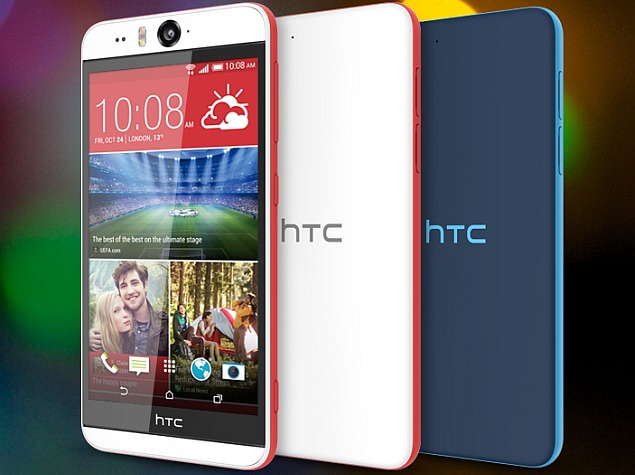
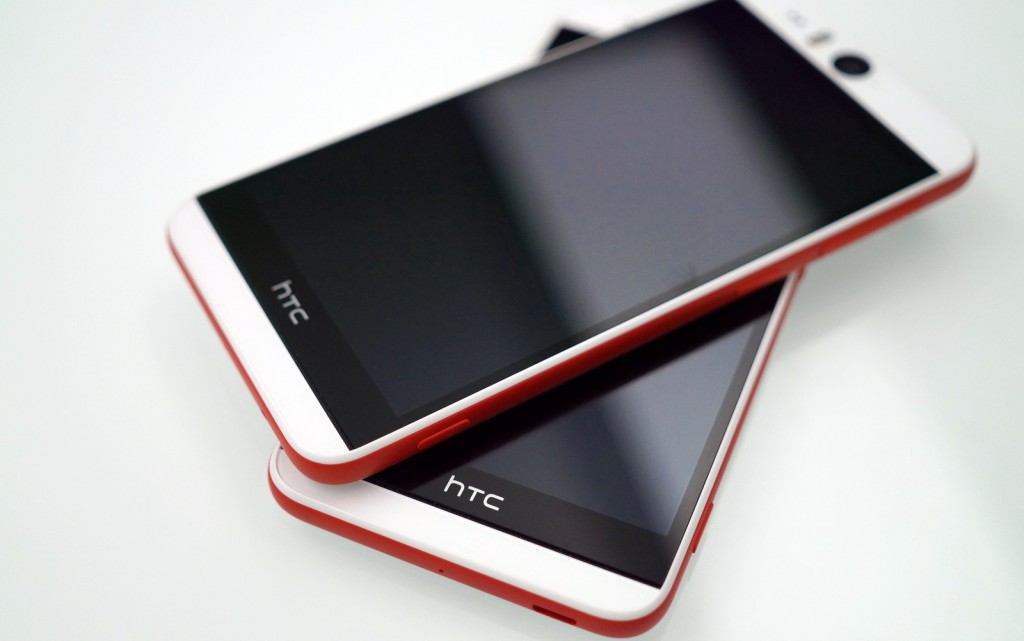
The look of the phone is definitely something pleasant. It comes in two versions, either white with a funky red stripe going round the edges of the phone, or blue with a teal stripe. This two-tone ordeal gives a refreshing look to the phone, without making it be taken any less seriously. It’s fun, but still sleek and elegant.

While the phone is in no way bulky, sporting a thickness of only 8.5mm, the HTC Desire Eye just feels big – possibly due to the straight angle design around the edges, in place of a curvier alternative. You will definitely be using both your hands to type texts or use it extensively, holding it one-handedly feeling slightly stranger than you would think.

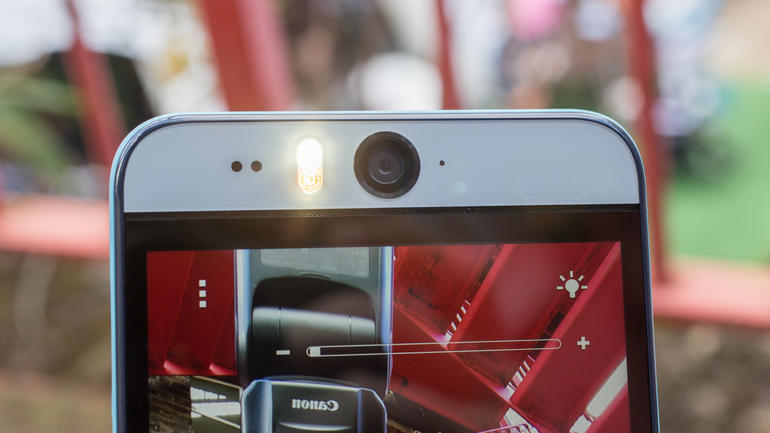
One thing you will be noticing as soon as you take the HTC Desire Eye out of the packaging is the two cameras popping from both sides of the phone, accompanied by LED flashes. The front camera isn’t the miniscule pod you might be used to seeing in most, if not all other phones, but instead a full-fledged large, 13 megapixel one. Stop to think of it, this looks a little strange when looking at the phone’s front face, having the camera literally staring at you eerily but it’s a small price to pay for the quality that comes with it when taking photos using it.

HTC Desire Eye: Display & Sound

HTC Desire Eye Brings Next Level Selfies Display

As I mentioned beforehand, the 5.2” inch display is considerably large for the smartphone family. Not only that, but it is the largest the Desire series has ever gone for so far. The display has a 1,920 x 1,080 pixel resolution, which is the same as the flagship HTC One M8, with slightly less pixel density though – 424 pixels per inch. Even so, with the Corning Gorilla Glass 3 coating, the HTC Desire Eye display is a considerable trait of the mid-range HTC releases.

The display is incredibly bright, going to surprising levels actually – along with the vivid coloring that the display is capable of, it will turn any media into a visual delight, even if it doesn’t include any of the Super LCD panels that other, newborn smartphones in the HTC family bring to the table. Viewing angles are the least of problems on this model too, not having any issue even when viewing is done from very small angles.

The only two things that users have reported in regards to the HTC Desire Eye display are the slightly reflective screen surface that might make itself noticed even at high brightness levels and the hardly noticeable light that appears on the edges of the display, reminding us of older model phones. Other than that though, all user reviews seem to be pristine clear on the quality of the 1080p display.

While the display definitely will be giving you a run for your money, the sound is not something that the HTC Desire Eye will be boasting about. Don’t get me wrong, the speakers are by all means of a nice construction and efficient enough to get the job done. Hidden on either side of the screen, the stereo speakers along with built-in amplifiers will do well enough for most needs but end up lacking in sound depth, especially in comparison to stronger, high-end phones. As an alternative, you still have the 3.5mm headphone jack tucked neatly on the top edge of the phone for regular hands-free use.

HTC Desire Eye: Cameras & Features

HTC Desire Eye Brings Next Level Selfies Camera

So we have arrived at what is probably the most stand-out feature of the HTC Desire Eye: the cameras that it sports of both sides of the phone. The two siblings are close to identical, and both are accompanied by LED flashes to bring light and bright quality to your photos – selfies or otherwise. Both cameras have 13 megapixel resolutions, but differ slightly in focal length and angle: the front camera has an f/2.2 aperture and 22mm focal length, while the rear one went for the f/2.0 28mm length version.

Both cameras are HDR capable and go way out of their way to bring quality to your photos no matter what. Truth be told, the front facing camera seems to show some difficulty in darker environments, sort of forcing you to make use of the flash now that you have it.

Autofocus is no longer a feature we would be surprised by, but it is incorporated in both front facing and rear facing cameras, allowing you to take photos in resolutions as high as 4208 x 3120 pixels. Recording videos is no issue whatsoever either, the HTC Desire Eye being capable of shooting in 1080p at 30 frames per second.

Now, what good is a camera on your phone if the camera application doesn’t follow-up with some features to make your 13-megapixel resolution selfies even better? Considering that was the focus of this mid-range smartphone, the things that you can do with the app are pretty neat. The application includes a mode that will digitally make your selfies more beautiful by smoothing skin in the pictures you take.

Alternatively, you can now be part of the photos you take of your group of friends, although it’s a little like cheating. A mode of the camera app will take a photo of you using the front facing camera while the rear one will be used to capture your group – then proceed to plaster your face next to your friends’ by just one tap.

It eels a bit strange and makes you think of that one odd and unpopular kid sticking cutouts of himself into pictures of people he’s never even talked to in high school comedies, but I guess you could say it’s not the same.

One of the most odd, but incredibly fun things you can cook up with the inbuilt features is the merging of two people’s faces taken from two separate photos. Sounds pretty useless, and in essence it really is, but still hella fun and will definitely score one of the top past-time activities when things are getting dull.

As a final mention, there is also the video calling support the HTC Desire Eye provides through separate pieces of software that will overlap with your video calling app of choice and give you a hand when you want to share your phone’s screen with the person you are calling. And since the phone also has the dual LED flash that has been mentioned earlier, you can also use it to illuminate your face during video calls. Finally, technology!

Hardware Specs & Miscellaneous

HTC Desire Eye Brings Next Level Selfies Verdict

So now that you know the visual, external traits of the HTC Desire Eye, surely there’s a will to know the follow-up to the story. Well, this particular smartphone may be no HTC flagship, but it struggles its way up and as high as it can in the mid-range smartphone zone.

Everything is run by a Qualcomm Snapdragon 801 quad-core processor that runs at 2.3 GHz speed – this is probably one the best you would get before the next gen processors that have been released at the end of 2014 and destined to be hosted by early 2015 releases. It’s the same processor that you would find in flagship devices such as the Samsung Galaxy S5 and the HTC One M8.

However, the HTC Desire Eye loses some ground in front of these devices when it comes to memory and storage space. Only 2 GB of RAM back up the Snapdragon 801 processor, and the internal storage is a bit of a pain. You can only get this phone with 16 GB of storage space, which means that if you’re planning on shooting a lot of videos, store a lot of photos, or even use your phone as your regular music player for when you are on the go, you will be in a pickle unless you have a micro-SD card to help you out.

But considering that HTC was nice enough to give the phone a micro-SD slot, it will be a relief to most of the people who consider purchasing this.

The battery of the HTC Desire Eye seems to be a pretty good deal for the amount of power the screen requires for such bright display. While the battery is nowhere near amazing, there is really no smartphone up to date capable of boasting about its battery life. Things just don’t work that way yet.

Nevertheless, the 2,410 mAh battery cell is pretty decent and will keep your phone going for considerable amounts of time – about 10 hours of average to high usage to be exact. Just keeping your phone on and around without tapping away at it unless you get a call or a text will keep it going for up to 3 days, which is pretty good. Then again, that’s a very unrealistic scenario, isn’t it?

The Verdict

So what things that you are looking for is it that you would find in the HTC Desire Eye and eventually compel you to purchase it? A lot of things, really. The phone packs a hardware punch in terms of stats and specs and yet does not manage to fully nail it, somehow. This keeps it firmly in the mid-range smartphone region, giving it a lot of popularity for casual all-around use.

The hip design and selfie power will probably make it very popular for younger individuals, but it’s still a very strong pick for anyone, especially considering the price you can get it at: $599.99 at Best Buy, $549.99 at Amazon, both unlocked, but as low as $149.99 on various US carriers with a 2 year contract.

Filed Under: Tech & Science Tagged With: htc desire eye, htc desire eye review, htc desire eye selfies, htc desire eye specifications, htc desire eye specs

Acer Iconia Tab 8 Review

January 9, 2015 By Roxanne Briean 2 Comments

acer-iconia-tab-8-screen

Budget tablets are best known for their affordable prices not their design. The Acer Iconia Tab 8, however, is proof that this doesn’t always have to be the case.

What’s truly amazing about the tablet is that it has a very good display with a resolution of 1920×1200 which is not quite that often on budget tablets and a micro-HDMI port, which is also very rare. The device also supports expandable storage which is a pretty nice feature as well because you won’t always have to rely on cloud services. Having said this, the tablet developed by Acer has a pretty moderate performance that is easily more noticeable than its good design and HDMI connectivity.

However, most budget tablets suffer from mediocre performance so we should expect this from the Acer Iconia Tab 8 as well. But the tablet isn’t as cheap as you would think for what it has to offer. If you are willing to pay just a little more money, you will definitely be able to find another tablet with better gaming capabilities, a better display and faster performance. The Dell Venue 8 immediately comes to mind when thinking of a tablet within the same price range and performance and Google’s own Nexus 7 can be bought online for the same price but features better specs and overall performance.

The Acer Iconia Tab 8 has a retail price starting from $199. So, without further ado, here is our Acer Iconia Tab 8 review.

Acer Iconia Tab 8: Design

acer-iconia-tab-8-side

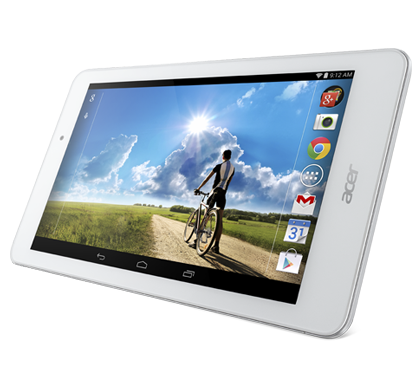
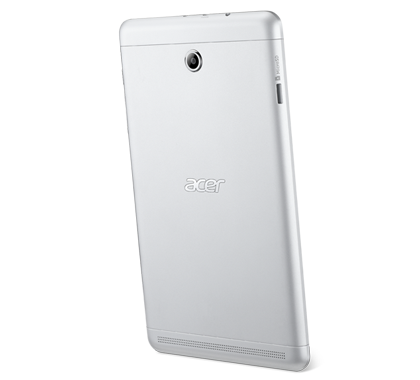
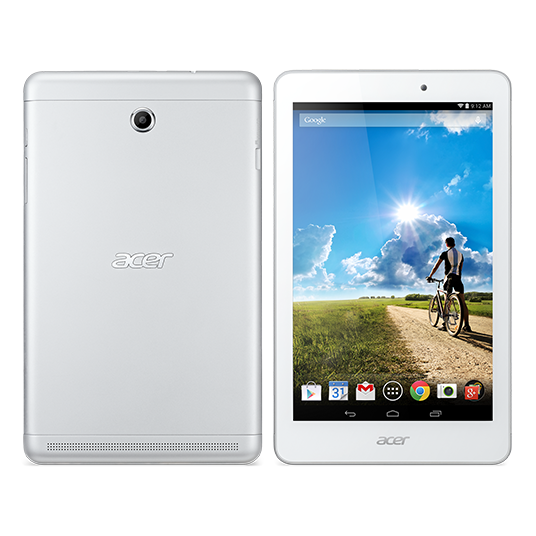
The Acer Iconia Tab 8 features a nice aluminum panel on the back that connects on the front to some stylish white bezels. It has a very nice texture and the rounded corners on the tablet make it very comfortable and easy to hold.

The rounded edges on the tablet also make it very comfortable to pick up and to hold with just one hand. Even though the Iconia Tab 8 is a little heavier than other tablets it’s not tedious to have in your hands for a long time. The construction of the tablet, however, doesn’t feel as good as other more expensive ones, even though the design is quite attractive.

A micro-USB port, a micro-HDMI port and a headphone jack can be found on the top of the tablet and the HDMI port is quite rare on the tablet market and is definitely one of the features that make Acer Iconia Tab 8 worthy of taking into consideration. On the left side of the tablet there is a microSD slot which you can use to expand the storage of the tablet by up to 32GB. On the right edge of the tablet there are volume buttons and the power button.
Acer Iconia Tab 8: Features

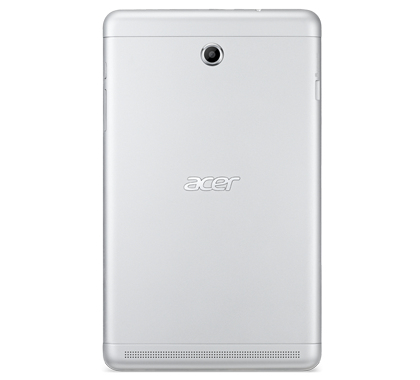
acer-iconia-tab-8-back

The Iconia Tab 8 runs Android 4.2.2 and features some preloaded software. Acer has added its own cloud service on the tablet, Zinio, the WildTangent Games store and a couple of more first-party apps.

Even though some newbies in the tablet market may be impressed by the offerings, a more experienced Android tablet user will be disappointed by them because they take up internal storage; internal storage one could use for their own choice of apps. These apps can only be disabled and not uninstalled completely and Acer made no official announcement of an upgrade to Android Lollipop 5.0 coming for the tablet.

The only thing that even remotely resembles a high-end feature on the device is a function called Touch WakeUp. This allows the user to unlock the tablet by placing two thumbs on the screen or five fingers. The feature worked well most of the times, however, if there were any updates happening in the background, the response was laggy.

Acer Iconia Tab 8: Performance

acer-iconia-tab-8-main

Seeing how the Acer Iconia Tab 8 is a budget tablet, the display boasting a resolution of 1920×1200 is quite a nice touch. Most tablets only have a resolution of 1280×800, so Acer’s decision to implement a higher resolution screen on their tablet is commendable.

The HD looks very good on the tablet and the colors are close to real life. Even though the Dell Venue 8 surpasses the Acer Iconia Tab 8 in range of colors, the difference isn’t all that noticeable unless you look very closely at the two. The display on the Acer Iconia Tab 8 doesn’t have an ambient light sensor and isn’t extremely bright but is pretty good for its rank of being a low end choice.

The Iconia Tab 8 features 2GB of memory so it came as no surprise that the tablet is easily capable of switching back and forth between apps. Web browsing is smooth even while other apps are open in the background and we encountered no functionality problems until we started to use more complex and larger apps.

The Iconia Tab 8 scored higher in gaming benchmarks than the Dell Venue 8 but the Venue 8 performed better than it when it came to graphics. The similar in price Asus MeMo Pad 8 didn’t have the same scores in gaming benchmarks as it and the latest midrange 8 inch tablet from Samsung performed horrifically when compared to the Acer Iconia Tab 8.

In 3DMark Ice Storm, the Acer Iconia Tab performed the best, receiving a score of 16,831 while the Dell Venue 8 got a 14,958, the Asus MeMo Pad 8 a 14,025 and the Samsung Galaxy Tab 4 8.0 got a shameful 4,614.

The graphics scores in the benchmark were as follows: Dell Venue 8 got a 16,933, the Acer Iconia Tab 8 got 16,389, the Asus MeMo Pad 8 a 13,309 and the Samsung Galaxy Tab 4 8.0 a 4,136.

The physics scores are the following: Acer Iconia Tab 8 got a score of 18,584, the Asus MeMo Pad 8 a score of 17,280, Dell Venue 8 received a 10,621 and the Samsung Galaxy Tab 4 8.0 was still miles behind all of the other tablets with a score of 7,749.

Large games on the tablet were very laggy in performance if they ran on the tablet as most of the times complex games didn’t work at all. The tablet doesn’t perform well at all and we often encountered lag in touchscreen or crashes when launching the apps. Closing all other apps kind of helped, particularly for better gameplay. Because of its clear limitations, the tablet works best for a more general use, such as casual gaming and Web surfing, and not more complex activities such as editing documents and heavy and complex gaming.

The audio quality coming out of the tablet is very weak. Even though the sound is decent when holding the tablet in portrait mode, when you switch to landscape, your hands are going to block the speaker. This is a poor choice of speaker placement to say the least, but hey, at least the volume controls shift depending on the orientation of the tablet.

On the back of the Acer Iconia Tab 8 there is a 5MP camera. The quality of the photos isn’t very detailed when viewed in full resolution but the camera adjusts well the color balance and exposure. A few settings allow you to adjust the camera to get a better image and there are also some filters available and a panoramic mode. The front 2MP camera is not very good either. Selfies look sharp but suffer from a lot of noise.

The battery life of the tablet is very disappointing as well. A full charge with heavy use lasts only around five hours.

Acer Iconia Tab 8: Specs

Operating system: Android 4.2.2

Processor: Intel Atom Z3745

Processor speed: 1.33 GHz

Processor core: Quad-core (4 cores)

Memory: 2GB LPDDR3

Memory card supported: Yes (32GB maximum)

Storage: 16GB

Display size: 8”

Display type: Active Matrix TFT Color LCD

Backlight technology: LED

Multi-touch screen: Yes

Screen resolution: 1920 x 1200 WUXGA

GPS: Yes

Wireless: Yes, IEEE 802.11 a/b/g/n

Bluetooth: Bluetooth 4.0

HDMI: Yes

Battery capacity: 4600 mAh, 1 cell, Li-Ion

Maximum video battery time: 7.5 hours

Height: 0.3”

Width: 8.5”

Depth: 5.1”

Weight: 12.70 oz

Acer Iconia Tab 8: Conclusion

Even though the Iconia Tab 8 is pretty stylish for being a budget tablet, appearance doesn’t make up for all the other limitations. Although the tablet performed decently most of the times it didn’t stand out enough to excel in the low budget tablet market, which is pretty overcrowded as it is. If you don’t wish to use the HDMI port and don’t really care if your tablet looks as sleek as the iPad, we suggest you take into consideration the Dell Venue 8 or add more bucks to your budget and buy a better model with better performance.

An alternative, offering both nicer display and a whole lot faster performance is the Amazon Fire HDX. Even though Amazon’s tablet also comes with preloaded software, it is a lot more family friendly and user friendly than the Acer Iconia Tab 8. Another alternative is the Nexus 7 and even though it’s no longer available on the Google Store you can search and find the tablet online for around $180. Furthermore, the Google tablet will be among the first tablets that will update to the Android Lollipop 5.0 operating system.

Wrapping Up…

PROS

– The Acer Iconia Tab 8 has a beautiful aluminum back and a nice slim build

– microSD card slot

– microHDMI port

– The Acer Iconia Tab 8 performs nicely when switching back and forth through apps

– Good resolution for a budget tablet

CONS

– The Iconia Tab 8 doesn’t perform well with larger games and apps

– You cannot uninstall the pre-loaded software

– Poor battery life

– Poor choice of speaker placement

– Unimpressive cameras

The Verdict

The Acer Iconia 8 has a very nice design considering it is a budget tablet but you can find a better performing tablet within the same range of price.

Images source: acer.com

Filed Under: Tech & Science Tagged With: acer, acer 8 inch tablet, acer iconia, acer iconia tab 8, Acer Iconia Tab 8 Review, acer tablet, iconia tab, iconia tab 8

Best Tech Deals For January 2015

January 7, 2015 By Roxanne Briean Leave a Comment

CyberMonday

Technology has become a vital aspect of our lives. Several years ago a cellular phone with a 1.3 VGA camera was a sight to behold. Nowadays, everybody has a smart-phone and tablet (at least). This proves how much technology has advanced in the last decade. Everybody wants a cool gadget, but steep prices are always a problem.

The good news is the fact that there are countless of retailers who are making great offers for various items such as games, movies, smart-phones, screens and more. We put up a list of what we think are the most important deals this January. We hope you will find the deal you are looking for within our list.

BestBuy Deals

BestBuy offers a lot of great deals this January. Here are some of the best.

Tablets

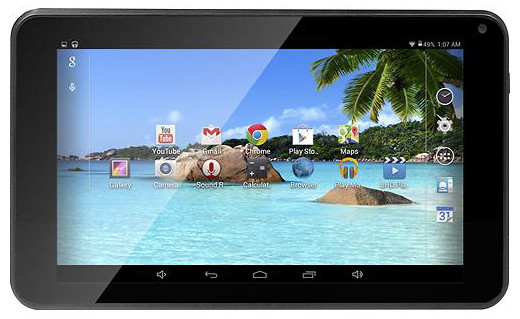
DigiLand 7” Tablet, Case & Screen Cleaner Package for $54.99

DigiLand-7

This is a great package if you’re looking for a small Android tablet. BestBuy has you covered in terms of case and screen cleaner to keep that tablet display looking sharp and clean any traces of fingerprints. You save $42.98 according to the retailer and they even offer free shipping on the package.

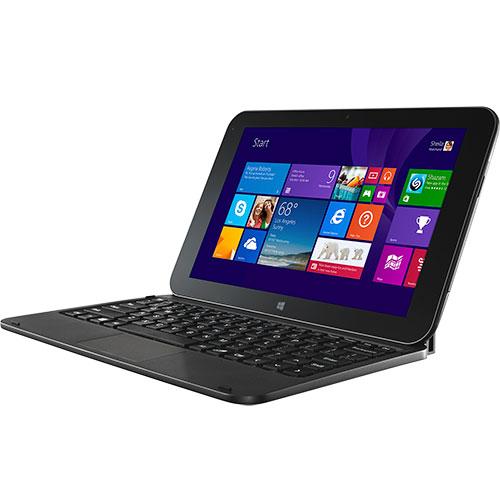
Windows 8 10.1” Tablet & Keyboard Package for $199.98

Windows-8-tablet

Even though the price seems a little steep, keep in mind that it is a Windows tablet after all. According to BestBuy, you save $80 on the deal which is pretty cool for a tablet that also comes with a keyboard. BestBuy also offers free shipping on this item as well.

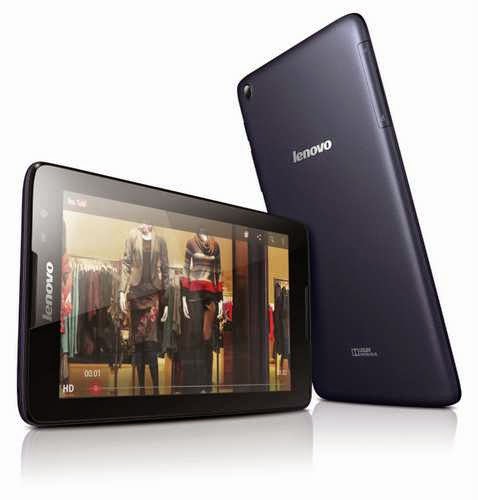
Lenovo – S8-50 Tablet 16 GB Black for $149.99

lenovo-s8-50

This is perfect if you want a name brand tablet and BestBuy claims you save $50 on this deal and offers free shipping.

Appliances

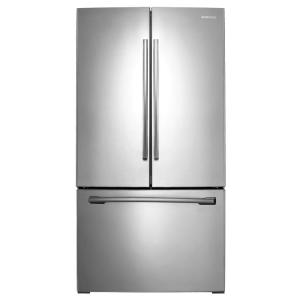
Samsung 25.5 Cu. Ft. French Door Refrigerator for $999.99

samsung-french-door-refrigerator

This refrigerator is great, quite big and this deal is quite a steal because you save $800 on the offer and the retailers also provides free shipping.

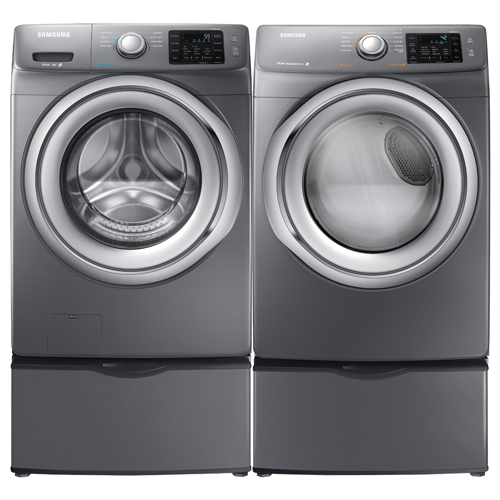
Samsung Front-Load Steam Washer or Electric Dryer for $699.99

samsung-washer-dryer

If you want to replace either your washer or dryer this deal is quite amazing. BestBuy helps you save $300 on the deal and offers free shipping for the item.

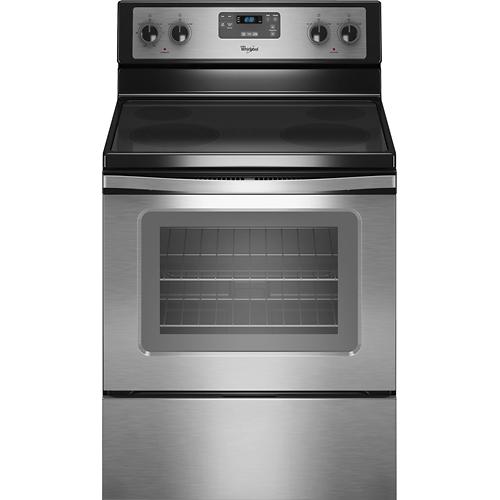
Whirlpool – 30” Self-Cleaning Freestanding Electric Range for $494.00

whirlpool-electric-range

Another great deal from BestBuy as you save $205.00 on the appliance and, of course, no shipping costs.

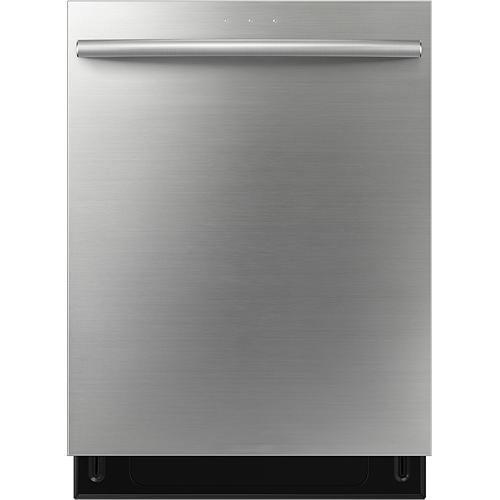
Samsung – 24” Built-in Dishwasher for $499.99

samsung-dishwasher

No more hand washing those dishes. BestBuy offers you a great dishwasher on which you will save $200. This appliance also ships free of cost.

TV Sets

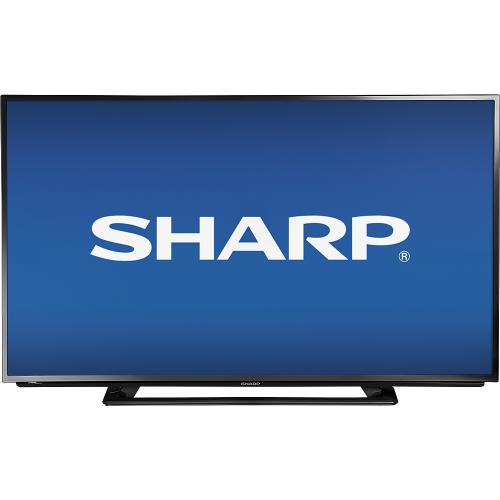
Sharp – 42” LED 1080p HDTV – Black for $329.99

sharp-42-tv

You will save $150 on this deal and BestBuy offers free shipping.

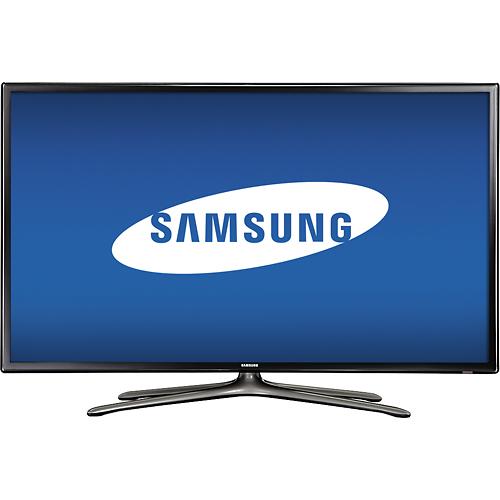
Samsung – 60” LED 1080p HDTV – Silver for $1,699.99

samsung-60-tv

This is a great price for a TV this big and BestBuy offers free shipping on the deal and claims you save $300

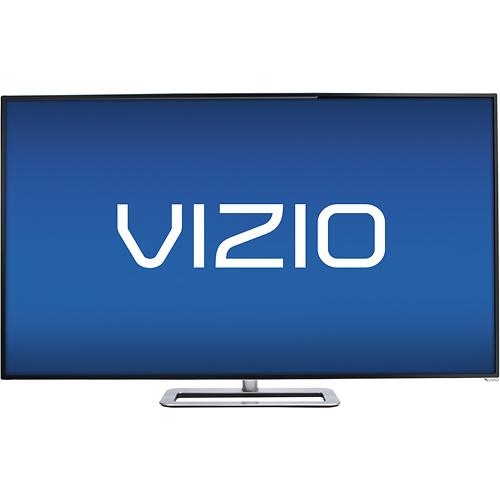
VIZIO – 50” LED 1080p – 240 Hz – Smart HDTV – Black for $499.99

vizio-50-tv

This is another great deal on which you will save $200 and you will also receive free shipping.

Computers

Apple MacBook Pro with Retina display – 15.4” Display, 16 GB RAM, 512 GB Flash Storage for $2,374.99

apple-macbook-pro-retina

If you are looking to buy a new MacBook Pro laptop then maybe now is the time as you will save $125 on this deal and you will also receive free shipping.

Toshiba Satellite – 15.4” Display, AMD A8-Series, 4 GB RAM, 500GB Hard Drive for $299.99

toshiba-satellite

This is a very good deal. BestBuy also offers free shipping for the item.

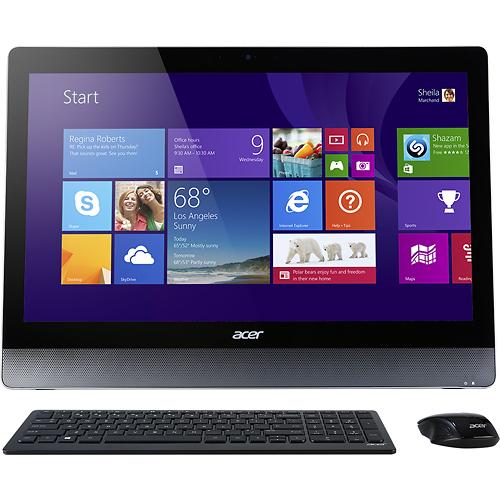
Acer Aspire – 23” Touch-screen All-In-One Computer, Intel Core i5, 8 GB RAM, 1 TB Hard Drive for $899.99

acer-aspire-aio

This is an amazing deal for an all-in-one computer and you also save $100 and probably a lot more because BestBuy offers free shipping on this item as well.

Cell Phones

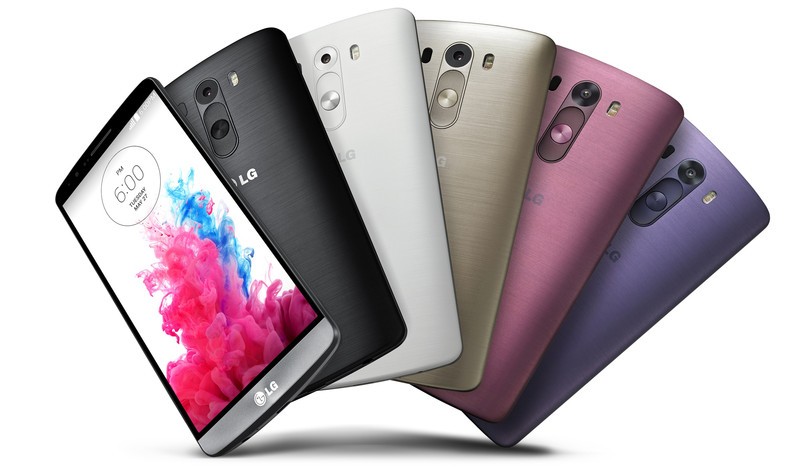
LG G3 Cell Phone for $49.99 with 2-year agreement

lg-g3

The LG G3 Cell Phone is a great mobile phone and now is even better because of the free shipping and the $150 price cut.

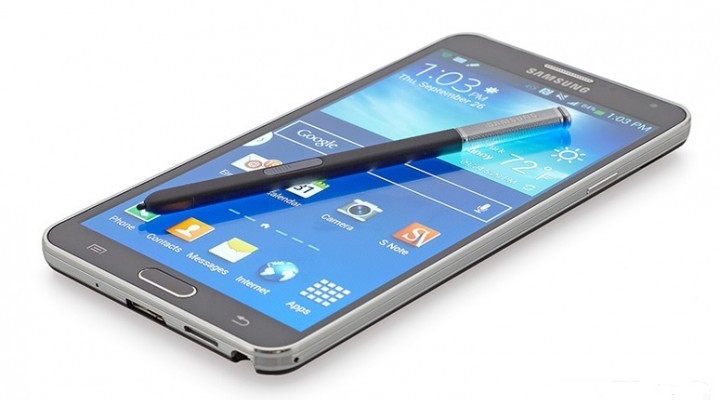
Samsung Galaxy Note 4 for $299.99 with 2-year contract

samsung-galaxy-note-4

BestBuy offers free shipping on this amazing mobile device.

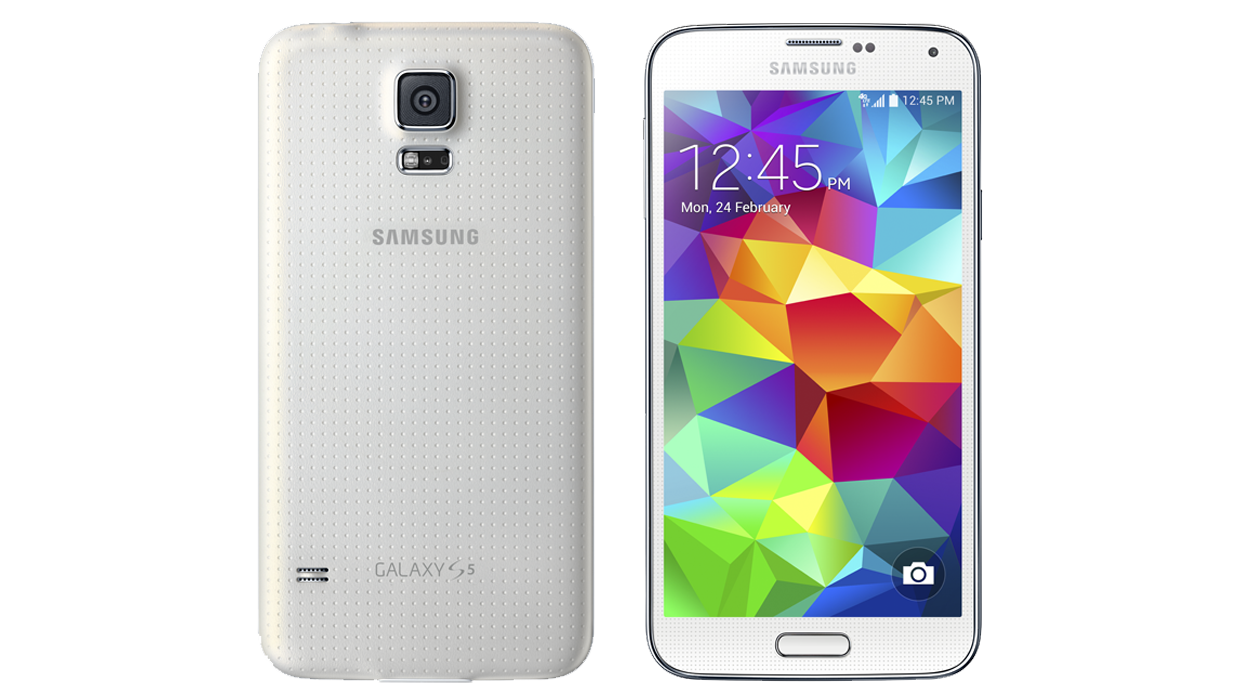
Samsung Galaxy S 5 Cell Phone for $149.99 with 2-year contract

samsung-galaxy-s5

BestBuy provides free shipping on this mobile phone and a price cut of $50.

Cameras

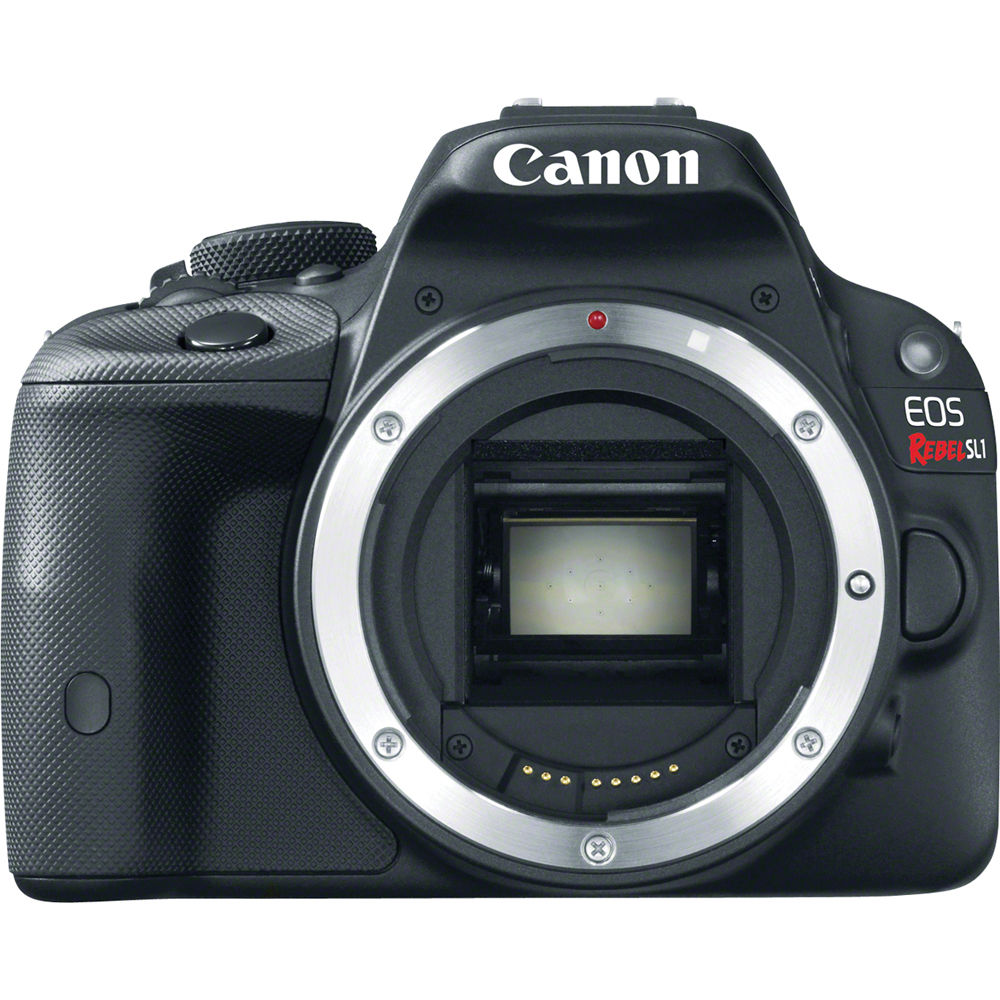
Canon EOS Rebel SL1 18.0MP DSLR Camera with 18-55mm Lens, 55-250mm Lens, Bag & 16GB Memory Card for $733.96

canon-eos-rebel

This is a great package and if you want to upgrade your DSLR camera or are interested in photography you should take advantage of this deal on which you will save $321. Also, BestBuy offers free shipping for it.

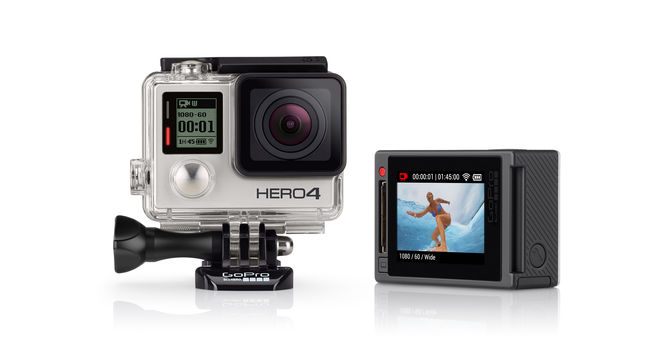
GoPro HERO4 Silver Action Camera & 32GB Memory Card for $399.99

gopro-hero4-silver

GoPro is literally for everybody. If you want to take shots from your motorcycle or the dashboard of your car or wish to capture very high quality videos the GoPro HERO4 is for you. And with free shipping and a deal on which you will save $97.99 this is a no-brainer.

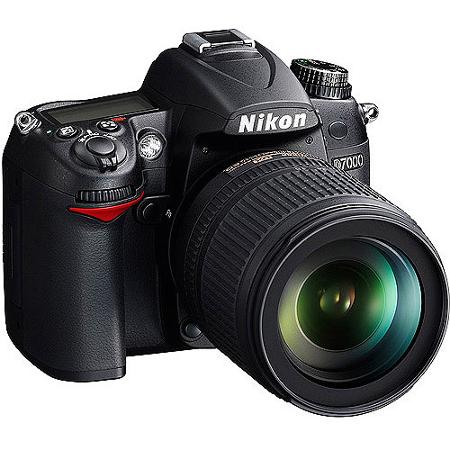
Nikon D7000 16.2MP DSLR Camera with 18-140mm Lens & 55-300mm Lens for $829.98

nikon-d7000

This is another great DSLR Camera package with free shipping. You save $970 on this offer.

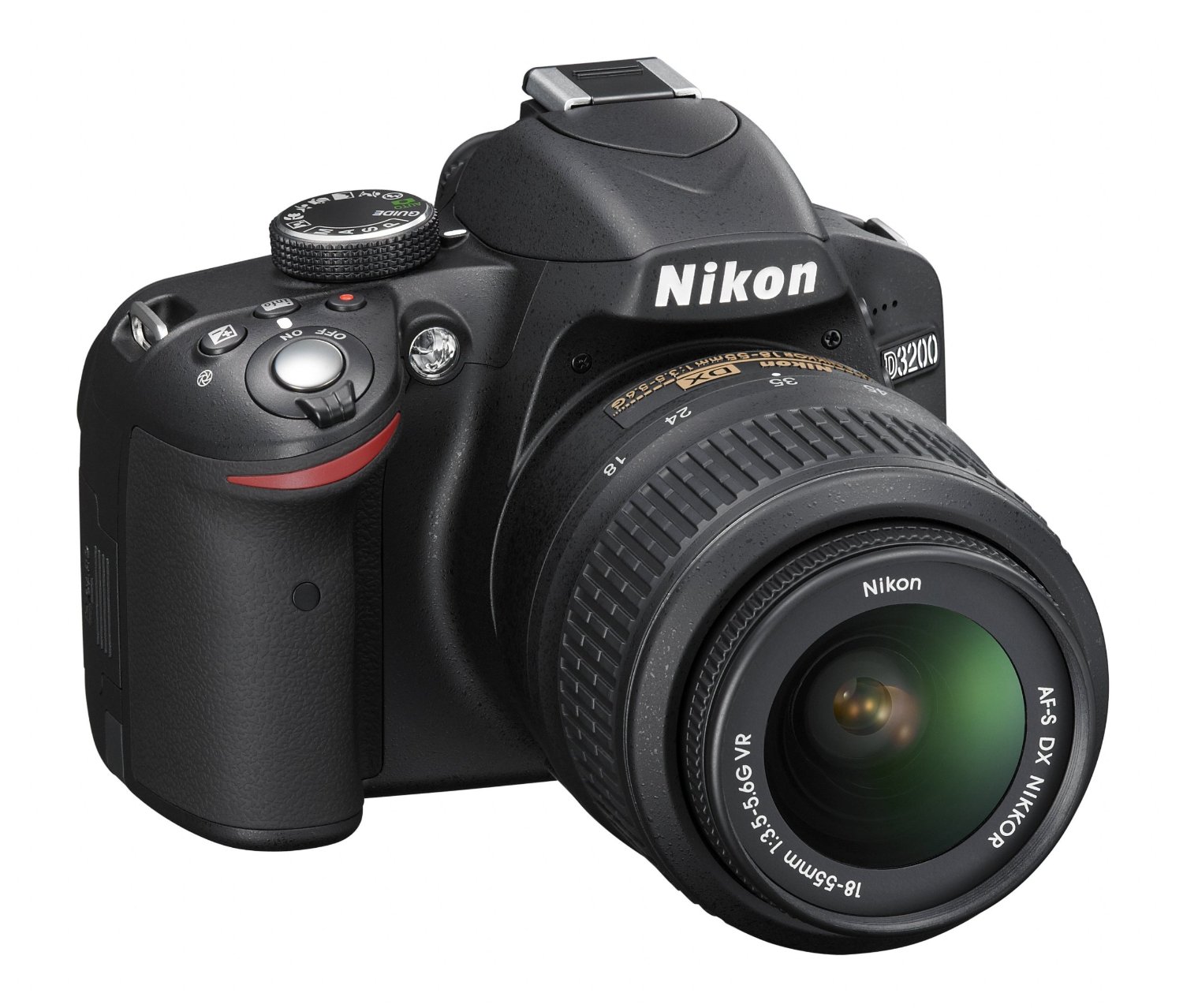
Nikon D3200 24.2MP DSLR Camera with 18-55mm Lens & 55-200mm Lenses for $499.99

nikon-d3200

Another great package from BestBuy on a Nikon DSLR Camera on which you will save $280. Free shipping is included in the offer.

Video Games

You will save $20 on all these videogames and will receive free shipping on orders of $35 and up.

Call of Duty: Advanced Warfare (PS4) for $39.99

cod-advanced-warfare-ps4

Call of Duty: Advanced Warfare (PS3) for $39.99

cod-advanced-warfare-ps3

Call of Duty: Advanced Warfare (Xbox 360) for $39.99

cod-advanced-warfare-x360

The Last of Us Remastered (PS4) for $29.99

the-last-of-us-remastered-ps4

Little Big Planet 3 (PS4) for $39.99

little-big-planet-3-ps4

Killzone: Shadow Fall (PS4) for $19.99

killzone-shadow-fall-ps4

Knack (PS4) for $19.99

knack-ps4

Movies and TV Shows

Lord of the Rings: The Motion Picture Trilogy Extended Edition 15 Discs (Blu-ray) for $52.99 (you save $47)

lotr-blu-ray

Gravity (Blu-ray) for $9.99 (you save $10)

gravity-blu-ray

Prometheus 2 Discs (Blu-ray) for $7.99 (you save $7)

prometheus-blu-ray

Wearable Technology

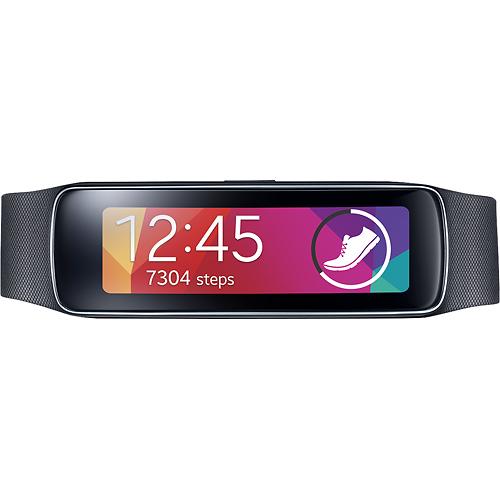
Samsung Gear Fit Fitness Watch with Heart Rate Monitor – Black for $119.99

samsung-gear-fit

This smartwatch measures calories burned, speed, steps taken, heart rate and distance traveled. You save $30 on the deal and BestBuy offers free shipping.

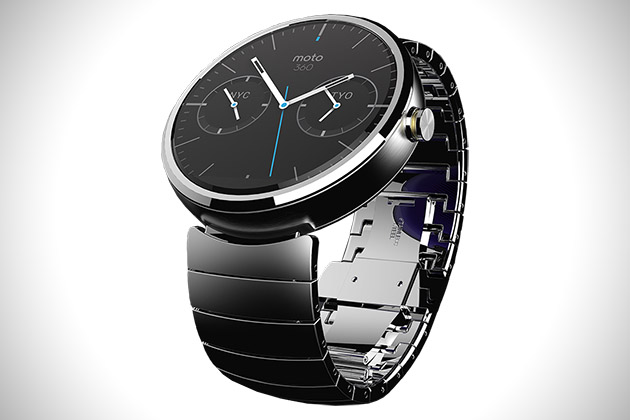
Motorola Moto 360 Smart Watch – Natural Silver for $299.99

motorola-moto-360

This smartwatch is compatible with most devices running Android 4.3 or later. It features a 1.56” LCD touch screen, Wi-Fi and Bluetooth. The items is delivered free of charge by BestBuy.

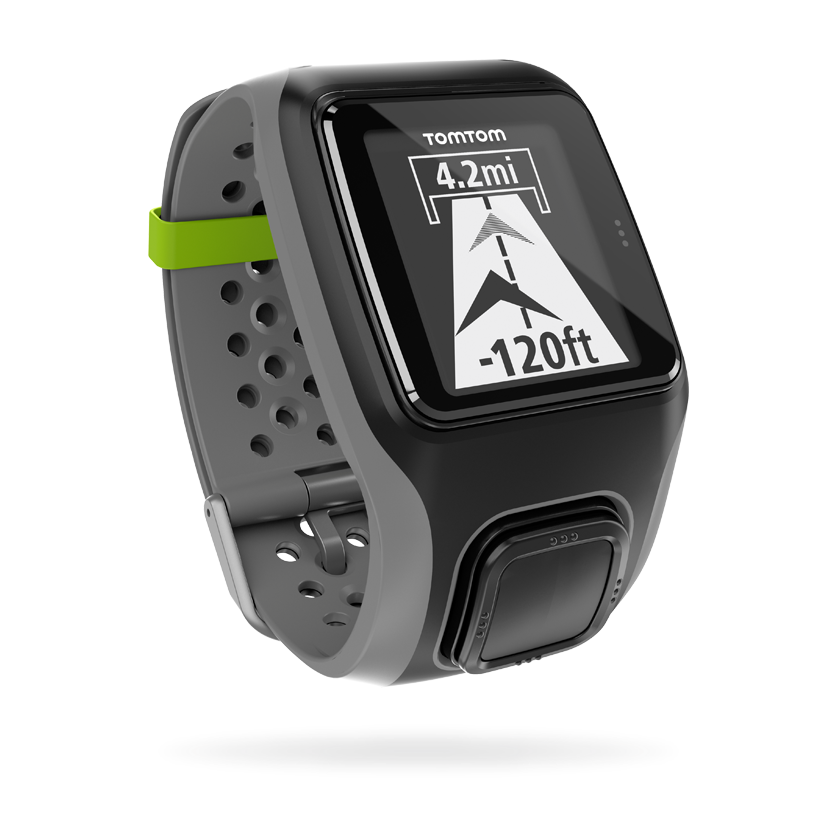
TomTom – Multi-Sport GPS Watch with Heart Rate Monitor – Dark Gray for $199.99

tomtom-smartwatch

This devices measures speed, heart rate, and distance traveled all while being water resistant. You save $50 on the deal and BestBuy offers free shipping for the item.

Verizon Deals

The best tech deals for January 2015 don’t stop here! Verizon also has some cool deals and here is our list of the best we could find.

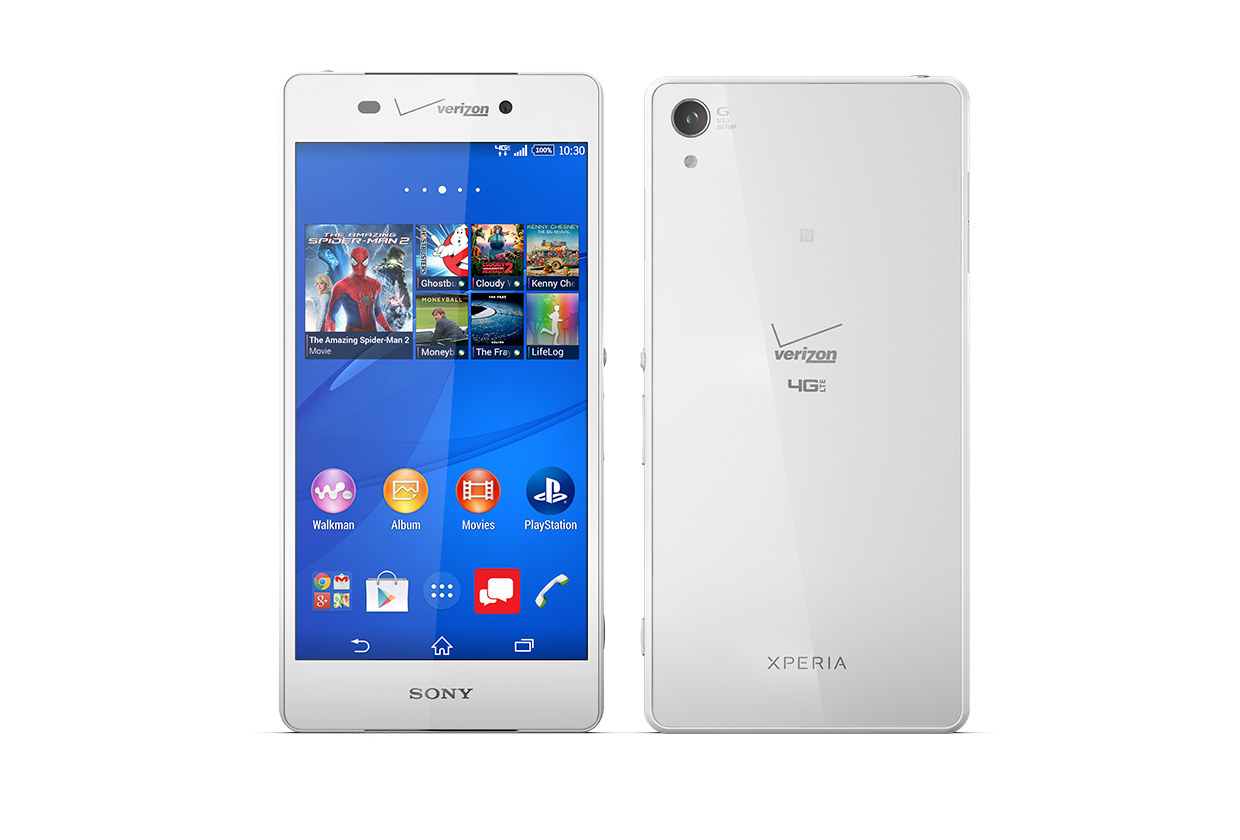
Sony Xperia Z3v starts at $199.99 with 2-year contract or $24.99 / month with Verizon EDGE

sony-xperia-z3v

Specs:

Standby Time: 336 Hours

Usage Time: 26 Hours

Camera: 20.7MP

Weight: 6.02 oz.

Screen: 5.2” 1080p FHD IPS display

Battery: 3200 mAh non-removable Li-Ion

OS: Android 4.4 Kitkat

Network: LTE Band 13/4 (700/1700 MHz), CDMA/1xRTT/EVDO Rev. A (800/1900 MHz)

Global Network: EDGE/GSM (850/900/1800/1900 MHz)), HSPA/UMTS(850/900/1900/2100 MHz)

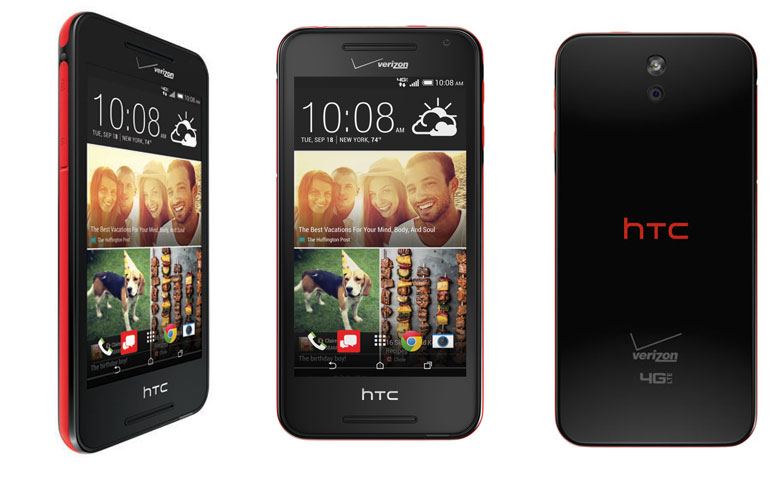
HTC Desire 612 for FREE with 2-year contract or $12.49 / month with Verizon EDGE

htc-desire-612

Specs:

Standby Time: 384 Hours

Usage Time: 20 Hours

Camera: 8MP

Weight: 5.15 oz.

Screen: 4.7” Super LCD2 Touch Screen qHD

Battery: 2040 mAh non-removable Li-Ion

OS: Android 4.4 Kitkat with HTC Sense 6

Network: LTE Band 13/4 (700/1700 MHz), CDMA/1xEVDO Rev. A (800/1900 MHz)

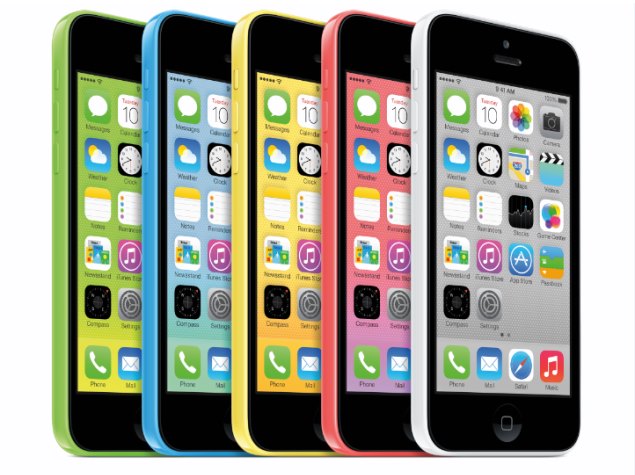
Apple iPhone 5c for FREE with 2-year contract or $18.74 / month with Verizon EDGE

apple-iphone-5c

Specs:

Standby Time: 250 Hours

Usage Time: 10 Hours

Camera: 8MP

Screen: 4” Multi-touch Display, 1136×640 (326ppi)

Battery: Built-in rechargeable Li-Ion

OS: Apple iOS 8

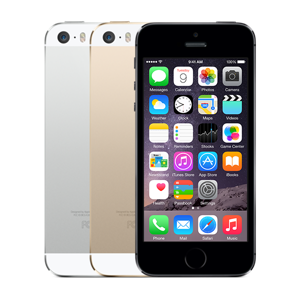
Apple iPhone 5s starts at $99.99 with 2-year contract or $22.91 / month with Verizon EDGE

apple-iphone-5s

Specs:

Standby Time: 250 Hours

Usage Time: 10 Hours

Camera: 8MP

Screen: 4” Multi-touch Display, 1136×640 (326ppi)

Battery: Built-in rechargeable Li-Ion

OS: Apple iOS 8

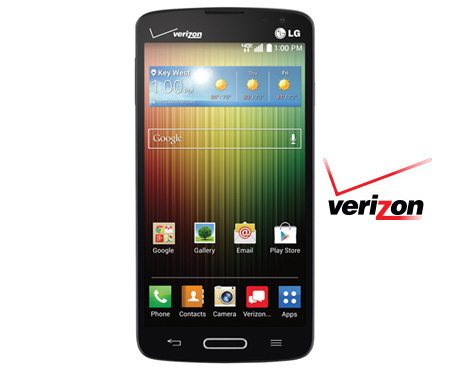
LG Lucid 3 for FREE with 2-year contract or $12.49 / month with Verizon EDGE

lg-lucid-3

Specs:

Standby Time: 360 Hours

Usage Time: 12.5 Hours

Camera: 5MP

Weight: 4.37 oz.

Screen: 4.7” qHD Display with Corning Gorilla Glass 3 and Narrow Bezel

Battery: 2440 mAh

OS: Android 4.4 Kitkat

Network: CDMA, LTE

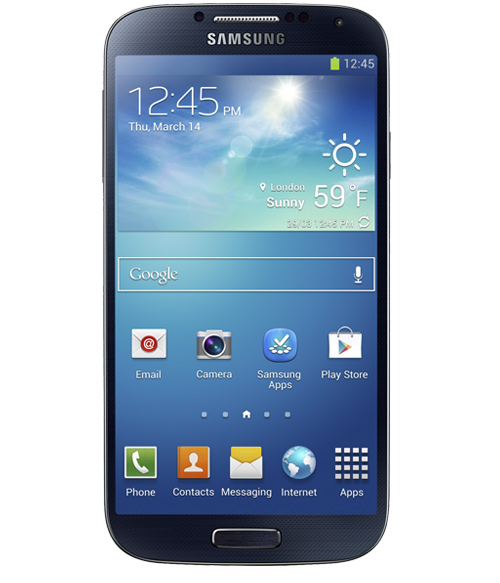
Samsung Galaxy S 4 starts at $49.99 with 2-year contract or $20.83 / month with Verizon EDGE

samsung-galaxy-s4

Specs:

Standby Time: 288 Hours

Usage Time: 17 Hours

Camera: 13MP

Weight: 4.59 oz.

Screen: 5.0” Full HD Super AMOLED Corning Gorilla Glass 3 Touch Screen Display

Battery: 2600 mAh Li-Ion

OS: Android 4.4 Kitkat

Network: LTE B13/4 700/1700, CDMA/1xEVDO Rev. A (800/1900 MHz)

Global Network: EDGE/GSM (850/900/1800/1900), HSPA/UMTS(850/900/1900/2100)

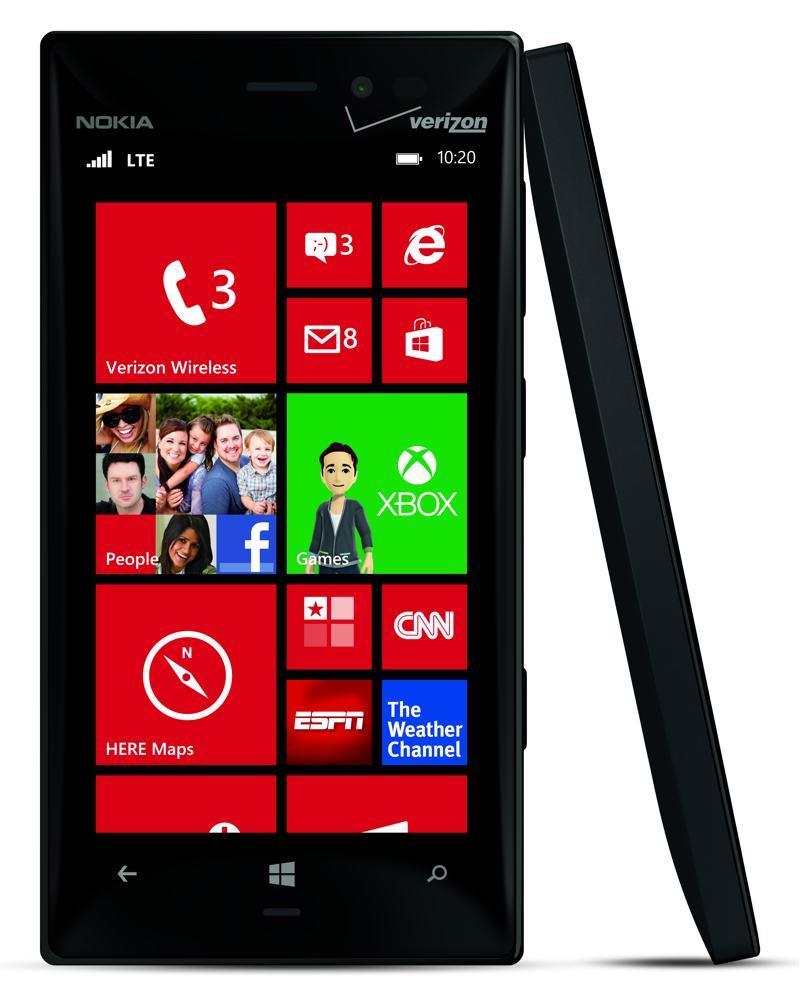
Nokia Lumia 928 starts at $0.99 with 2-year contract or $16.66 / month with Verizon EDGE

nokia-lumia-928

Specs:

Standby Time: 424.8 Hours

Usage Time: 21.38 Hours

Camera: 8.7MP

Weight: 5.75 oz.

Screen: 4.5”, PureMotion HD+ WXGA, OLED display, 24 bit, 16M colors; 2.5D curved Corning Gorilla Glass 2

Battery: 2000 mAh non-removable Li-Ion

OS: Windows Phone 8

Network: CDMA1x/EV–DO Rev A, LTE/DO Rx diversity

Global Network: GSM (850, 900, 1800, 1900MHz, UMTS 850, 900, 1900, 2100MHz

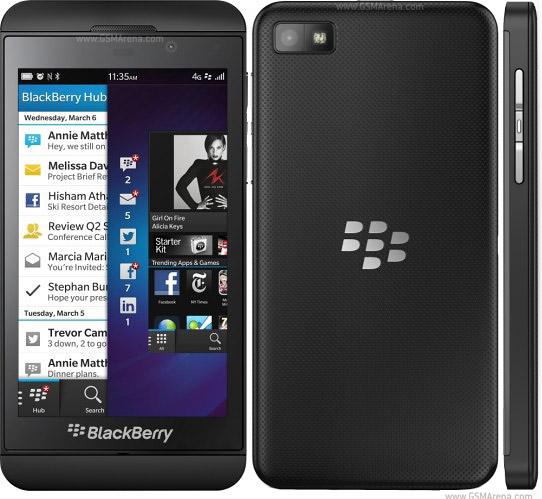
BlackBerry Z10 for FREE with 2-year contract or $12.49 / month with Verizon EDGE

blackberry-z10

Specs:

Standby Time: 168 Hours

Usage Time: 15.4 Hours

Camera: 8MP

Weight: 4.93 oz.

Screen: 4.2” LCD Screen, 1280×768

Battery: 1800 mAh Li-Ion

OS: BlackBerry 10.2

Network: (CDMA/PCS)/1x, EVDO Rev A, LTE (Band 13)

Global Network: (GPRS/EDGE/GSM(850/900/1800/1900) HSPA/UMTS(900/2100)

LG G3 starts at $149.99 with 2-year contract or $24.99 / month with Verizon EDGE

lg-g3

Specs:

Standby Time: 415.2 Hours

Usage Time: 18.6 Hours

Camera: 13MP

Weight: 5.28 oz.

Screen: 5.5″ qHD Display, Corning Gorilla Glass 3

Battery: 3000 mAh, removable Li-Ion

OS: Android 4.4 KitKat

Network: CDMA/GSM/WCDMA/LTE

Amazon Deals

The biggest online retailer has a lot of deals all through January and February (and a whole lot more) so be sure to check their website for the best deals available. We put up a list of what we think are the most important deals currently on their website.

Nokia Lumia 520 GoPhone for $29.99

nokia-lumia-520

You save $70 on this offer and there is no annual contract for this deal. Amazon offers free shipping on orders over $35.

LG Volt – Prepaid Phone for $59.99

lg-volt

You save $140 on this deal and Amazon offers free shipping for the item.

Seiki SE40FY27 40” 1080p, 60Hz LED HDTV for $249.99

seiki-40-tv

Amazon offers free shipping for this LED TV.

Samsung UN55H8000 Curved 55” 1080p, 240Hz, 3D Smart LED HDTV for $1,597.99

samsung-50-tv

You save $902 on this deal and the shipping is free of charge.

There you have it. This was our list of what we think are the best tech deals for January 2015. Happy shopping, everyone.

Image Source: www.mashable.com

Filed Under: Tech & Science Tagged With: 2015 deals, Best Tech Deals For January 2015, deals for january 2015, january 2015, january 2015 deals, january 2015 sales, tech deals for january 2015

Show Your Pets Love with Tagg the Pet Tracker

January 5, 2015 By Roxanne Briean Leave a Comment

Tagg the Pet Tracker

If you own a pet and you’re worried about them while you’re at work, Tagg has just the thing for you: a pet tracker! With the help of Tagg you can accurately locate your pet around the house or neighborhood, and even monitor the temperature of their environment, so that you can relax knowing your cat or dog are comfortable.

Tagg the Pet Tracker looks like a grey bark collar and the device itself measures 1.49 x 3.18 x 0.77 inches and weighs only 1.16 ounces. It’s only got one single large button on the front of the Tagg with an LED indicator light below it. The device clips onto collars and comes with a docking station for software updates and charging.

All the data that the Tracker records is transmitted wirelessly, so the only time you need to dock the device is to charge it. The most amazing thing about the Tagg Tracker is the fact that you get up to 30 days of battery use! When the battery needs recharging, it will make sure to alert you. The location of your pet can be tracked free with iOS and Android apps, but activity tracking is only available through the website.

Tagg the Pet Tracker costs $99.95, plus $7.95 per month. It is a bit pricey, but if you can afford it, you will reap the benefits.

New Tagg Partnership with Alarm.com

Yesterday, December 4, Tagg the Pet Tracker and Alarm.com announced the launch of a new pet tracker system. This partnership allows owners to have even more control over the safety of their beloved pets. Now users can use Tagg GPS Plus to see their pet’s location and activity thanks to the Alarm.com mobile app. If your home is powered by Alarm.com, then you can add Smart Pet Tracking by purchasing a Tagg GPS Plus device. You can buy the device through authorized Alarm.com Service Providers.

This new device, the Tagg GPS Plus is waterproof and is the latest device to be added to Alarm.com plethora of connected devices.

Scott Neuberger, Chief Executive Officer at Tagg GPS Pet Tracker, said in a released statement:

When it comes to the value of the secure connected home, the well-being of pets is at the top of the list for most families. Together with Alarm.com, we are continually imagining, developing and integrating technology to reduce the number of things people worry about and increasing their level of control.

Tagg is the most popular and largest pet wearable company that is working towards ensuring the safety of your beloved pets. If you too, want to have complete control over the safety of your cat or dog, we highly recommend the Tagg GPS Plus, so that you are the first to know if your pet gets lost or its environment becomes too hot or too cold for them. The battery life is exquisite, so all you really have to do is strap it on to your furry friend and let Tagg do its job.

Filed Under: Tech & Science Tagged With: alarm.com, pet tracker, pet tracking, pets, tagg, tagg the pet tracker

A Guide for Making the Switch from Android to iOS

January 2, 2015 By Roxanne Briean 2 Comments

The two most popular smartphone operating systems in the world, Android and iOS, couldn’t be more different! The two camps have been at it for almost a decade now and there doesn’t seem to be a clear winner. Today, we’re going to address the delicate issue of switching from Android to iOS. Whether you’re tired of Android or you’re just in the mood for a change, you are going to need a bit of help during the process. You’re going to need to know what to expect and how to deal with the changes. So, for those people who are planning to move from Android to iOS, we have a small guide that will help them during the process.

Before we begin we would like to say that you need to prepare yourself emotionally before you make the switch. The two operating system are completely different and you will get frustrated at times. You need to be calm about it and remind yourself that you made a calculated decision and that you can always switch back if you and iOS don’t become friends.

android to ios

Another thing is that you need to do a little bit of research about how you’re going to transfer all of your contact and data from your Android smartphone to the iPhone. Fortunately, Apple is willing to help you out with that, but it only began offering information about the switch later this year. Up until now, when you bought the iPhone, you could have asked for information, but there was no official info about the switch. Another route would be forums, but they’re not always easy.

So what is Apple saying about the switch from Android to iOS?

Later this year Apple finally released some information on their official website about how to approach a switch from Android to iOS. The precious information will show you how to set up a new mail account, move your contacts mails and calendars from your Android phone to your iPhone, how to use an app, how to copy various data from Android to iOS, how to sign in to social media, how to move photos and videos from Android to iOS, and even how to use an app.

Apple knows that iTunes isn’t the easiest program to use, so they will show you how to use it to transfer photos, music and movies from your computer to your iPhone. You’ll also be instructed how to move books and PDFs, access eBooks from other apps, install Numbers, Pages and Keynote apps, set up iCloud and upload documents to iCloud.

What to Expect When Moving from Android to iOS

The most important advice we can give you about the switch from Android to iOS is to keep an open mind and be patient. With that in mind, here are a few things you should now and expect when making the big move from Android to iOS.

The Significant Changes

Customizability is Vastly Different Between the Two OSs

One of the most important differences between Android and iOS refers to customizability. As an Android user, you’re used to customizing your whole operating system according to your needs and this is probably the best part of Android. Well, when you make the switch from Android to iOS you should know that you’re going to lose a lot of that customization and you are going to miss it for a while. iOS does not have screen widgets and you can’t place app icons wherever you want. You also can’t change some of the default apps and quite a few other things. But if you’ve never been the type of person who enjoys Android’s customizability, then iOS will feel like a sweet release.

The App Selection Is Quite Different

We’re going to flat-out say it: iOS apps are better built than Android ones. This is not because Android is inherently worse than iOS, but because there are hundreds of different Android devices out there, while iOS ones, just a few, which allows developers to better control their apps. The most popular applications are available on both iOS and Android, but once you move to iPhone, you’ll see that the apps you’re going to use on a daily basis are going won’t be as buggy as they were on Android and they won’t crash nearly as often.
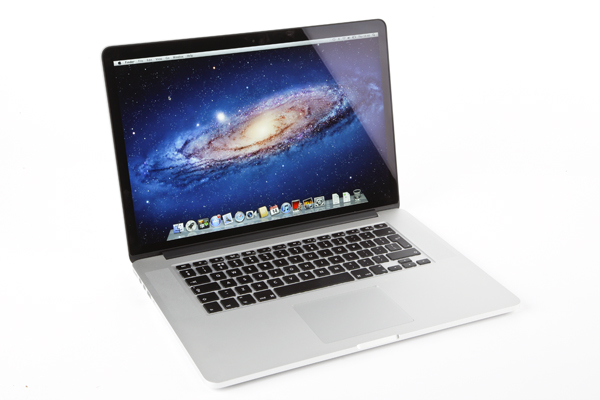
Also, one other reason why the apps are much better is that the iTunes App store is much more policed than the Google Play one, which translates into zero malware and spam.
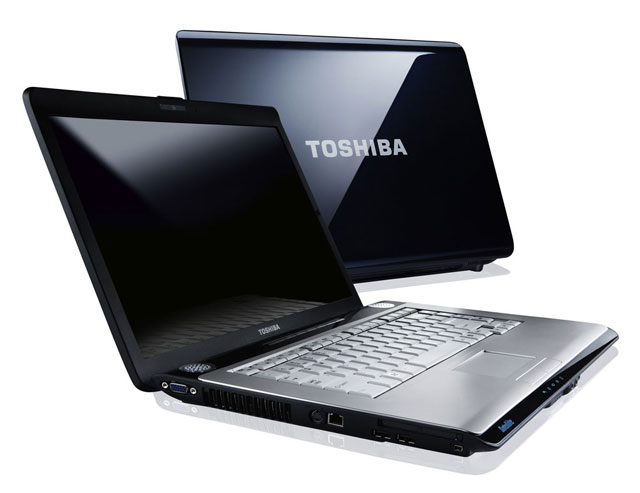
You’ll Still be Able to use Google Services

Switching to iOS doesn’t mean that you’ll never have to touch Google again! In fact, you can still be very much involved in the Google universe with popular apps such as: Hangouts, Google Play Music, Google Maps, Gmail, Google Chrome, Google Docs and Google Search. Unfortunately, you won’t be able to use the newly improved Google Calendar, Google Goggles, My Tracks and other Google specific apps and features, but Apple makes up for all that with their own great apps.

iOS Is Definitely Easier to Use

Ask anyone who has used Android and has made the switch to iOS and they will tell you that iOS is much easier to use than Android. It is much more intuitive and it allows for easier and faster navigation within the operating system than Android does. Nobody’s saying that Android is a tough cookie, but iOS is truly a breeze to learn and use. It will feel like a weight has been lifted off your shoulders!

The Interface Differs Immensely

Never mind all the above features we’ve talked about! When it comes to the interface, Android and iOS are completely different. iOS hasn’t changed much since it was launched on the market, while Android varies depending on the manufacturer’s brand. You’ll get used to the little updates that don’t really change too many things on your phone!

The Not So Significant Changes

Now, let’s take a look at the minor things a former Android user and new iOS user is going to experience.

There’s No Back Button in iOS

And thank the Lord for that! Sure, if you’ve been using Android all your life you’re going to find it strange that iPhone don’t have a back button, but that’s the beauty of an iPhone, its sheer simplicity. The only front button that iPhones have are the Home Button, with which you can go back and even close apps.

Unlocking Your Phone

This may seem like a really mundane issue, but it’s an issue! Unlocking your phone in iOS means swiping right from left and in Android means lifting up from down. First world problems right here, but it will take you a while to get used to this.

iMessage is surprisingly good

If you’ve got lots of friends who own iPhones, then you’re not going to need as many messaging apps as you did when you were using Android. Sure, WhatsApp can still be useful, but iMessage is really simple and effective.

It’s natural for things to feel strange at the beginning, but we’re certain that in a couple of weeks you’re going to get the hang of iOS and you’re going to love it!

Filed Under: Tech & Science Tagged With: android a, android to iOS, Apple, switch from android to ios

  • « Previous Page
  • 1
  • …
  • 47
  • 48
  • 49
  • 50
  • 51
  • …
  • 59
  • Next Page »

Subscribe to Blog via Email

Enter your email address to subscribe to this blog and receive notifications of new posts by email.

Join 11 other subscribers

Recent Articles

police handcuffs man

German Man Probed In Poisoning That Killed 21 Employees Since 2000

June 29, 2018 By Kenneth Scott Leave a Comment

Chicken wings bar

Intoxicated South Carolina Man Punches Waitress Who Refused to Serve Him Alcohol

June 29, 2018 By Karen Jackson Leave a Comment

gaming

New Zealand gamer Who Flew Halfway Across The World for Virginia Teen Gets Shots By Her Mother

June 28, 2018 By Cristopher Hall Leave a Comment

party

Former Virginia Tech Freshman Sentenced to 50 Years in Prison for Stabbing a Girl to Death

June 28, 2018 By Roxanne Briean Leave a Comment

bonfire

British Couple Sentenced to Life in Prison for Torturing and Murdering French Nanny

June 27, 2018 By Deborah Campbell Leave a Comment

pay phone

Texas Father of Girl Disappeared in the 80s Ignored by Authorities

June 26, 2018 By Cristopher Hall Leave a Comment

bottled water

San Francisco Woman Threatened to Call Police on Girl Who Sold Ice Water for Disneyland Trip

June 25, 2018 By Roxanne Briean Leave a Comment

Maplewood Park

Missouri Man Robbed by Date and Accomplice in Park

June 22, 2018 By Nancy Young Leave a Comment

coding

New York Man Sentenced in Cyberstalking Former Girlfriend, Mailing Drugs to Her Dorm

June 22, 2018 By Deborah Campbell Leave a Comment

headphones

Bose Poised to Launch Sleepbuds, In-Ear Headphones That Help You Sleep

June 21, 2018 By Nancy Young Leave a Comment

Police light

Intoxicated Female Driver in Custody for Pulling Arresting Officer by the Hair

June 21, 2018 By Kenneth Scott Leave a Comment

kitchen

Restaurant Manager Arrested and Charged in Shooting Death of Co-Worker over Negative Yelp Reviews

June 20, 2018 By Karen Jackson Leave a Comment

plastic container

Pennsylvania Couple Charged in Violent Death of Infant Discovered Buried in Cat Litter

June 19, 2018 By Cristopher Hall Leave a Comment

tailpipe

Minnesota Teen Gets Head Stuck In Oversized Tailpipe Winstock Music Festival

June 18, 2018 By Karen Jackson Leave a Comment

Pages

  • About Us
  • Contact us
  • Privacy Policy
  • Privacy Policy GDPR
  • Staff
  • Terms and Conditions

Recent Posts

  • German Man Probed In Poisoning That Killed 21 Employees Since 2000 June 29, 2018
  • Intoxicated South Carolina Man Punches Waitress Who Refused to Serve Him Alcohol June 29, 2018
  • New Zealand gamer Who Flew Halfway Across The World for Virginia Teen Gets Shots By Her Mother June 28, 2018
  • Former Virginia Tech Freshman Sentenced to 50 Years in Prison for Stabbing a Girl to Death June 28, 2018
  • British Couple Sentenced to Life in Prison for Torturing and Murdering French Nanny June 27, 2018
  • Texas Father of Girl Disappeared in the 80s Ignored by Authorities June 26, 2018
  • San Francisco Woman Threatened to Call Police on Girl Who Sold Ice Water for Disneyland Trip June 25, 2018

Categories

  • Business
  • Entertainment
  • Finance
  • Headlines
  • Health
  • Life
  • Nature
  • Science
  • Sports
  • Tech & Science
  • Travel
  • Uncategorized
  • United States
  • World

Copyright © 2026 ArgyllFreePress.com
About · Privacy Policy · Terms of Use · Contact