Argyll Free Press

Growing News Network

Thursday, April 23, 2026
Log in
  • Business
  • Finance
  • Sports
  • Tech & Science
    • HP Envy 4500 Review
    • LG Optimus 170 Review
    • iPod Touch 6th Generation Review
    • HTC One M8 Accessories Set-up
    • Surrealist Games You Must Play
    • Hisense Sero 8 Review
    • Dell Latitude e7440 Review
    • HP Laserjet 1536dnf mfp Review
    • Garmin Fenix 2 Review
    • Skype Vs Viber
    • Best Video Conferencing Software
    • Sony mdr 1r Headphones Review
    • Canon Rebel t3i Review
    • Sennheiser Momentum 2-0 Review
  • Travel
  • Headlines
  • Health
  • United States

A Guide for Making the Switch from Android to iOS

January 2, 2015 By Roxanne Briean 2 Comments

The two most popular smartphone operating systems in the world, Android and iOS, couldn’t be more different! The two camps have been at it for almost a decade now and there doesn’t seem to be a clear winner. Today, we’re going to address the delicate issue of switching from Android to iOS. Whether you’re tired of Android or you’re just in the mood for a change, you are going to need a bit of help during the process. You’re going to need to know what to expect and how to deal with the changes. So, for those people who are planning to move from Android to iOS, we have a small guide that will help them during the process.

Before we begin we would like to say that you need to prepare yourself emotionally before you make the switch. The two operating system are completely different and you will get frustrated at times. You need to be calm about it and remind yourself that you made a calculated decision and that you can always switch back if you and iOS don’t become friends.
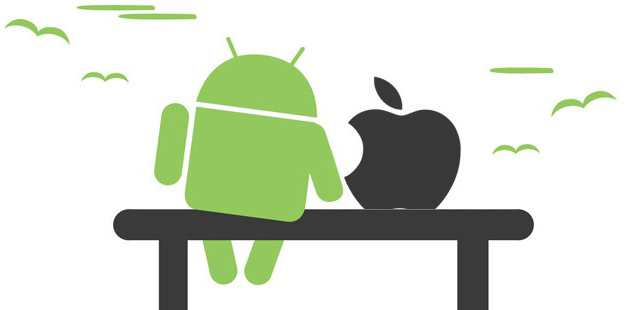
android to ios

Another thing is that you need to do a little bit of research about how you’re going to transfer all of your contact and data from your Android smartphone to the iPhone. Fortunately, Apple is willing to help you out with that, but it only began offering information about the switch later this year. Up until now, when you bought the iPhone, you could have asked for information, but there was no official info about the switch. Another route would be forums, but they’re not always easy.

So what is Apple saying about the switch from Android to iOS?

Later this year Apple finally released some information on their official website about how to approach a switch from Android to iOS. The precious information will show you how to set up a new mail account, move your contacts mails and calendars from your Android phone to your iPhone, how to use an app, how to copy various data from Android to iOS, how to sign in to social media, how to move photos and videos from Android to iOS, and even how to use an app.

Apple knows that iTunes isn’t the easiest program to use, so they will show you how to use it to transfer photos, music and movies from your computer to your iPhone. You’ll also be instructed how to move books and PDFs, access eBooks from other apps, install Numbers, Pages and Keynote apps, set up iCloud and upload documents to iCloud.

What to Expect When Moving from Android to iOS

The most important advice we can give you about the switch from Android to iOS is to keep an open mind and be patient. With that in mind, here are a few things you should now and expect when making the big move from Android to iOS.

The Significant Changes

Customizability is Vastly Different Between the Two OSs

One of the most important differences between Android and iOS refers to customizability. As an Android user, you’re used to customizing your whole operating system according to your needs and this is probably the best part of Android. Well, when you make the switch from Android to iOS you should know that you’re going to lose a lot of that customization and you are going to miss it for a while. iOS does not have screen widgets and you can’t place app icons wherever you want. You also can’t change some of the default apps and quite a few other things. But if you’ve never been the type of person who enjoys Android’s customizability, then iOS will feel like a sweet release.

The App Selection Is Quite Different

We’re going to flat-out say it: iOS apps are better built than Android ones. This is not because Android is inherently worse than iOS, but because there are hundreds of different Android devices out there, while iOS ones, just a few, which allows developers to better control their apps. The most popular applications are available on both iOS and Android, but once you move to iPhone, you’ll see that the apps you’re going to use on a daily basis are going won’t be as buggy as they were on Android and they won’t crash nearly as often.

Also, one other reason why the apps are much better is that the iTunes App store is much more policed than the Google Play one, which translates into zero malware and spam.

You’ll Still be Able to use Google Services

Switching to iOS doesn’t mean that you’ll never have to touch Google again! In fact, you can still be very much involved in the Google universe with popular apps such as: Hangouts, Google Play Music, Google Maps, Gmail, Google Chrome, Google Docs and Google Search. Unfortunately, you won’t be able to use the newly improved Google Calendar, Google Goggles, My Tracks and other Google specific apps and features, but Apple makes up for all that with their own great apps.

iOS Is Definitely Easier to Use

Ask anyone who has used Android and has made the switch to iOS and they will tell you that iOS is much easier to use than Android. It is much more intuitive and it allows for easier and faster navigation within the operating system than Android does. Nobody’s saying that Android is a tough cookie, but iOS is truly a breeze to learn and use. It will feel like a weight has been lifted off your shoulders!

The Interface Differs Immensely

Never mind all the above features we’ve talked about! When it comes to the interface, Android and iOS are completely different. iOS hasn’t changed much since it was launched on the market, while Android varies depending on the manufacturer’s brand. You’ll get used to the little updates that don’t really change too many things on your phone!

The Not So Significant Changes

Now, let’s take a look at the minor things a former Android user and new iOS user is going to experience.

There’s No Back Button in iOS

And thank the Lord for that! Sure, if you’ve been using Android all your life you’re going to find it strange that iPhone don’t have a back button, but that’s the beauty of an iPhone, its sheer simplicity. The only front button that iPhones have are the Home Button, with which you can go back and even close apps.

Unlocking Your Phone

This may seem like a really mundane issue, but it’s an issue! Unlocking your phone in iOS means swiping right from left and in Android means lifting up from down. First world problems right here, but it will take you a while to get used to this.

iMessage is surprisingly good

If you’ve got lots of friends who own iPhones, then you’re not going to need as many messaging apps as you did when you were using Android. Sure, WhatsApp can still be useful, but iMessage is really simple and effective.

It’s natural for things to feel strange at the beginning, but we’re certain that in a couple of weeks you’re going to get the hang of iOS and you’re going to love it!
Filed Under: Tech & Science Tagged With: android a, android to iOS, Apple, switch from android to ios

Vizio Mocks LG and Samsung Curved TVs

January 1, 2015 By Roxanne Briean Leave a Comment

At the beginning of this year Samsung and LG both unveiled curved TVs. The revelation that was curved TVs didn’t really take off as it was expected to, but at the time of the launch it was all the Internet was buzzing about.

Today Vizio, American electronics manufacturer, has released a spoof advertisement for a pair of glasses that are meant to transform curved TVs into flatscreens. The spoof itself is quite funny, but it also announced Vizio’s new tagline for the coming year: Beautifully flat Ultra HD.

vizio

Vizio has always separated itself from the pack, by giving customers what they want, at a lower price than what the majority is offering.  Now, with this new mock advert, Vizio is going one step further and is blatantly mocking curved-screen TV manufacturers Samsung and LG.

The TV ad sounds as a 90’s cheap advertisement:

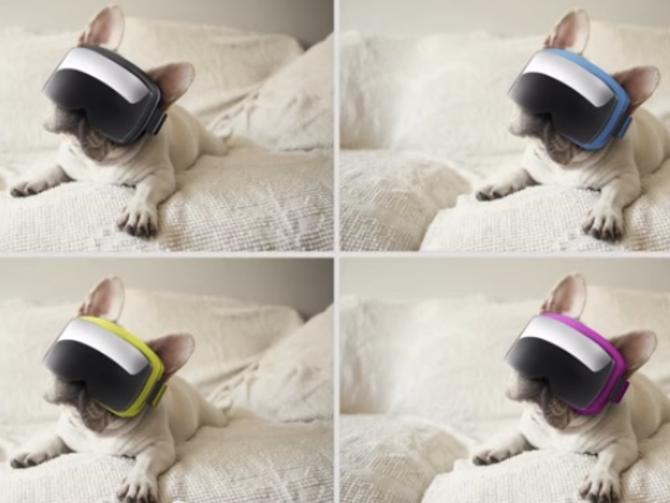
Is your new curved TV causing you frustration? Is the picture distorted, disappointing and just a disaster? Wouldn’t it be great if there was a simple, easy to fix that and more?! Well, now there is! Introducing the anti-curve glasses. Turn your curved TV into a beautiful flatscreen! Anti-curved glasses are easy to wear and perfect for everyone in the family… even pets! And they’re available in a variety of colors, including camouflage. Call now and we’ll toss in a special seating guide to help you find the best seat for your curved TV.

Vizio even offers a cup holder to attach to the glasses! The company ends their mock advert with the pitch, three simple sentences: Don’t fall for the curve. Beautifully flat Ultra HD. Vizio beautifully simple. Vizio is basically telling us all that curved TVs are all about the hype and that a flatscreen TV is superior.

But is Vizio right? Do curved TVs really offer a better viewing experience or are they just a gimmick? Well, after reading up on it online, we’ve found that most reviews have concluded that the curve of the TV is indeed nothing more than a cosmetic feature. Aside from that, all curved TVs are much more expensive than flat ones. Also, it appears that the curvature of the TV doesn’t increase immersion, and that the impact on the picture is quite subtle. This is the last thing people who are looking to buy a curved TV want to hear! Another really drawback of the curved TV is the fact that the curve creates geometric distortions, more so than flatscreen TVs.

Filed Under: Tech & Science Tagged With: curved tvs, vizio, vizio flatscreen, vizio mock advert

Pinterest Introduces Promoted Pins, Users Should Expect More Adverts

December 30, 2014 By Roxanne Briean Leave a Comment

Pinterest logo

Pinterest is becoming the latest social network who is adding sponsored, or as they call them, Promoted Pins, to their boards. Twitter has started promoting tweets and Facebook has its sponsored posts and now Pinterest is running Promoted Pins in Beta and is expected to launch the feature to advertisers at the beginning of 2015. This means that January 1 is also when you’re going to start seeing Promoted Pins.

Pinterest has around 70 million users, and while it may not be as large as Facebook or Twitter, it still makes a very promising advertising platform. As is expected, Pinterest is trying their best to make this feature as user-friendly as possible and to sugar-coat it as much they can. They wrote on their blog:

“At Pinterest, our mission is to help people discover things they love and do those things in real life. Millions of people use Pinterest every day to save the inspiration and things they need to carry out plans and pursue their interests. This is a huge, unmatched opportunity for marketers today—while some platforms look to the past or present, only Pinterest focuses on the future.”

The Promoted Pins feature was launched in Beta eight months ago for advertisers. Pinterest announced that the feature will be open to all of their U.S.-based partners starting January 1.

Pinterest also shared with the world a few things that they learned from the beta version of Promoted Pins. Apparently, Promoted Pins perform just as well and sometimes even better than the organic pins. According to Pinterest, brand advertisers achieved a 30% bump in earned media from their campaigns with Promoted Pins! Promoted Pins get repined around 11 times, which is the same as organic ones.

Another thing Pinterest has revealed happens with Promoted Pins is that they perform long after a campaign ends, which, when you think about it, makes sense as Pins don’t have an expiration date and can get repinned forever.

Also, it seems that auction-based Promoted Pins are quite successful, but Pinterest revealed it they are still working on this feature and want to make sure we get it right before we roll it out to all businesses.

So, what exactly does this mean for the Pinterest user? To be honest, we expect to see more pictures of brand names mixed in the lot. That nice, juicy hamburger you’ve been searching for on Pinterest, well, it’s going to come to you, but with it so will some brand name burgers.

Aside from Promoted Pins, Pinterest is also launching The Pinstitute, which is a place where advertisers learn how to connect with Pinners and make their presence less obvious. If this sounds like analytics and feedback, it’s because that’s what it is, under a different name. We welcome this, because we feel that it anything that is going to keep our boards nice and clean is a good thing.

What are your thoughts on Pinterest introducing Promoted Pins?


Filed Under: Tech & Science Tagged With: Pinterest, pinterest advertising, pinterest new feature, Promoted Pins, the Pinstitute

15 Best Android Wear Watch Apps

December 29, 2014 By Roxanne Briean Leave a Comment

The next big thing seems to be the Android Wear apps. We’ve just got our hands on the first Android Wear devices and many Android developers are updating their apps to offer support for smartwatches.

For most of the people, notifications on their watches will be the primary purpose but the smartwatch is capable of doing a whole lot more and we intend to show you just that. The smartwatch is able to count the steps you take, search via commands of the voice and tell the time (of course). Android app developers can expand their apps with extra capabilities in order of making them compatible with the new smartwatches.

Having apps on your watch is very easy. You just have to install an app on your smartphone and sync it to your watch in the Android Wear app. Once you install an app you can open it by saying “Okay, Google, start (name of the app)” or manually launching the apps by scrolling to the Start section on your device. Our experience has taught us that having to search for apps on your device or running them by use of voice can be very messy and tedious.

Just remember that these are the first apps available for the new platform and with time there will be a lot more and a lot more capable apps available for your smartwatch. Even though some of these apps don’t really work all that well this does not mean you should ignore them completely. Here is our list of the 15 best Android Wear watch apps.

1. Evernote Wear

evernote

 Image source: howtotipsonline.org

The Wear app by Evernote is a lot more advanced than many other apps. The Evernote Wear lets you have notifications on your smartwatch and make them using your voice as well as offering you the possibility to search and browse notes already made on your smartwatch. You can search for notes by time, based on your location, or view notes that that have items on them which you can check off as you complete them.

Price: Free

2. Tockle

tockle

Image source: blogspot.com

This app is especially useful for those who wish to change the settings on their smartphone. Tockle lets the user control the phone’s Bluetooth connection, Wi-Fi and sounds through their smartwatch. A very useful feature is the one that lets the user set task paths, like controlling the music player on their smartphone just by tapping on the smartwatch. Even though the app is still in its early days, Tockle could prove to be quite an easy and useful watch to phone app. The app is still in beta so there will probably be numerous updates available for it.

Price: Free

3. Duolingo

duolingo

Image source: vox-cdn.com

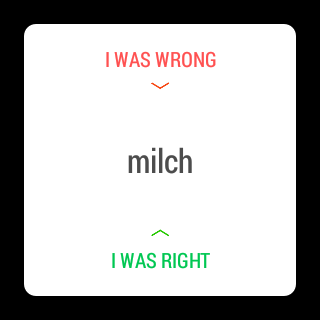
Duolingo launched at the same time the Android Wear launched but still remains one of the best and interesting app for smartwatches. Duolingo offers another use for your smartwatch other than fitness tracking, time management and notifications. The Duolingo app allows users to learn a new language and really integrates well with Android Wear. The developer of the Duolingo app says: “Learn Spanish, French, German, Portuguese, Italian, Dutch, Irish, Danish, and English…” And you could do so for free.

The watch app and the Duolingo app on the smartphone make learning a new language very fun by making a game out of it. Get the right answer on a translation question and win some points, get the answer wrong and lose some. The Duolingo app also pauses along the way and shows you your progress so far.

Price: Free

4. Wear Audio Recorder

wear-audio-recorder

Image source: ggpht.com

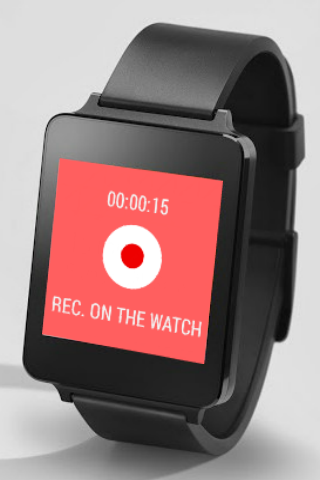
We’re certain you don’t wish to walk around all day talking to your watch but you can easily make short reminders or memos by using this simple app. Wear Audio Recorded makes use of the microphone in the smartwatch to record high quality sounds and instantly sync them to your smartphone where you can manage all your reminders and files. So now you have no more excuses for forgetting to buy things at the market.

Price: Free

5. Allthecooks

allthecooks

Image source: gizmag.com

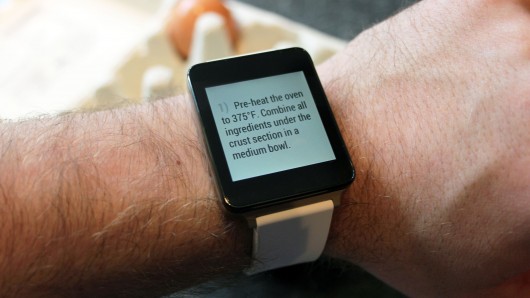
If you like cooking food this app may be of great help for you. Allthecooks contains recipes and tips from more than 12 million users worldwide and will surely provide you with a good idea if you’re wondering what to cook next. There are thousands of images uploaded by users on the recipes along with many reviews. The images and recipes are viewed on the smartwatch so you don’t have to always look at your phone for the next ingredient or step in the recipe.

Price: Free

6. Lyft

lyft

Image source: popsugar-assets.com

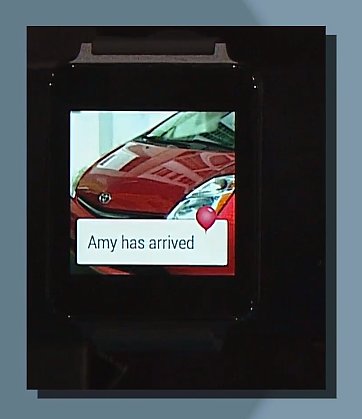
This app is the first of its kind available for Android Wear. Lyft lets you call a car to your current location without having to use your phone. It connects to your android smartphone and by saying “call me a car”, the app will call a Lyft driver to your location in just a few minutes. It’s very probable that we will see similar smartwatch apps from Hailo, Uber and many other car service apps available on Android in the future if Lyft is not your number one choice. It’s never been this easy to call a ride home after spending an evening in a bar.

Price: Free

7. Runtastic and RunKeeper

runtastic

Image source: bestofmicro.com

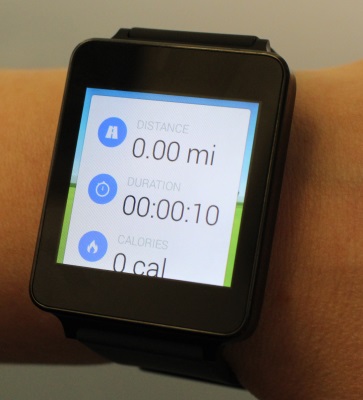
The Samsung Gear Live and the LG G Watch can count every step you make automatically and will do so right from the first use. The Samsung Gear Live can also measure the heart rate. But even though, both of them count your steps they don’t go much further than that. Runtastic and RunKeeper go beyond that and provide the user with the ability to start tracking just by using a simple voice command and thus filling in the need for a more advanced hiking app. The user can see stats and a very detailed progress after and also during the run. Sadly, both apps require the user to carry the smartphone on his and hers walk or run because neither offers true GPS functionality for a better and more detailed tracking.

Runtastic Price: Free

RunKeeper Price: Free

8. Swipify

swipify

Image source: blogspot.com

Swipify is another app in the beta stage. The app aims on helping the user do a lot more with his smartwatch. Swipify lets the user switch between apps with a finger swipe and also adjust settings such as brightness and apps in the launcher easily and very quickly. The app also lets the user see how much RAM is being used, which is a pretty nifty feature for people who are trying to preserve the life of their batteries.

Price: Free

9. IFTTT (If This Then That)

ifttt

Image source: tnwcdn.com

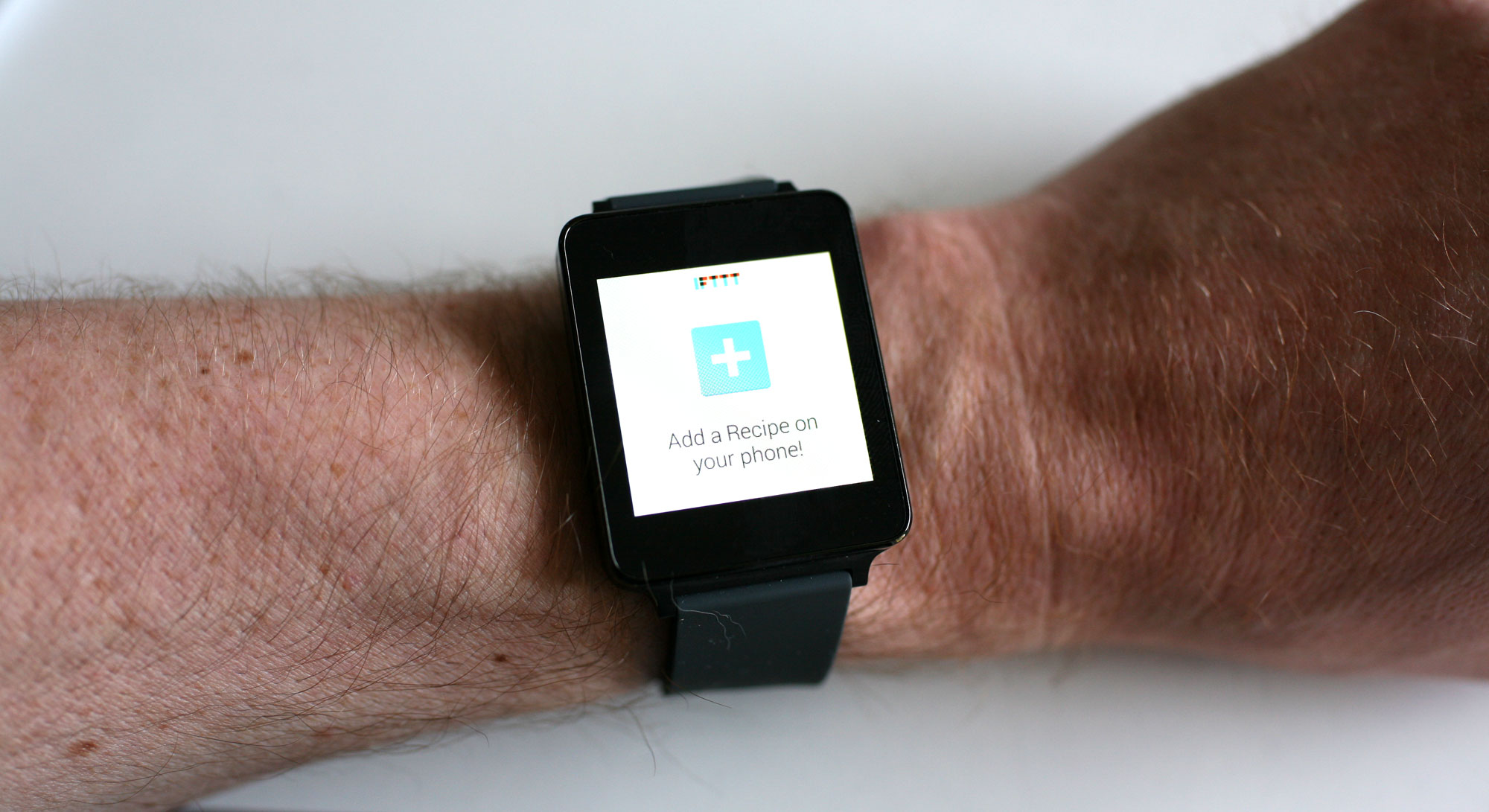
The IFTTT is a very powerful back end for sites and apps you use every single day. As of now, the app is also available for Android Wear. The IFTTT app allows you to mute your smartphone from the smartwatch, upload your location on Facebook, get alerts on your smartwatch when you are mentioned in Twitter and has a whole lot more very useful and easy to use features.

Price: Free

10. PixtoCam

pixtocam

Image source: ggpht.com

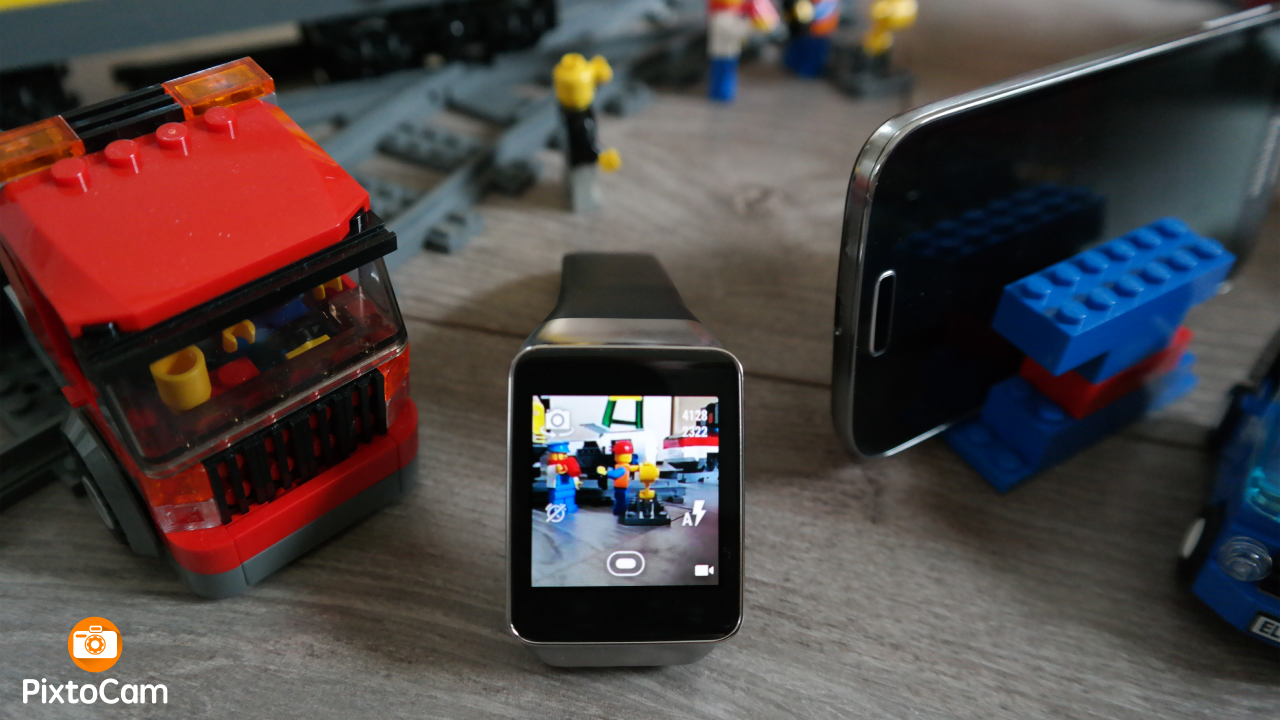
Google’s Camera app can be handled with Android Wear but this app is a much greater remote view finder. You can unlock your phone, turn it on, adjust settings for photos, disable or enable the flash, zoom out and in and a whole lot more by using PixtoCam. It’s a very useful app for the framed selfies when no one is around to give you a helping hand.

Price: 1.99 $

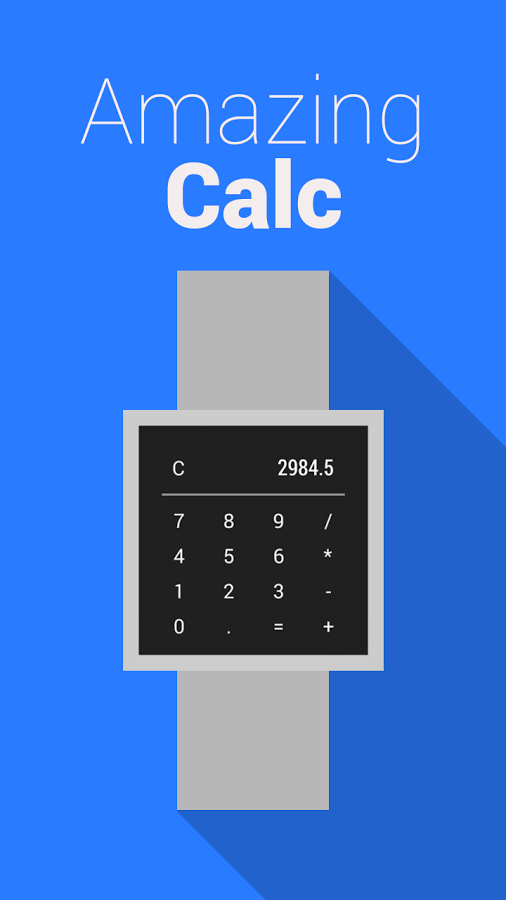
11. Wear Calc

wear-calc

Image source: ggpht.com

This app is another Android Wear app and is a great tool that better works on your smartwatch than on your smartphone. Make a quick calculation in just seconds without unlocking your mobile phone and running an app on it. It reminds us of the ‘90s when the Casio calculator watch was a pretty big thing.

Price: Free

12. Bunting

bunting

Image source: sourcedigit.com

This is the first Android Wear app that lets the user compose and send out tweets by dictating them to the smartwatch and even supports hashtags. It is now possible to tweet just what you are speaking. Even though Bunting is still in the beta stage it is still a very useful app. There will probably be a lot of updates available in the future for the Bunting Android Wear app.

Price: Free

13. Banjo

banjo

Image source: blogspot.com

Even though this app is not designed specifically for Android Wear, this news app is optimized for use on your smartwatch. In fact, it’s so well optimized that it really looks like a native app. It’s updated automatically with rich content on topics and items that the user chooses. Banjo also updates automatically the stream with news around your location.

Price: Free

14. Golf Shot

golf-shot

Image source: wareable.com

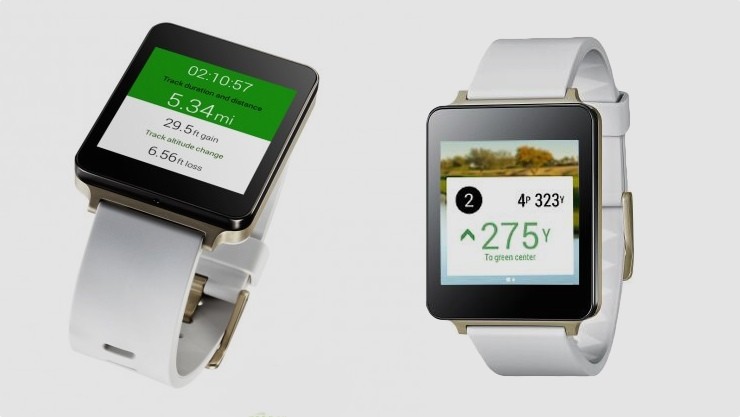
Of course it isn’t possible (yet, anyway) to play a golf game on your smartwatch but the Golf Shot app can help you in your real life game and has details on more than 500,000 golf courses around the world, including details regarding the distance to the hole and will even suggest which club to use. Golf Shot also features very detailed images from satellites and is great for sharing your progress and skills with the world.

Price: Free

15. InstaWeather

instaweather

Image source: ggpht.com

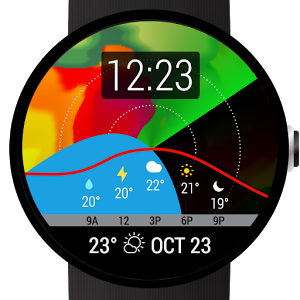
InstaWeather is a very good weather app that gives the user very complex details and information in real time right on the user’s watch. The app shows you satellite pictures so you know when to expect showers and also has some very beautiful forecast screens. It looks best on the circular LG G Watch.

Price: Free

BONUS: Wear App Manager

wear-app-manager

Image source: ggpht.com

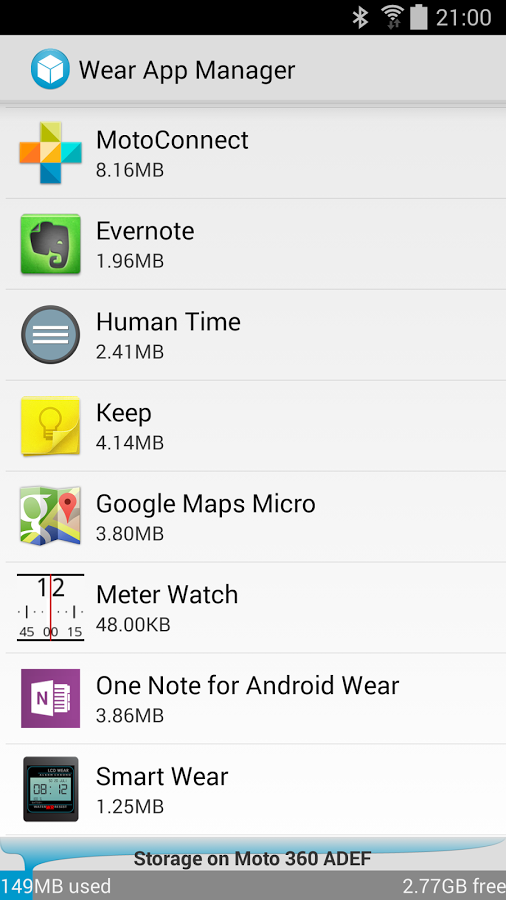
Once you install a whole bunch of Android Wear apps, finding all of them can be very difficult. You could create a special folder for all the apps or you can use this great app for just 99 cents. Wear App Manager organizes all the wear apps on the phone and makes them more accessible.

Numerous apps offer Android Wear capabilities also but you might not be aware of it. For example, our favorite SMS app works with Android Wear. People who use Go SMS Pro may not be aware it also has Android Wear functionality. This app will help you find which apps installed on your phone offer watch capabilities.

Wear App Manager lists all the Wear apps that are installed on your smartphone. Tap on one of the apps in the list and Wear App Manager will give you details and information about the permission and size of the app. The app also shows a link to the Play Store. Wear App Manager allows you to open an app or uninstall it.

Price: 0.99 $

So there you have it. This was our list of 15 best Android Wear watch apps available right now. We hope we helped you in choosing what apps best suit you. All of these apps can be searched and downloaded on the Google Play Store.

Filed Under: Tech & Science Tagged With: android, android wear apps, best android wear apps, Best Android Wear Watch Apps, smartwatch, smartwatch apps

Review for Xbox One with Kinect

December 29, 2014 By Roxanne Briean Leave a Comment

Each and every single day, gaming companies work on how to improve the overall gaming experience. Even if it seems like only a couple of years ago kids, teenagers and adults alike were looking for a console that provides a good functionality, times have now changed, so a lot of stuff must be taken into consideration before purchasing the best gaming console.

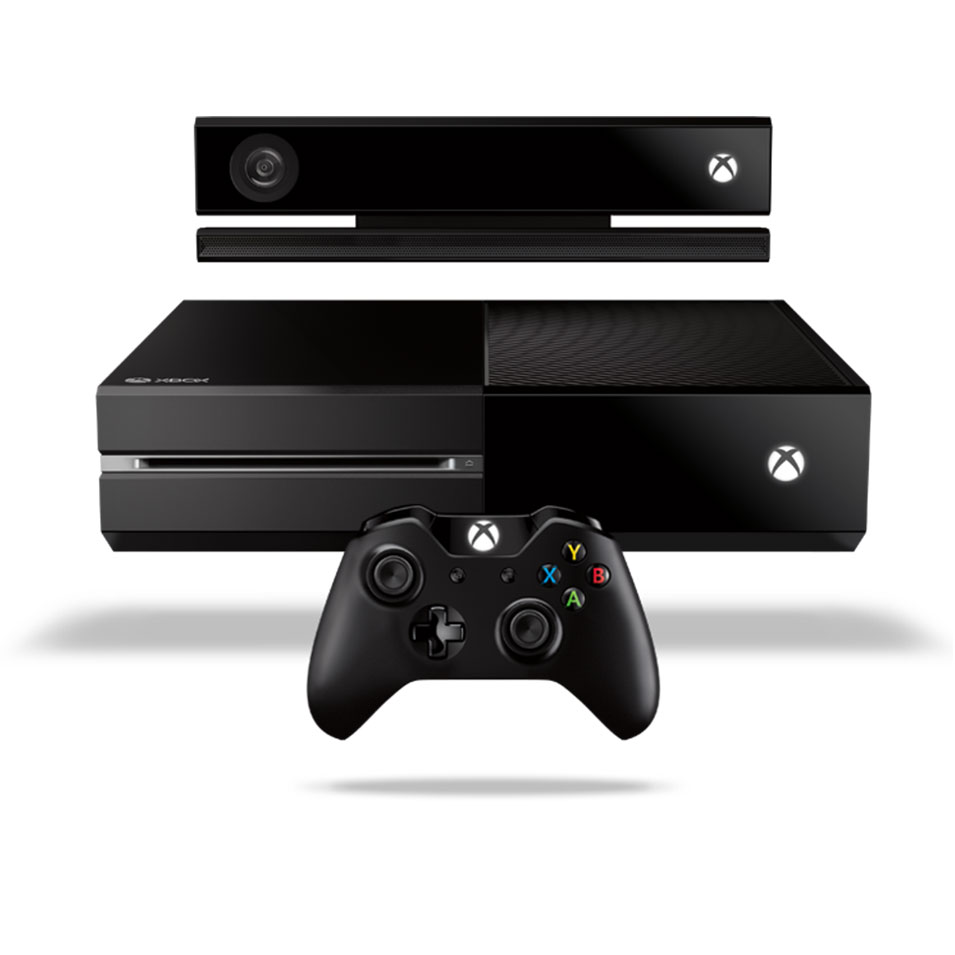
One of the most important facts that you need to think about before buying any gaming console is how are you going to use it. If you are looking for a basic gaming experience with nothing too complicated or advanced technology, then the Xbox One is probably your best choice. However, if you want a full gaming experience and an interaction between you and your console, choose the Xbox One with Kinect sensor.

xbox one with kinect

Image Credits

Xbox One with Kinect may seem the same as the first Xbox One since its looks have not changed, but that is only made to deceive you. Microsoft announced that they are going to interact more with their customers and until now, they kept their word offering a series of updates meant to broaden and deepen the gaming experience with the Xbox One Entertainment.

The console

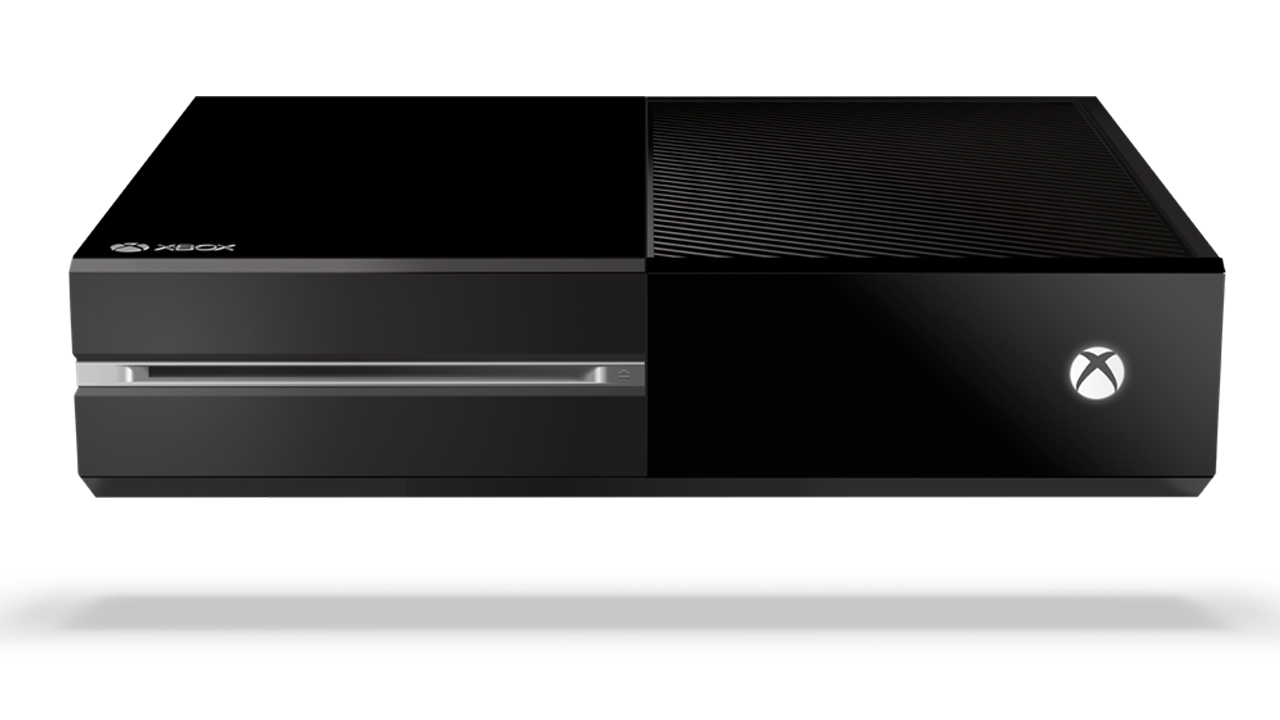
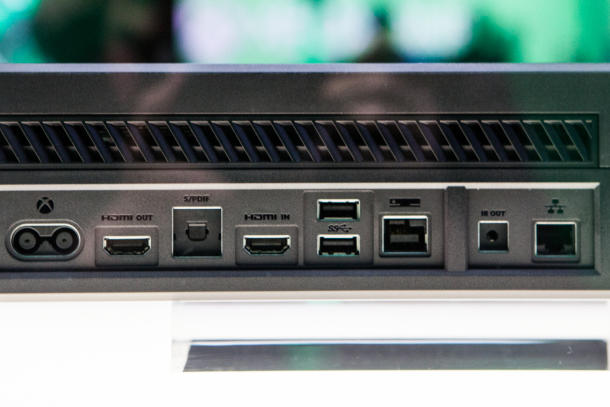
Well, the console itself has somewhat of a bulky design, with glossy panels, black vents and some silver accents from place to place. It measures 13.1″ x 10.8″ x 3.25” and it has several ports such as USB 3.0, HDMI, Ethernet or IR Out. When it comes to what the console is actually capable off, it comes pretty close to its biggest competitor, PlayStation 4 some of the most notable differences between the two being the Xbox’s lack of Bluetooth, the difference between the Xbox’s RAM of 8GB DDR3 and the PS4’S 8GB GDDR5 memory and the fact that you cannot replace the hard drive of an Xbox One.

xbox one with kinect

Image Credits

However, even though the Xbox has no Bluetooth connection, the controller uses a different technology to communicate with the gaming console and you can add up to two USB 3.0 flash drives to supplement storage space. Through the HDMI ports you can control the console from your laptop or connect it to your TV. Although the console is capable of running beautiful games at really high resolution, it is still quiet and fast. You can easily be tricked from its design that it’s just a piece of technology dated at least 20 years ago, but don’t be deceived, there’s a beast lying under that case.

xbox one with kinect

Image Credits

The differences in graphics between Xbox One and PS4 are not that noticeable, especially if you don’t have an eye for it or you don’t see them running at the same time. Although you might tend to believe all the criticism around the internet, don’t conclude anything until you have tried playing on both consoles. You would be surprised on how many people are actually choosing a console just because of the brand and not because of the gaming experience.

If the only thing that keeps you back from purchasing the Xbox One is the fact that you feel reluctant on paying $500 for a gaming console, remember that it is not just a gaming console, it is a full blown look into the future.

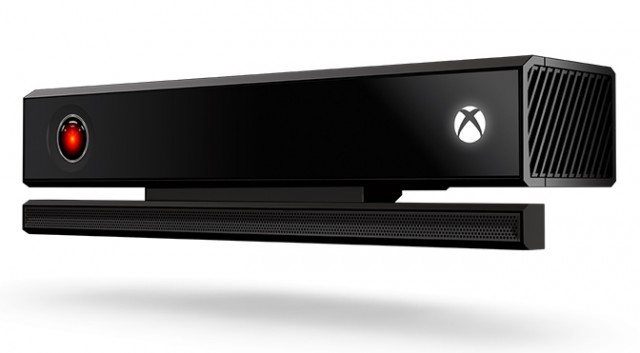
Xbox One and Kinect 2.0

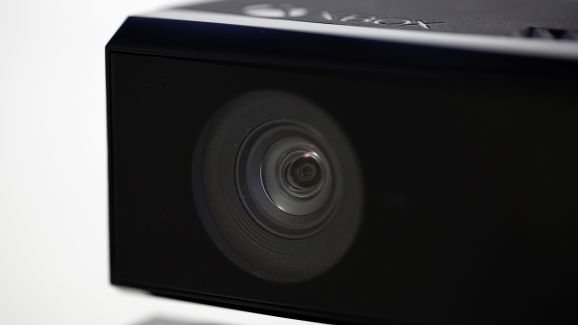
Kinect was first envisioned by Microsoft as a way to expand their customers above the level of hardcore or casual gamers. By using a webcam peripheral, they tried to introduce the idea of control through gestures and speech since 2010, when it was first released.

xbox one with kinect

Image Credits

Although many gamers do not agree with the idea of Kinect on Xbox One simply because it adds $100 to the price of the console, this was not the idea behind Kinect in the first place. Gamers will always be gamers and will always value graphics, control and response time way more than the ability to have a machine that recognizes your voice. However, when you are a casual gamer and want a gaming console that can also blend into your living room, Xbox One with Kinect 2.0 is definitely what you are searching for.

A series of voice commands are available and Kinect even allows you to record and save other people’s voices so that when they are around, the console can bring up some of their TV or gaming preferences.

You can start up your Xbox as soon as you get home without even lifting a finger, just by opening your mouth and saying “Xbox, on”. Commanding a console has never been easier and the interaction between users and the console is what Kinect is truly about.

When it comes to gaming, Kinect 2.0 might seem a bit slow and bulky. The different hand gestures that you have to use are not that easy recognizable and they don’t really enhance the gaming experience. This is a whole lot of a different story if you are actually playing games that involve gestures or movements and there are even several games available that you cannot play without Kinect, such as Kinect Sports Rivals or Fighter Within.

xbox one with kinect

Image Credits

Kinect 2.0 is fairly easy to install and it only takes about 10 minutes to do it. At the beginning, you will introduce your face to the system and it truly works wonders on recognizing you through glasses or facial hair so don’t worry about changing your style every once in a while. A sound check will also be conducted for the system to make sure it can hear you over the sound of the TV.

As for Kinect’s microphone, it does not have troubles hearing you over the sound of the TV but the situation changes if you have a lot of people chit chatting around you so make sure you do not have a lot of people around you when you talk to the system. If at any time you find it difficult to use voice commands or the system does not recognize what you are saying, you can easily switch to your controller, without having to tell the system to stop listening or making it aware of the switch.

Xbox one with Kinect 2.0 is meant for people who want to mix up a great gaming experience with social media and upgraded technology by allowing your system to either hear or see you or even react to your presence in the room and this is what makes the $100 difference In price between Xbox One with or without Kinect.


xbox one with kinectImage Credits

Even though there is a lot of room left for improvement especially when it comes to the overall gaming experience, Kinect is surely something you need to check out by yourself before making a decision. Odds are that you will either hate it or fall in love with it at the first sight. There is nothing in between.

You can choose to either buy the Xbox One with the Kinect 2.0 or buy Kinect separately if you already own the gaming console.

Gamepad

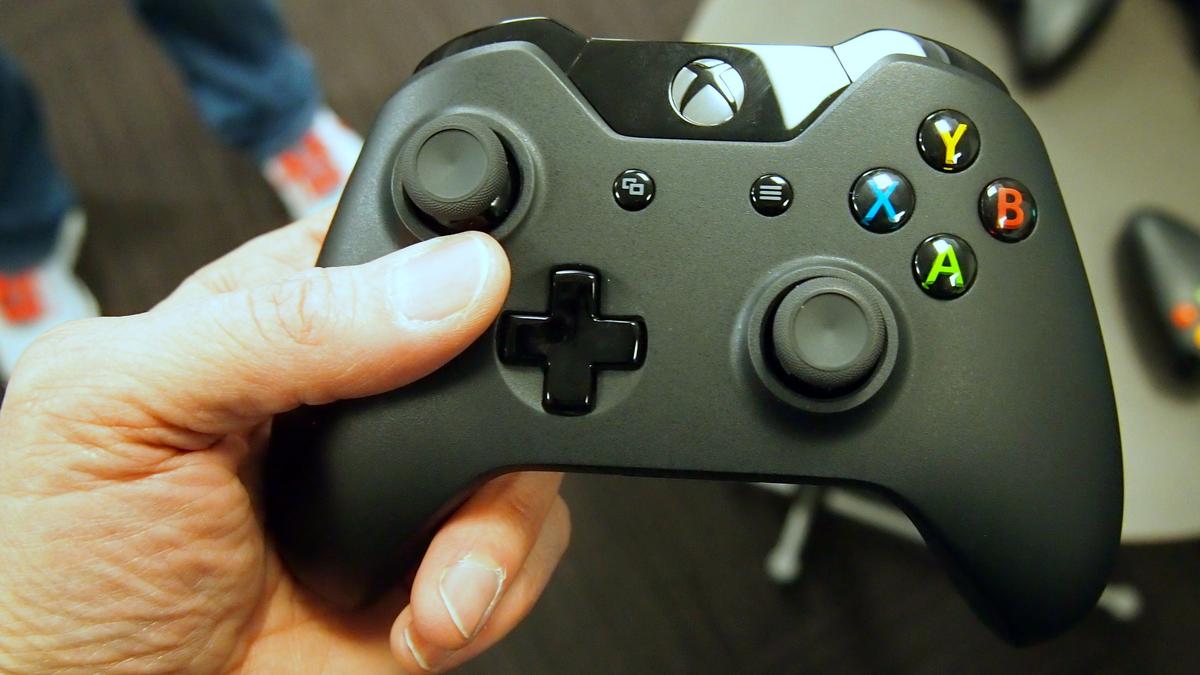
The controller available for the Xbox One with Kinect 2.0 is fairly similar to Xbox 360’s controller, so if you enjoy that one you will probably fall even harder for the new one.

xbox one with kinect

Image Credits

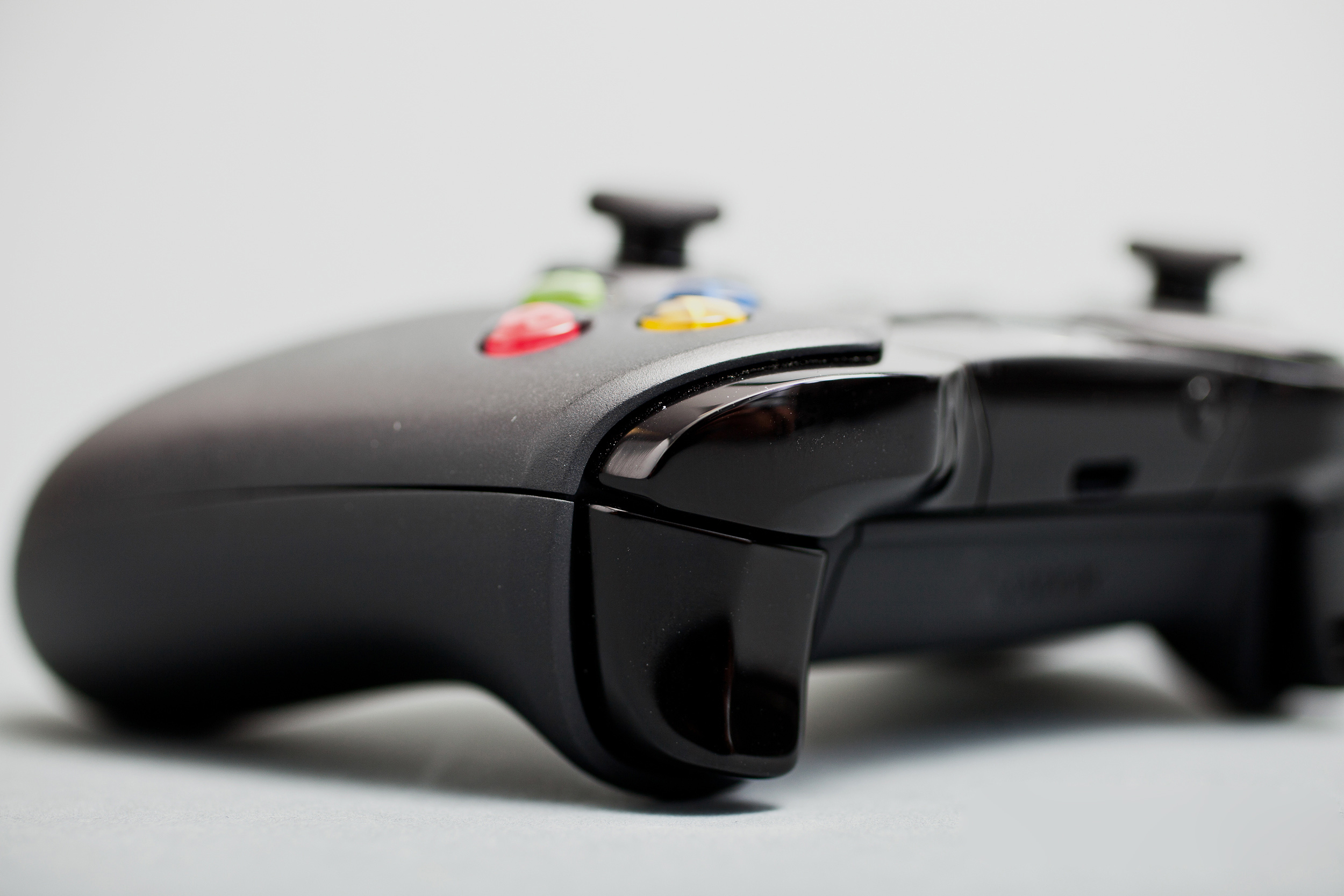
Similarities can be found as soon as you lay eyes on the new controller, since the shape and the placement of the buttons are still pretty much the same. However, many improvements have been made to the new gamepad making it look more appealing and adding new triggers. The precision of the buttons and analog sticks has been improved as well. If you were struggling with the thumbsticks on the Xbox 360’s gamepad, be happy to learn that they have been offered a new look on the Xbox One’s controller. An additional rubber rim is meant to keep your thumb locked into place even if you are in the blaze of fantastic but very engaging game.

xbox one with kinect

Image Credits

One of the downsides of the new gamepad is the fact that you need to buy a different headset if you want to listen to game audio while chatting. Another one is the stiffness of the new shoulder buttons, which is very noticeable especially if you use them repeatedly.

User interaction with the interface

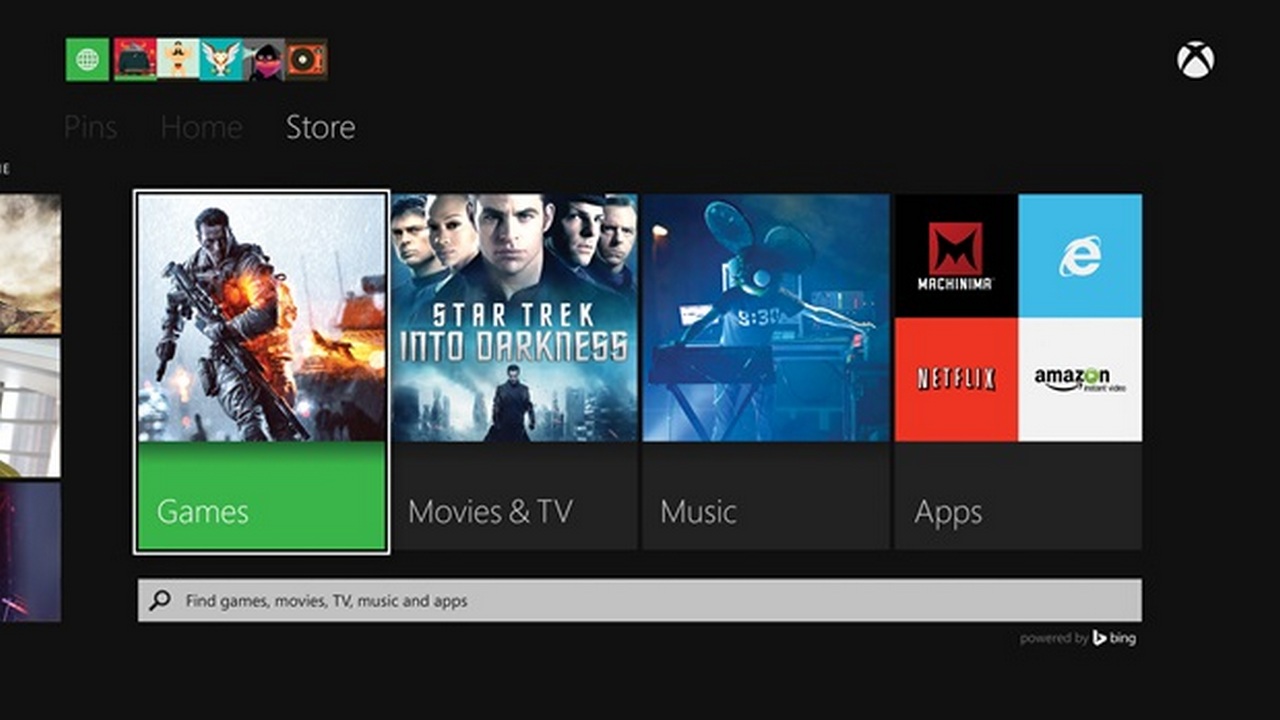
When it comes to the interface of the new Xbox One with Kinect, many influences from the App-like interface of Windows 8 can be spotted. There are loads of information and cool stuff lying around but you will most certainly have difficulties on finding all of them. After a while of continuous searching and digging though, you will not find it difficult anymore.

xbox one with kinect

Image Credits

This is the moment when Kinect 2.0 starts to shine, as the interface is way more manageable with the help of the camera and microphone. Voice commands are pretty fast and the response time of the console is kept to a minimum.

After a beloved gaming session you can use your console to watch Live TV, share, view or upload different media files from both internal or external hard drives, find out real time detailed stats about your favorite sport teams or even stream TV shows or movies online through some of the most popular services such as Netflix, Crunchy roll or Hulu Plus.

xbox one with kinect

Image Credits

However, you will find yourself struggling with the accuracy of the words coming out of your mouth, and that won’t happen only once. When the system actually works and recognizes your voice and what you are saying right from the start, it’s marvelous. You are able to start up your system and start gaming or watching TV in no time by simply saying a couple of words but when you don’t say the right words or you don’t say them accurate enough, that’s when the real fun starts. It’s already pretty funny that we are able to speak to electronics, imagine how funny it is for other people to see you all frustrated and angry on a console.

Keep your cool though and don’t let a piece of machinery tell you what you can say and what you cannot. Also try practicing in front of the mirror, maybe that can help as well.

After a year of updates and introducing new feature, Xbox One is finally on the right track to becoming the best all in one device for your living room. Microsoft is continuously working on how to make users stop bothering about how other consoles work or what they do better and focus on what Xbox has still left to offer.

After taking into consideration all of these facts, Xbox One with Kinect 2.0 is an ultimate gaming experience but not actually focused on the gaming part. It is still able to run games amazingly and it still is one of the best gaming consoles out there, but Microsoft is not all about the gaming anymore, but about upgrading the current technology. Be prepared to take a look into the future and for some machine-human interaction in the comfort of your own living room.


Filed Under: Tech & Science Tagged With: Kinect 2.0, Kinect and Xbox One, Xbox One, Xbox One gamepad, Xbox One review, Xbox One with Kinect 2.0, Xbox One with Kinect review

10 Best Fire HD Accessories

December 29, 2014 By Roxanne Briean Leave a Comment

Tablets are getting more and more powerful by the year and they also benefit of an increase in popularity. In order to keep up with technology when it comes to tablets, Amazon released four generations of tablets starting with 2012.

In this top you will find some of the best Fire HD Accessories by Amazon.

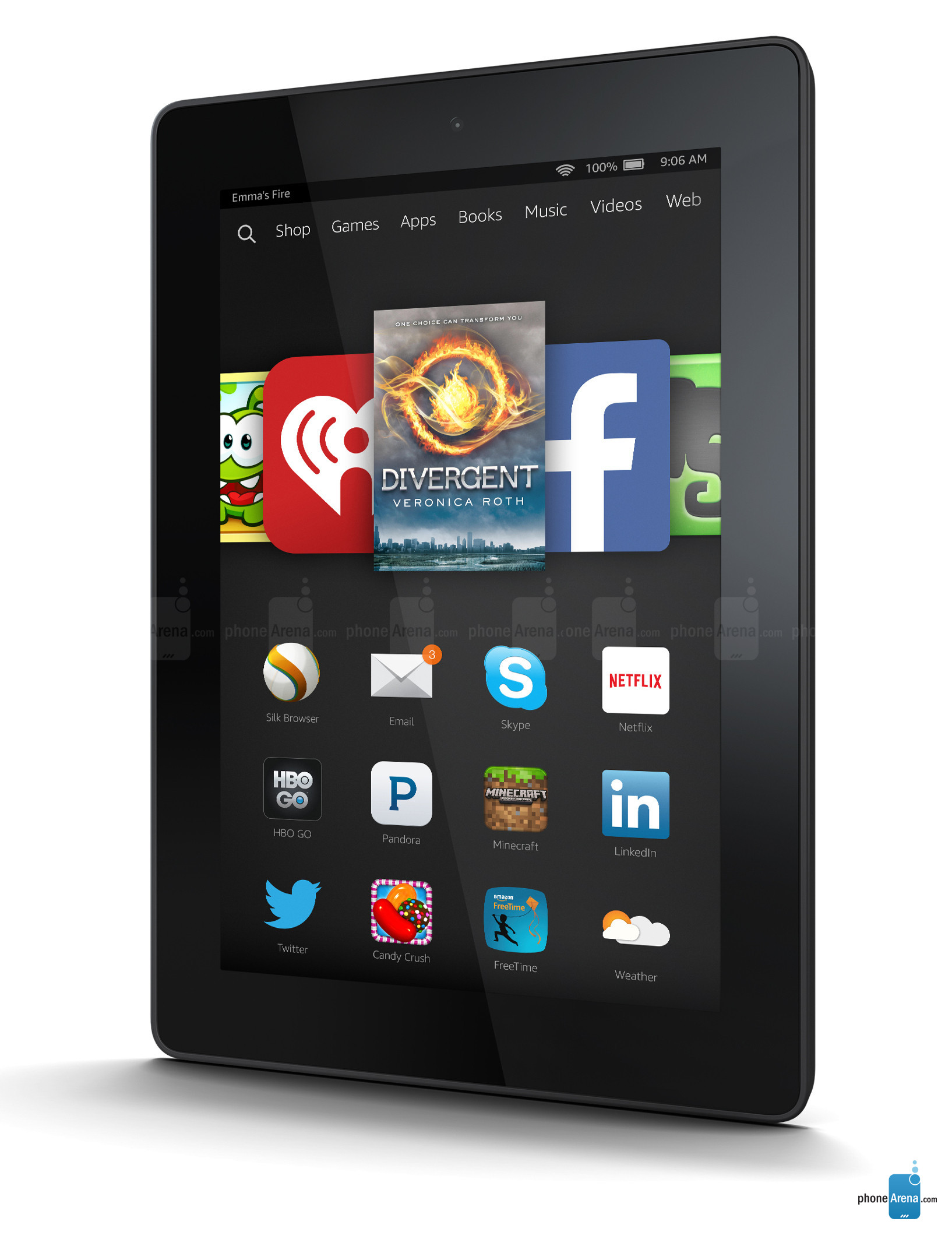
Since this year, the name of Amazon Kindle Fire tablet has been changed into simply Fire HD and the new generation of tablets is available in stores since October. A tablet designed especially for kids has also been released under the name of Fire HD Kids Edition. The previous generations of Kindle Fire HD have been discontinued.  Also starting with the 4th generation of Amazon tablets is the fact that Fire HD is now available in a variety of colors, such as bright green, white, black, blue and magenta.

Fire HD accesories


Image credits: PhoneArena

For the best Amazon Fire HD tablet experience, you have to purchase the best Fire HD Accessories, 10 of which you will find in this top. From tablet cases, the best charger and battery pack to a protection plan, you will find them all here.

We have so many choices nowadays that you do not actually now what is better for you and your experience unless you do a bit of research first. These accessories are meant to improve your tablet experience and to protect your Fire HD in order for it to last longer.

1. Tablet case

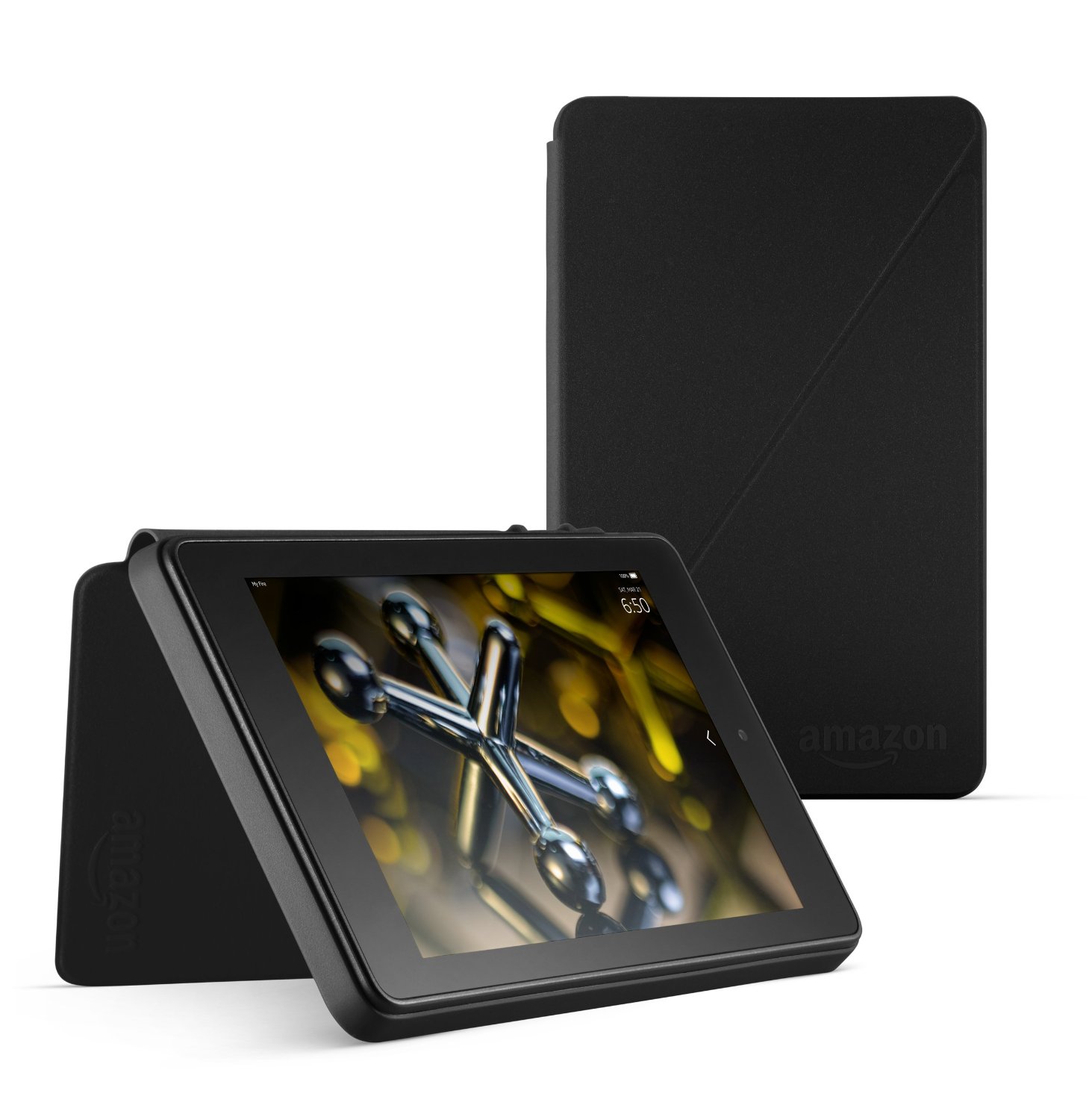
The first accessory you need to think about when purchasing a tablet, especially if you buy it for kids or people, who tend to drop thing is a tablet case. Don’t overestimate the design of the Fired HD 6 or 7, it will crack if you drop it but have no fear, we are coming to your aid by presenting one of the best Fire HD tablet cases currently on Amazon.

Fire HD accesories

This case provides full protection of your screen and it can also be used as a support to make your tablet stand. It comes in a variety of colors so you will surely find the color that fits you best. Although your tablet may seem a little bulky with a case, it is better to have a bulky tablet than a tablet with a cracked screen or no tablet at all.

This case is available for Fire HD 7 here and for Fire HD 6 here.

2. Screen Protector

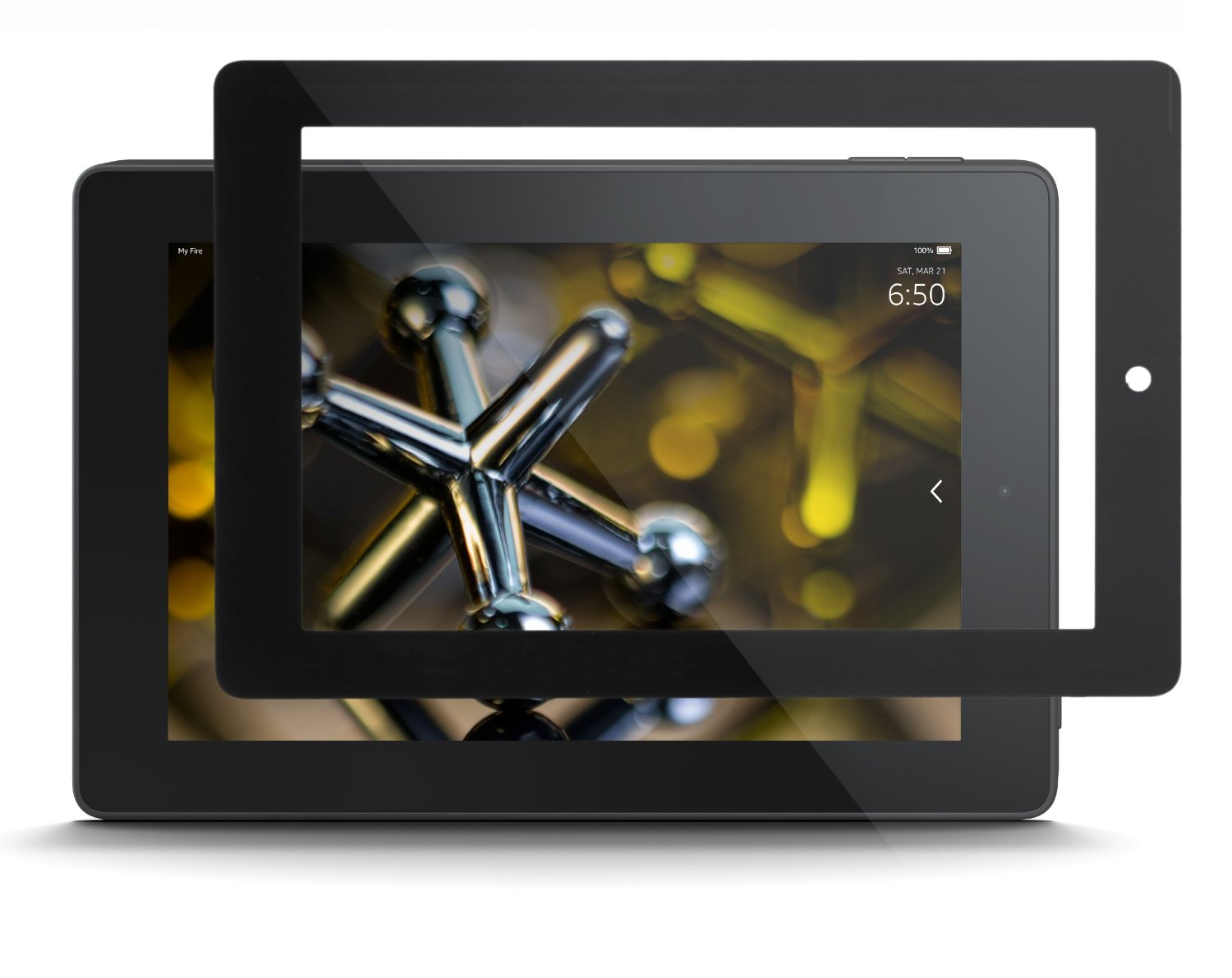
After purchasing a tablet case, the next great thing you can buy to improve the protection of your Fire HD tablet is a screen protector. It can be quite expensive to go into a shop and buy a screen protector while also paying for someone to put it on your tablet. Fortunately, Amazon has a large range of screen protectors that you can choose from.

Fire HD accesories

This screen protector promises to deliver a bubble-free experience on your tablet and it is almost unnoticeable. The installation should be very easy even for someone who has not put on a screen protector on a tablet in their life. A screen protector is very important because it does exactly what the name implies, it protects the screen from scratches, dust and other factors and keeps your tablet looking like new for longer.

The screen protector for Fire HD 6 is available here and for Fire HD 7 is available here.

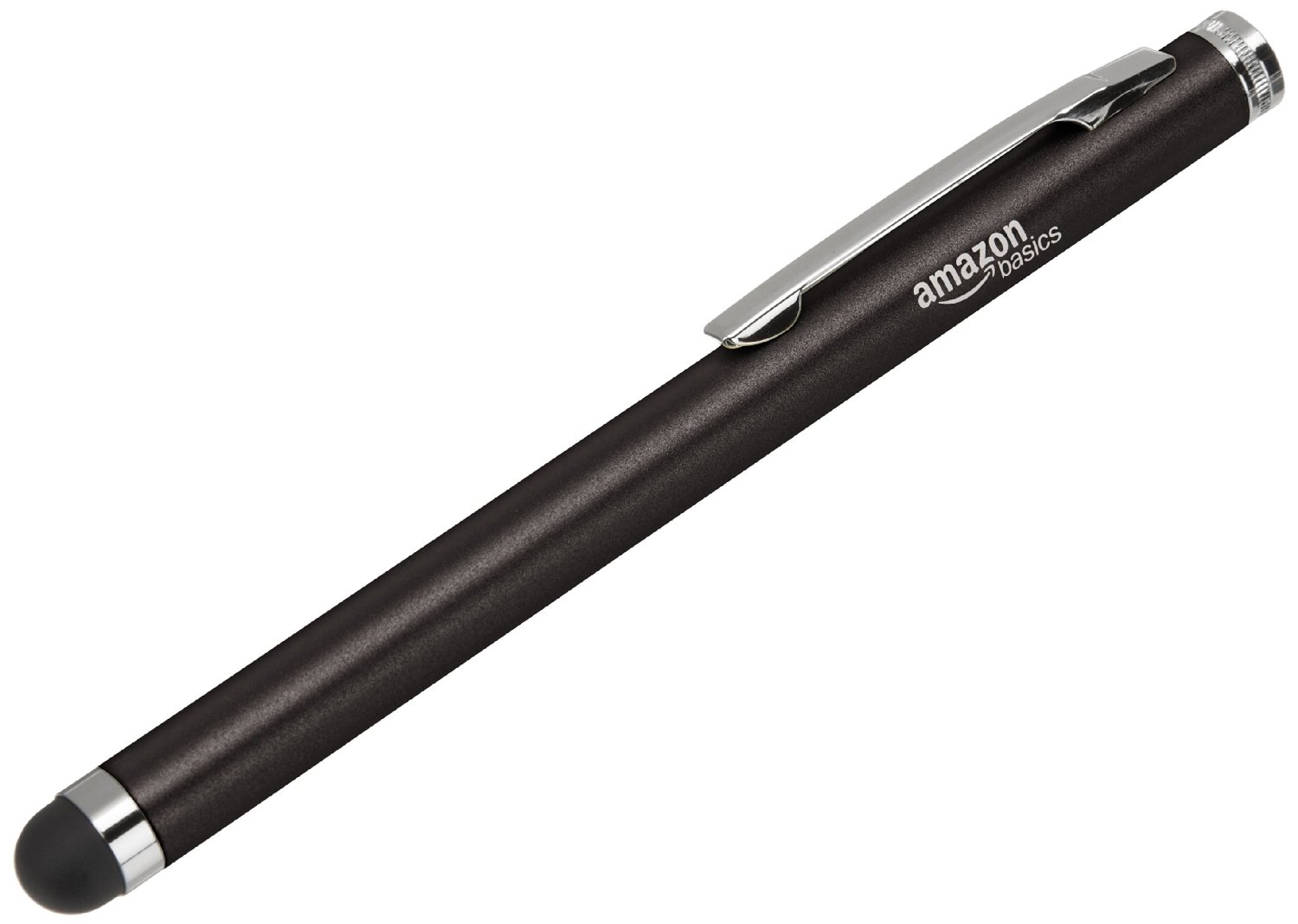
3. Stylus Pen

Although a stylus is not a must have when it comes to tablets, it definitely improves your experience with the tablet. Our fingertips are never actually dry, they are either sweaty, greasy or wet so imagine how our touch screens struggle to recognize the movements we apply on the screens. If you want a grease-free experience on your tablet and want the tablet’s response time diminished, you should definitely consider purchasing a stylus.

Fire HD accesories

One of the best styluses for touch screen devices, so not just only for your Fire HD tablet is this one. Since this generation of Fire HD tablets is the only one that offers you the chance to pick your tablet in different colors, you can purchase a stylus in the same color as your tablet.

Purchase the Amazon Stylus here.

4. Headphones

Of course you can use any type of headphones on your Fire HD tablet, but in order to take advantage of the full sound experience provided by your tablet you should consider purchasing devices from the same category or the same company.

Fire HD accesories

Given this fact, here are a set of headphones from Moshi that come in a protective case, which makes them easy to use and carry around. They also come in four different colors and are currently on sale on Amazon, so be sure to purchase these as soon as you can. You will not regret it.

Find the Headphones here.

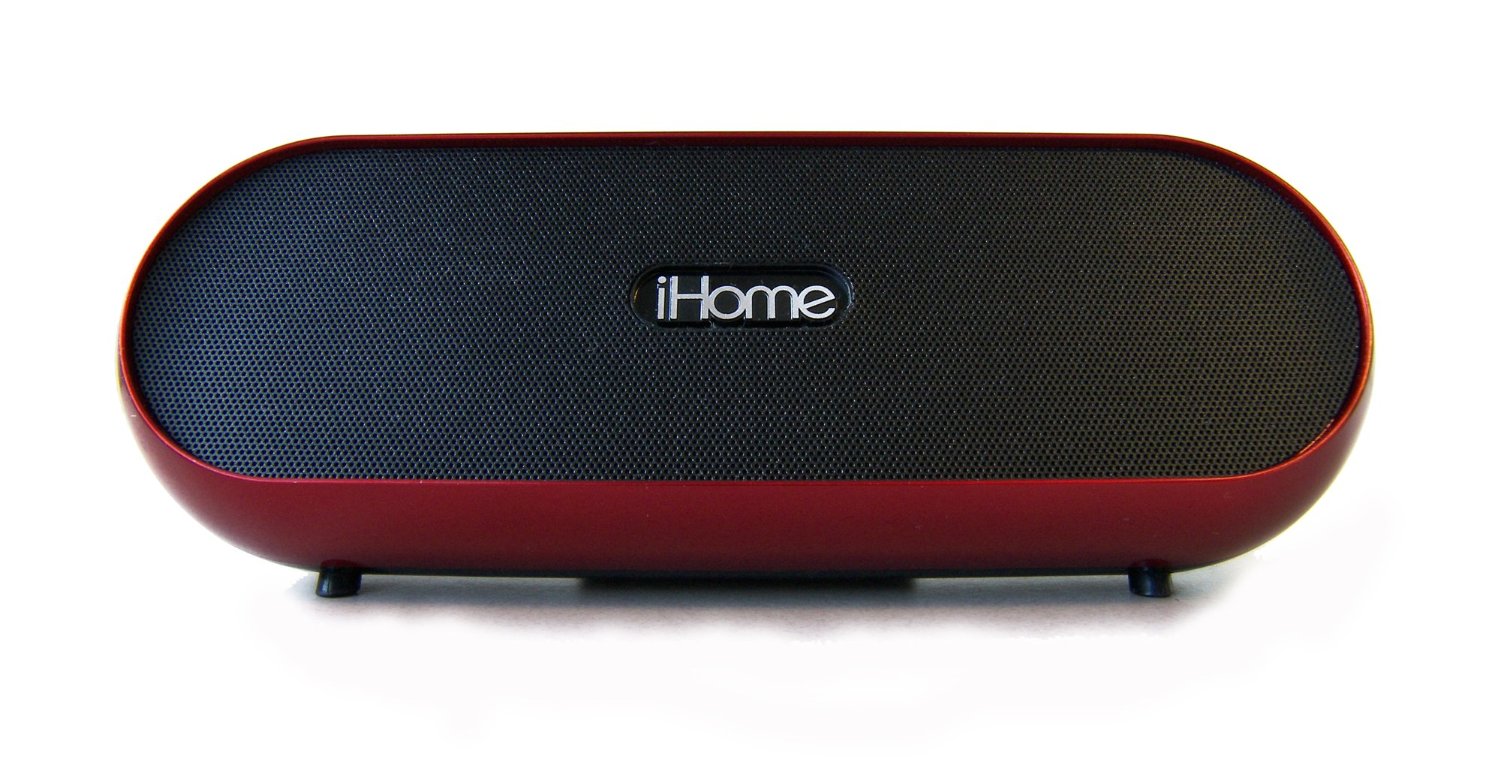
5. Bluetooth Speakers

If you want to use your tablet to mainly watch movies or listen to music and want a very good sound experience which others can enjoy as well, you should think of purchasing a speaker. As cables can sometimes be really annoying and if you already have a wireless device, why choose to add a wired speaker to it, here we will present a speaker that connects to your Fire HD through Bluetooth. You can use the speaker up to 30 feet away from your tablet and it promises a decent sound experience.

Fire HD accesories

This Speaker system works with any type of Fire HD, Kindle Fire HD tablets or any device with a 3.5mm jack.

Find it available for purchase here.

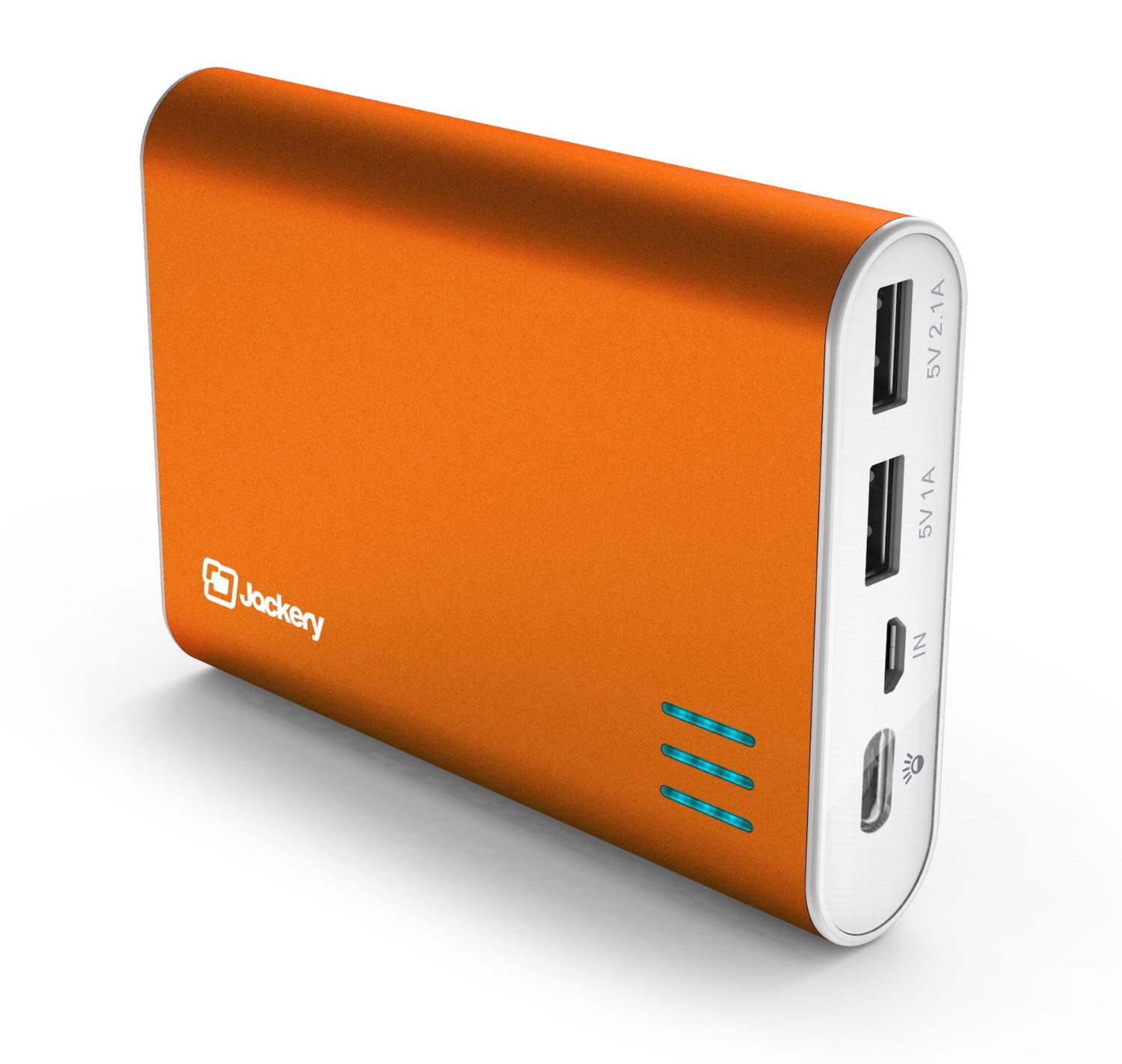
6. Battery

If you want to go on vacation and you are not sure whether or not you will have an outlet to charge your tablet then this is a solution you should definitely consider. It does not matter where you are, what you are doing or where you are going, this pocket size portable battery charger is there to help you when in need. You simply have to charge it before heading out and then enjoy the super-fast charging through both of its USB ports.

Fire HD accesories

The portable charger is compatible to a series of devices and fits enough power in it to keep your tablet or phone going.

If you want to buy the device simply click here.

7. Charger

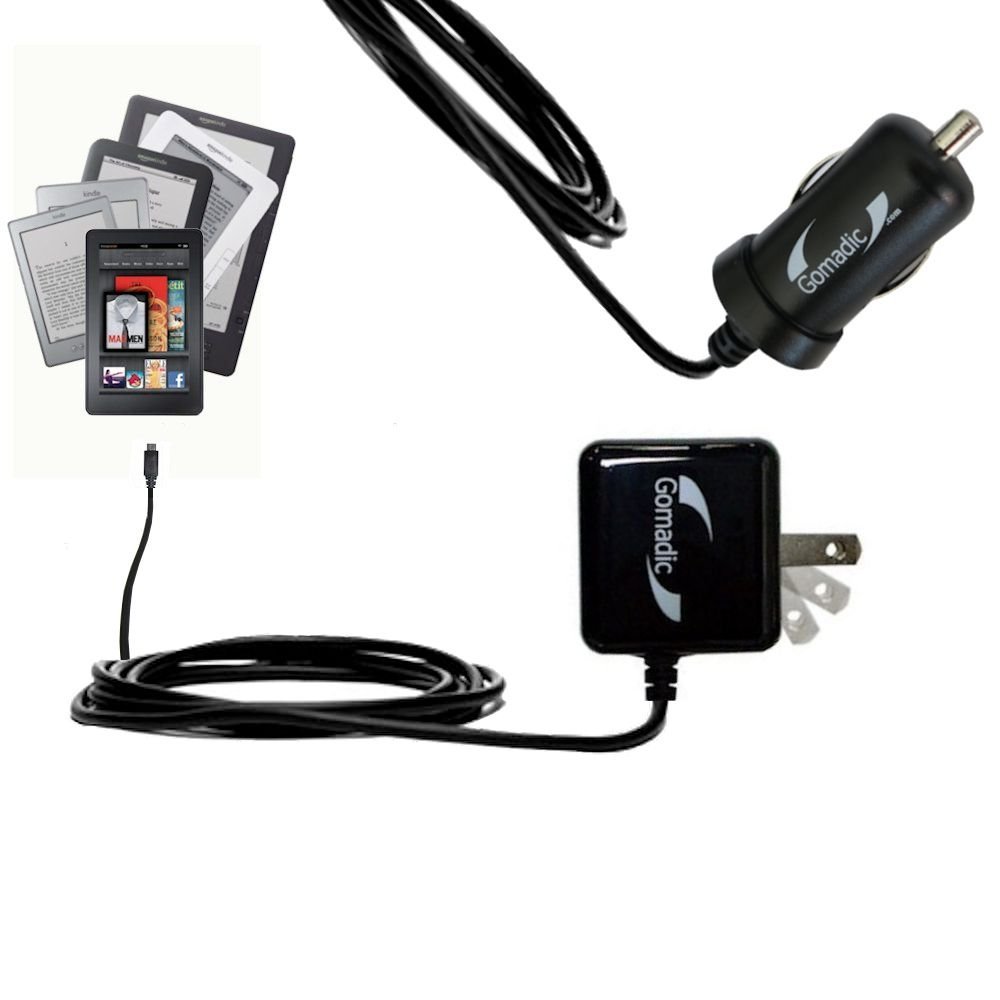
If you want to take advantage of the full Fire HD tablet experience then you should also take into considerations all the possibilities you have to charge your device. In order to help you decide which option is better for you and your needs, here you will find a full kit of chargers and electrical accessories.

Fire HD accesories

The kit includes:

DC Car Charger and an AC Wall Charger

Advanced internal circuitry prevents device from power surges; overcharging and short-circuiting

High current output current ( 1000mA ) for faster charging; full lifetime warranty

Lifetime Warranty on Gomadic Brand products

Charging adapter works with both foreign and domestic outlets (100-240 Volts AC)

These are probably all the electrical components you need to be able to charge your tablet from pretty much anywhere.

You can find the kit here.

8. Tablet Stand

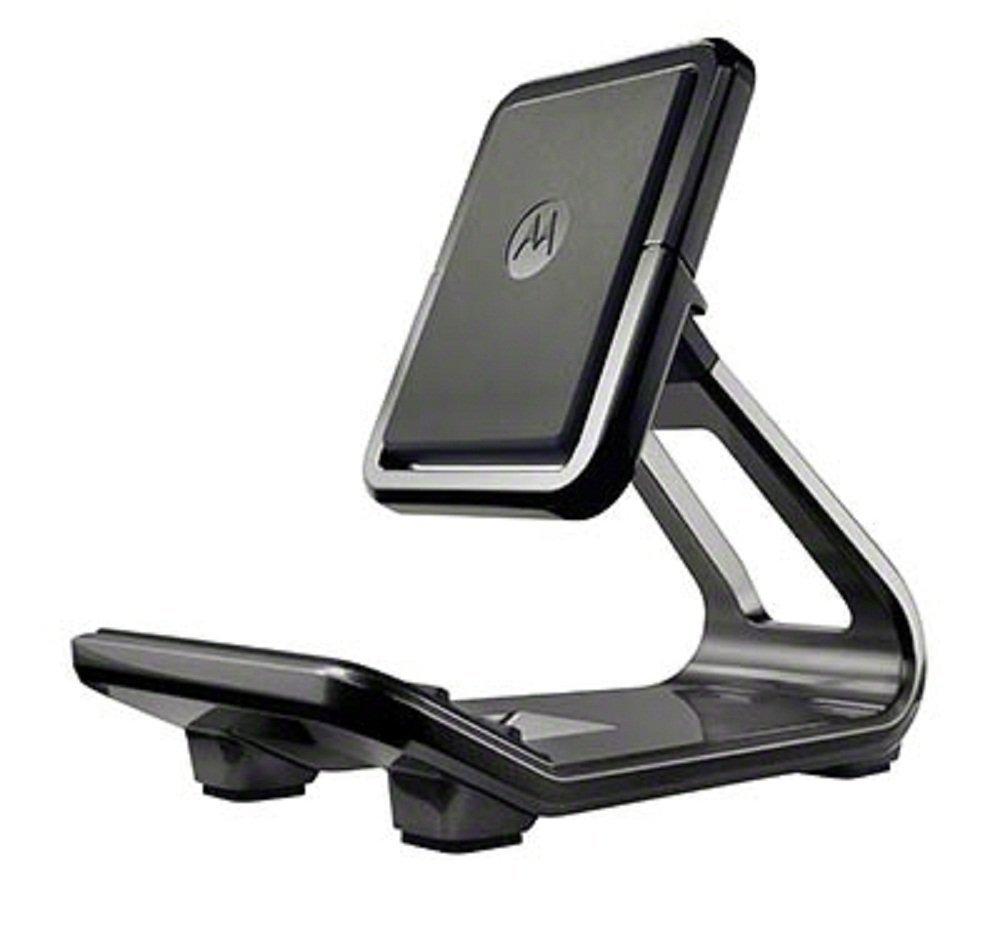
Although you can choose to buy a case that can also keep your Fire HD stand, many cases are too fragile for you to actually be able to touch your tablet without holding it. If you want to use your tablet almost as if it was a laptop, you should consider purchasing a tablet stand. With it, you can watch movies, play games or simply surf the internet using both of your hands and without the risk of dropping your tablet.

Fire HD accesories

One of the best tablet stands is the universal Flip Stand by Motorola and it’s compatible with both smartphones and tablets.

You can purchase it from here.

9. Keyboard

Although kids might not feel the need of a keyboard on their tablet because games are usually played using the touch screen, if you have bought the Fire HD for yourself and you are using it to its full capacity, a keyboard will definitely improve your experience.

Fire HD accesories

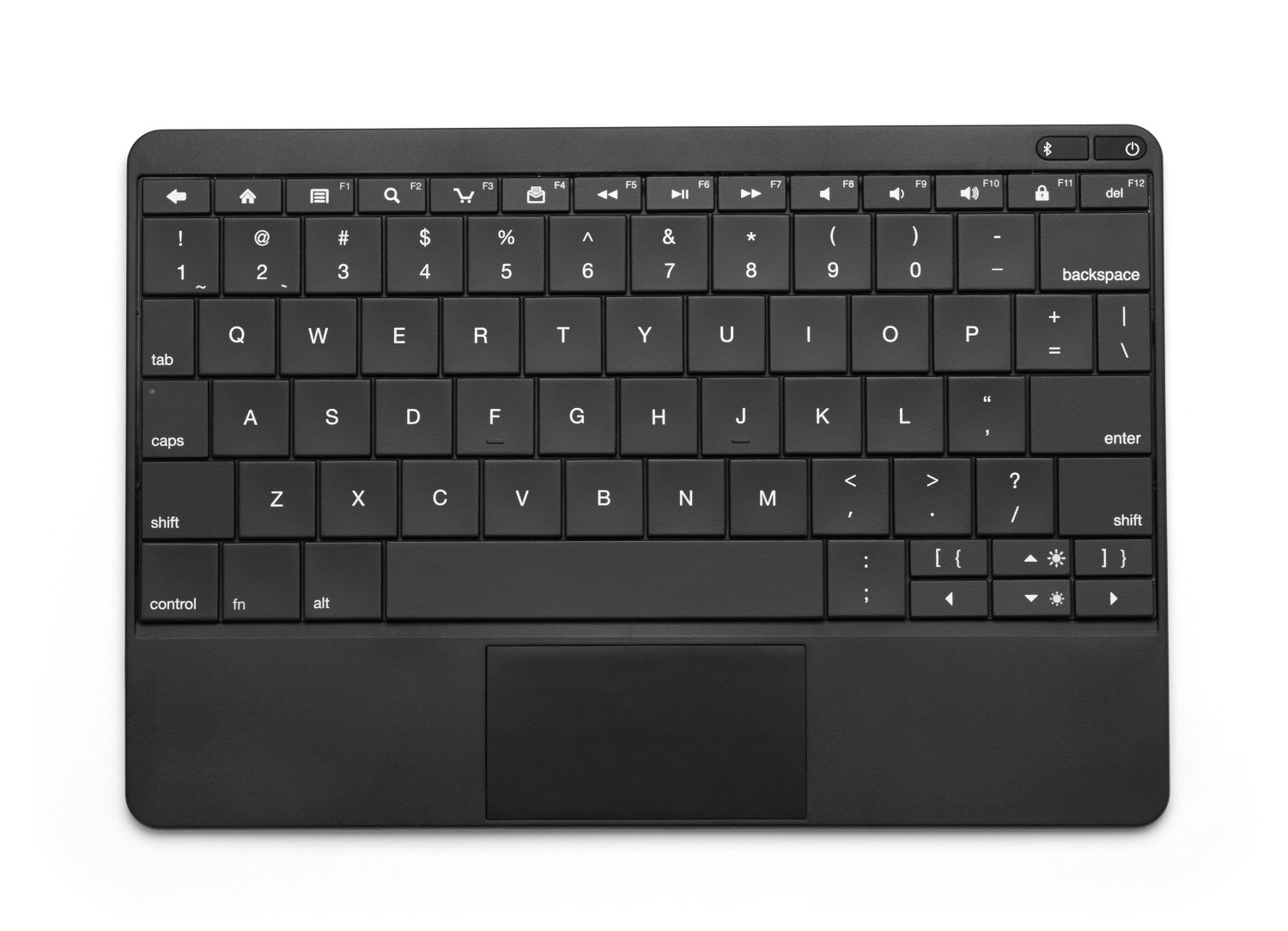
Fire Keyboard is a device compatible with all the four generations of Amazon tablets and it offers a a thin and light experience through its design. The keyboard has almost all the features as a normal keyboard and it is wireless.

Purchase the keyboard here.

10. Protection Plan

If you are really concerned about the well-being of your Fire HD and want to be covered no matter what you or others manage to do to the tablet, you should purchase a protection plan.

You can choose a one-year, 2-years or 3-years protection plan from Amazon and it also comes with accident coverage. This protection plan is not only available for Fire HD tablets but for a series of Amazon devices. Depending on what you use your tablet for and who uses it, a protection plan may prove very useful.

Fire HD accesories

The protection plan covers both mechanical or electrical flaws and flaws cause by accidents. Once you have reported an issue with your device, you will receive a replacement after 2 or 3 days, without any other charges or fees.

A list with all the available protection plans for different Amazon devices is available here.

Fire HD has been described as a bargain, providing a powerful device on a pretty low price. However, if you are looking for a great tablet, not just a good one you should be prepared to spend a bit more on it.

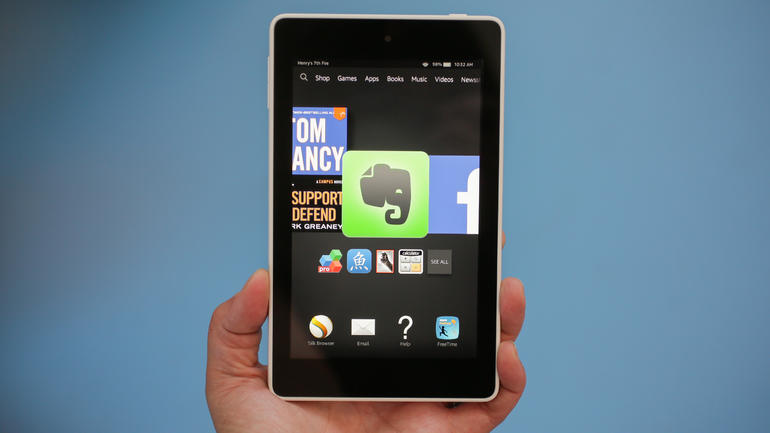
This tablet is somewhat similar to its predecessors but it does bring some new card on the table. The CPU has been improved to a Quad-core of 1.5 GHz, the graphics are better and even the weight has decreased, making Fire HD the lightest tablet in all three generations. Fire OS 4 or Sangria is user friendly and makes the tablet easy to use by the whole family.Fire HD accesories

Image credits: cnet

One of the major downsides of this tablet is the fact that it lacks the possibility of increasing storage space. The tablet comes with an 8 GB or 16 GB internal storage which considerably narrows its capabilities but if you are looking for an inexpensive tablet to use every day for internet, GPS and a couple of games, the Amazon Fire HD should do the trick.

Also, since Amazon is aware about the fact that most people use their tablet on the beach or at the pool, they conducted tests on it using fresh and salt water spray. However, don’t think that the device is waterproof, the tablet simply works okay in conditions of low to medium humidity.

Fire HD accesories

Image credits: Amazon

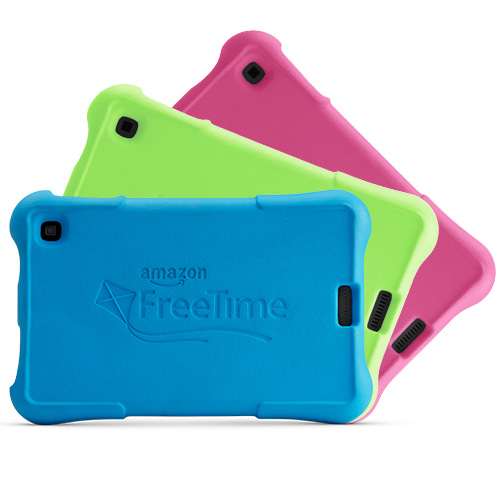
The “Kids Edition” of both Fire HD 7 and Fire HD 6 devices comes with a two year warranty, a childproof case and a free one year subscription to Amazon FreeTime Unlimited.

Overall, the Amazon Fire HD tablets are really worth the money and with some of the best accessories out there you can make your experience better and longer lasting.


Filed Under: Tech & Science Tagged With: Accessories for Fire HD, Amazon Fire HD tablet, Amazon Kindle Fire HD, best Fire HD Accessories, Fire HD 6 Accessories, Fire HD 7 Accessories, Kindle Fire HD Accessories

Nexus 5 Available Again for a Limited Amount of Time

December 28, 2014 By Roxanne Briean 6 Comments

Many fans of the long line of Nexus devices felt a little disheartened at seeing the famous flagship star of 2013 dwindling into nonexistence when its successor, a few months before Nexus 6 was released and rocked the market with a new mindset and specs to follow. Google’s Nexus 5 one day went out of stock and was never brought back with little to no news as to what its future held.

While this suggested that a new launch was being prepared by Google, rumors of the Nexus lineage ending after not being able to keep up the pace with the other smartphone families also spread and warned us of the possibility that a device that equally balanced quality and price was becoming out of reach.

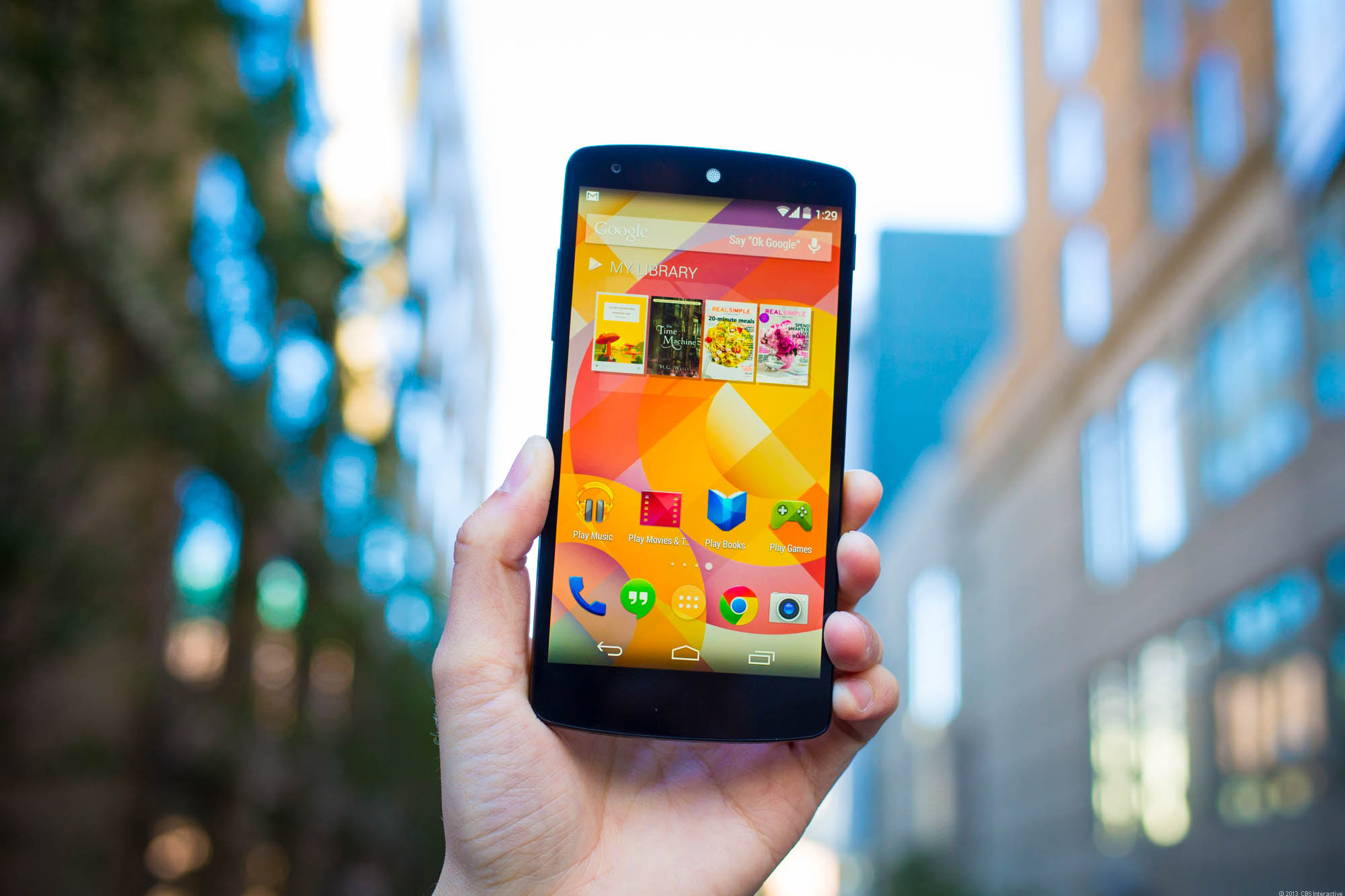
nexus-5-35828372-6361

Thankfully, the Nexus name resurfaced, with new and impressive specs that almost nobody was expecting, but at a much higher price, thus reinventing the brand altogether but also making the name unavailable to more budget-restricted purchases. Even now, as we are nearing the passing into the next year – which developer companies promise will be a revolutionary blast in terms of mobile technology – the Nexus 5 is still a very powerful and highly viable option.

And good news for anyone who was thinking of picking it up but missed their chance to do so: the past few weeks have surprised us as the Nexus 5 made its way back to Google Play Store for a while, before it parts ways with the smartphone market for good in 2015.

Thus, anyone who feels the new Nexus is either too pricey or just too large for their liking can still hurry up and grab a Nexus 5 as an alternative, brand-new and straight out of the factory before the only models you will be able to find will be refurbished or pre-owned devices.

While we don’t know exactly when in 2015 the production of Nexus 5 will conclude, Google has confirmed that it’s in the plans. Grabbing the Nexus 5 might prove to be slightly difficult even now as the product keeps oscillating between in stock and out of stock, but most likely due to demand proving to be higher than the pace at which Google is still producing this particular model. The reason? Nexus 5 is still very much worth your money, and here is why.

What You’re Getting

If you’re thinking that the Nexus 5 would no longer be worth getting more than a year after its release, you would be wrong. Do keep in mind that when it was first put out on the market, it was quite the blast – it helped bring Android 4.4.2 KitKat operating system into the world and cost a very accessible amount of money for its worth. Now, as some Android devices are still waiting in line to grab the latest OS update, the fabled Android 5.0 Lollipop, Nexus 5 is casually passing through the VIP line and can get it right away.

Considering the amount of Nexus 5 devices out there and how popular the phone became after its launch, Nexus seems to have put a little extra effort in making the operating system available for this particular model a little sooner than others, and making sure it’s well optimized before being sent out.

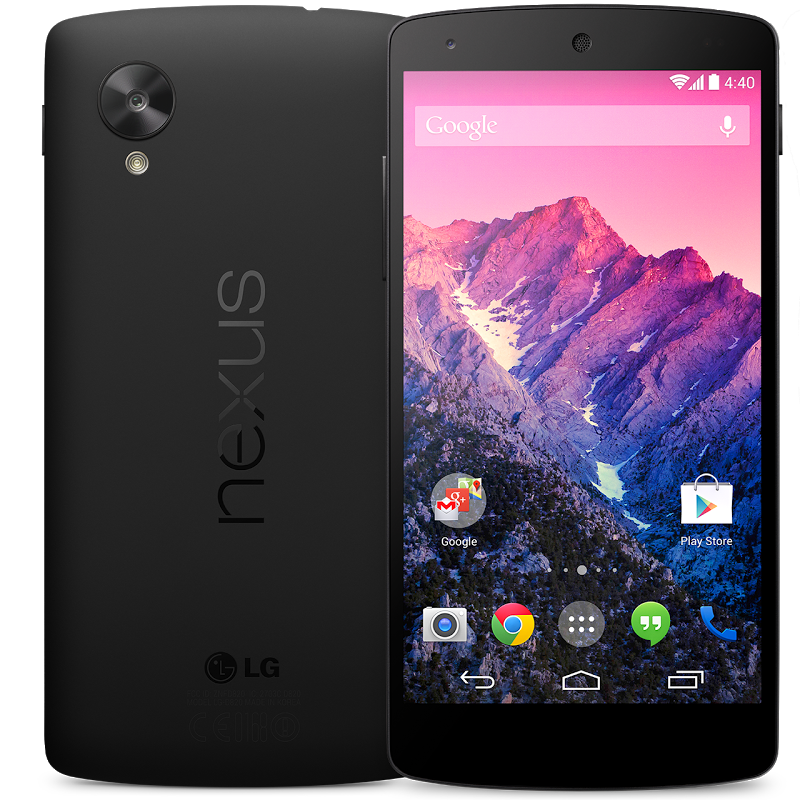
unnamed

It would be farfetched to settle the Nexus 5 into the land of phablets, as it is definitely not as poignant as the Samsung Galaxy Note 4 or the new Nexus 6, having an only 5 inch display. But said display does far from let you down, as it’s full HD 1920 x 1080 pixel, powered up by some impressive hardware. The Qualcomm Snapdragon 800 quad core 2.3 GHz processor used to be a cutting-edge CPU back when it was first release, still maintaining it a considerable candidate in terms of speed and power with current models that haven’t yet transitioned to new technologies (aka the Snapdragon 810 for example).

Besides the powerful processor however, you wouldn’t be leaving empty handed on the RAM either, as it packs a good 2 GB of it to help keep up with all of your multitasking needs and resource consuming applications just as well. To stay in line with these facts, the Nexus 5 also brings a storage space of either 16 GB or 32 GB, these two models kind of alternating in terms of availability right now. With a bit of luck however, you can manage to get the preferred model on the producer’s website as they are still producing both.

Grabbing the 32 GB version might not be the worst of ideas considering that the Nexus 5 cannot be opened and does not own a micro SD card slot. That should not be the greatest of problems however, as the price remains low and in touch of what the brand used to promote before the Nexus 6 release.

If you’re interested to know how the camera would be keeping up with newer releases, do note that the Nexus 5 packs an 8 MP camera that features optical image stabilization and a front-facing 1.3 MP camera to answer to your video-call needs.

If you’re wondering about the price of this smartphone, it’s as low as ever. You could grab yourself the 16 GB version for no more than $349 and the 32 GB one for $399, and that is outside a contract that would normally follow the purchase from carriers for example.

So, if all of the above is in harmony with what you feel you’re looking for in a phone, keep an eye out on the Google Play Store for the Nexus 5 here.

Image Sources: photo 1, photo 2

Filed Under: Tech & Science Tagged With: Google nexus 5, nexus 5 available, Nexus 5 Google, nexus 5 news, nexus 5 phone

iPhone 6 Tweaks and Settings

December 28, 2014 By Roxanne Briean 3 Comments

If you are looking for ways to improve your iPhone 6 experience, then you have come to the right place. In this article you will find out which settings on your phone are enabled or disabled by default and which of them should actually be disabled or enabled and also some cool iPhone 6 tweaks.

Pangu has already released the jailbreak for both iOS 8 and iOS 8.1 so the internet has started to get filled with countless of new tweaks and apps. In order to be sure that what you are installing is right for your phone, here are some of the best updates, iPhone tweaks or apps on Cydia that you must use on your device with jailbreak.

bgr-iphone-6-1

Regardless if you have just received a new iPhone 6 or you have had it for a while now, there are several features and settings on your phone that might slow it down and several iPhone 6 tweaks that you might use to speed the device up. Some of the most important features and settings are in regards to security. Given the fact that most of us have heard about the NSA and about the fact that your activity online is being carefully watched, you need to know at least a part of your iPhone’s features to increase your online privacy.

In order to be sure that what you have on your iPhone is right for you, check out this list of features included in your iPhone’s menu.

Geo Located Photos

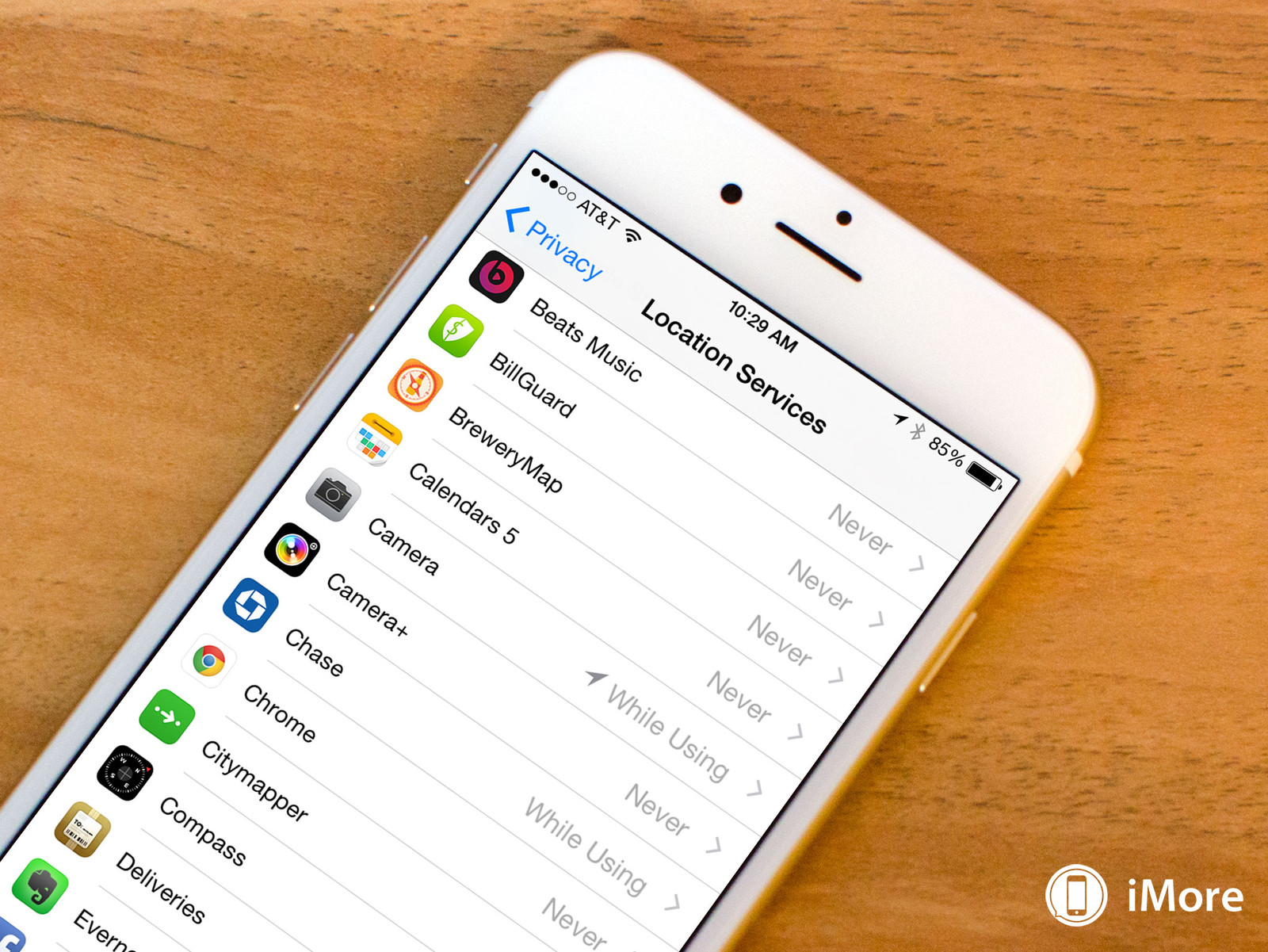
Exactly as the title implies, your photos’ location is recorded and saved inside the EXIF data of your picture. Even though this feature may seem harmless, especially if you only share your photos with family and friends, if you share some of your favorite pics online, people may end up figuring out where you live.

Although this is not a huge deal for some, it may be for others so in order to disable this feature you need to go to Settings -> Privacy -> Location Services -> Camera and select Never.

iPhone 6 tweaks
Image Credits: imore

Parallax Effect

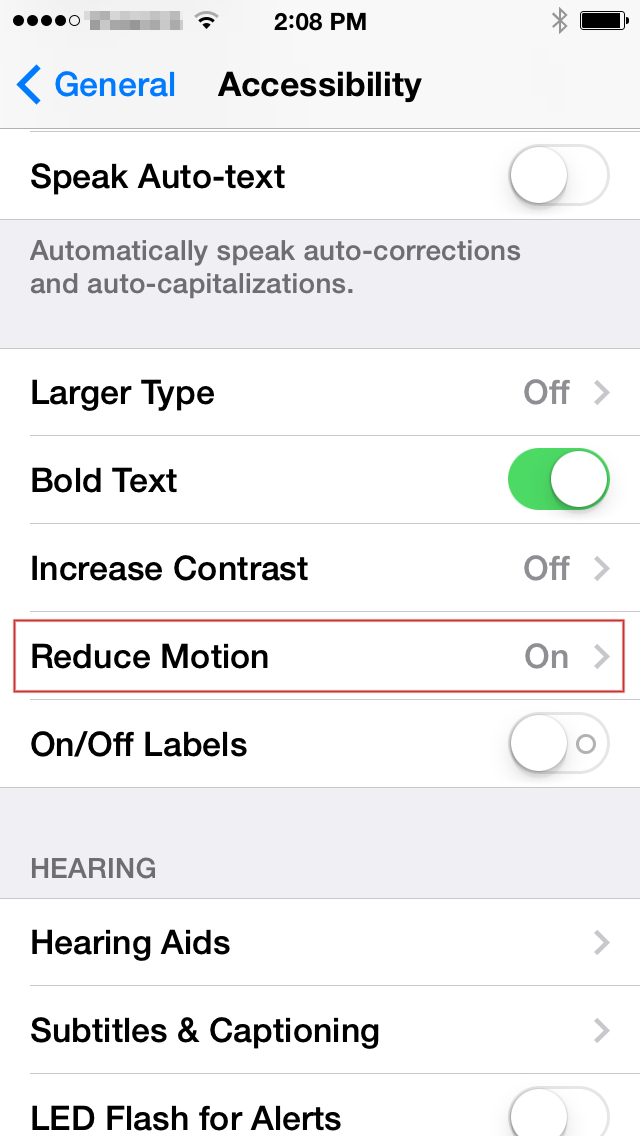
Parallax Effect allows you to see a 3D effect on your iPhone or iPad’s screen, and it is actually pretty cool at first. However, after using it a couple of times, it seizes to amaze you and the only thing you are left with is lower battery life. Given the fact that one of the most important problem that smartphones, in general, have today is that their batteries run out fairly quickly (where are the old Nokias that you used to charge once a week?), you should consider disabling all the setting that are not actually useful.

To disable Parallax Effect go to Settings -> General -> Accessibility -> Reduce Motion and tap on the toggle witch.

iPhone 6 tweaks
 Image Credits: phonearena

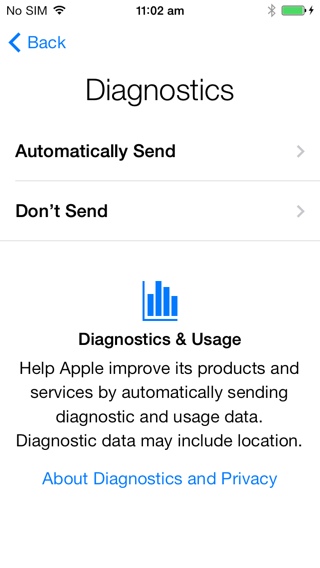
Diagnostics and Usage Data

This feature sends everything you do or use on your iPhone, back to Apple. Although the information is sent anonymously and Apple claims to use the info to improve the iOS experience, nobody wants all their activity tracked. To turn off this feature go to Settings -> Privacy -> Diagnostics & Usage and choose Don’t Send.

iPhone 6 tweaks
Image Credits: iphonehacks

Background App Refresh

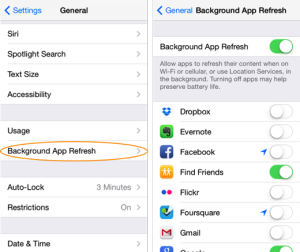
The most annoying thing this feature does is the fact that it drains battery life for pretty much nothing. iOS 8 is set up to automatically refresh the apps that are running in the background even if you are not actively using them through a setting called Background App Refresh.

In order to save a bit of your battery and make your experience with the iPhone6 better, disable the Background App refresh by navigating to Settings -> General -> Background App Refresh and slide the toggle switch to turn the feature off.

iPhone 6 tweaks
Image Credits: idigitaltimes

Ad Tracking

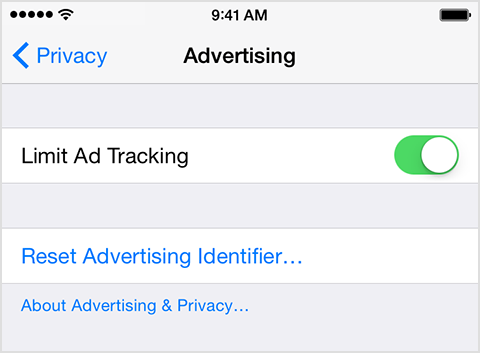
As you may be aware, ads can sometimes track everything you do, especially when it comes to location and/ or preferences. However, Apple has included a feature in iPhone 6’s menu that allows you to limit the Ad tracking on your phone. In order to enable this feature you need to navigate to Settings -> Privacy -> Advertising and turn on Limit Ad Tracking.

iPhone 6 tweaks
Image Credits: Apple

LTE Voice & Data

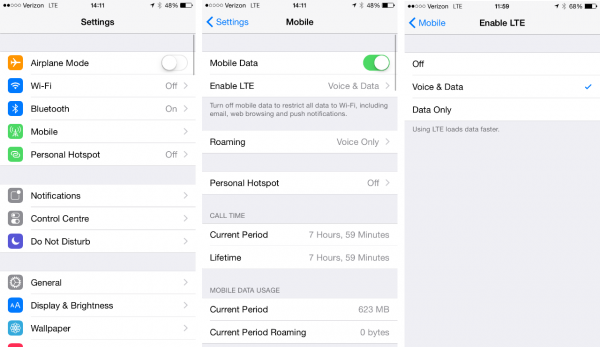
For those of you who have an iPhone 6 with Verizon, you need to enable LTE Voice and Data to be able to chat with someone on your phone while simultaneously browsing the internet. To enable this feature, go to Settings -> Cellular -> Enable LTE.

iPhone 6 tweaks
Image Credits: slashgear

Do Not Track

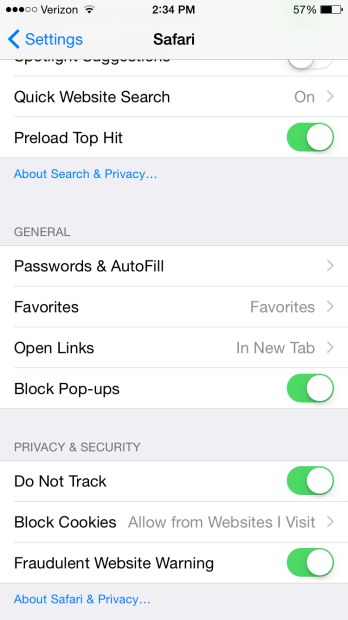
Safari on iPhone 6’s iOS 8 allows users to turn on the Do Not Track feature, so that you can browse everything you want or like without ads tracking your activity. As I mentioned before, it is very annoying to know that all you do online is recorded and saved so that add companies can use that data to create personalized adds just for you.

I mean, although this can sometimes prove useful, too many ads are extremely irritating so if you don’t like seeing them all over your browser, turn on the Do Not Track setting in Safari. To do so, open Settings -> Safari -> Privacy & Security and turn on Do Not Track.

iPhone 6 tweaks
Image Credits: gottabemobile

As for some of the best Cydia iOS 8 devices and iPhone 6 tweaks, here is a list that we managed to put together with the help of users and other websites.

Many of these tweaks are free, but we have also included some paid tweaks as well. The prices are next to nothing for most of them and they are worth purchasing.  The iPhone 6 tweaks can be either new or just updated versions of older tweaks.

10 Awesome Tweak Apps for iPhone 6

1. UntetheredHeySiri – Free

untetheredheysiribanner

Image Source: ModMyi

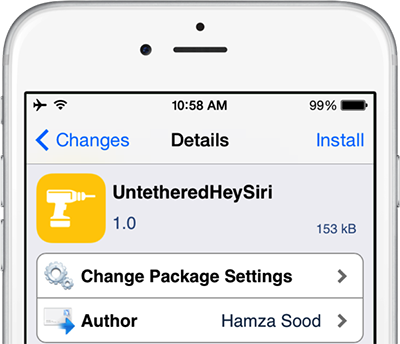
“Hey, Siri” can be used to summon Siri without pressing the home button, but you cannot use it unless your device is plugged in. UntetheredHeySiri allows you to use the special feature without your device being plugged in.

2. OSLite 8 – Free

OSLite 8 is a very good tweak because it manages your folders and keeps your phone’s directory clean. The tweak deletes temporary installed files like application name/temp or your caches. However, the tool will not delete any important files.

3. AlienBlue++ – Free

With AlienBlue++ you are able to create a meme, download images and videos or copy GIF to clipboard in the old AlienBlue app, so it might be considered a plugin.

4. ForceGoodFit – Free

ForceGoodFit-1

Image Source: i0.wp

The ForceGoodFit tweak forces the icons of your apps to fit your iPhone 6’s screen proportionately and adds a delicate touch to your phone’s interface. Some of the older app icons that are not configured yet for the iPhone 6 will look a bit out of balance on your phone’s screen. With ForceGoodFit, you will not have that problem anymore.

5. ColorY0urBoard8 – $1.99

Are you tired of the same old keyboard on your iPhone 6? Well, with ColorY0urBoard8 you can actually switch between colors and make your keyboard look different every time you use it.

6. LockSmoother – Free

Going further with the same idea, if you are tired of the design of your Lock screen button, you can change it by using the LockSmoother tweak.

7. iCleaner – Free

iCleaner is a free tweak that removes all the unnecessary files on your device. However, same as OSLite 8, it will not delete any important files or documents on your iPhone, without requesting your permission.

8. SaveGram – Free

savegram

Image Source: Arab Apps

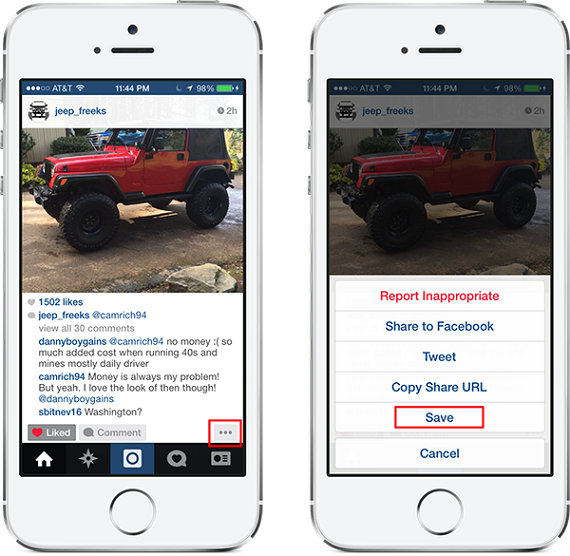
If you are an Instagram user, you will be happy to know that this tweak lets you save your images or videos directly into the Instagram news feed. Since the only way you could save images or videos on Instgram was by sceenshot and then crop method, SaveGram makes things easier.

9. Alkaline – Free

Alkaline is yet another tweak that allows you to customize the way the interface of your iPhone 6 looks like. With this small cool tweak you can change the appearance of the icons on your statusbar and you can choose from a variety of themes.

10. Barrel – $2.99

The last tweak presented in this top is Barrel – a tweak which allows you to choose from several transition or animation effect, your favorite one.

iPhone 6 was released by Apple on the 12th of September and it “isn’t simply bigger – it’s better in every way”. Even though the size of the new iPhone has increased significantly, it also became a lot thinner. The device however, works beautifully and it is definitely worth to upgrade your old iPhone to it or consider buying one if you have never owned an Apple device before.

The bigger screen provides a better and new experience to its users, with 1334×750 Resolution, a Retina HD display and brilliant colors. More power is provided through the new A8 chip and the M8 coprocessor promises to be very efficient.

iOS 8 was the biggest iOS release yet and it is the “most advanced operating system” provided by Apple.

After presenting you all this data and some of the most important things you need to know about your iPhone 6, it is now up to you to see whichever suits you and your needs best.

iPhone 6 is a lovely device that you will definitely enjoy no matter what the settings, apps or tweaks you have installed on it.

Filed Under: Tech & Science Tagged With: iOS 8 jailbreak, iOS 8 tweaks, iPhone 6 settings, iPhone 6 tweaks, jailbreak iPhone 6, new tweaks iPhone 6

Gaming Laptop Review for the MSI GT72 Dominator Pro

December 27, 2014 By Deborah Campbell 1 Comment

Using the Nvidia’s new and powerful Maxwell graphics, the new Dominator Pro has much improved internally since the last generation of laptops from MSI. The Dominator Pro has a price of $1,799 and could rise to a steep price of $2,999 for the configured version of the MSI GT72 Dominator laptop.

This laptop even has an amazing number of four SSDs that are astoundingly fast along with the amazing Nvidia 980M GPU, one of the best keyboards found on a laptop and incredible audio capabilities. This is our MSI GT72 Dominator Pro review.

MSI-GT72-Dominator-Pro

MSI GT72 Dominator Pro Design

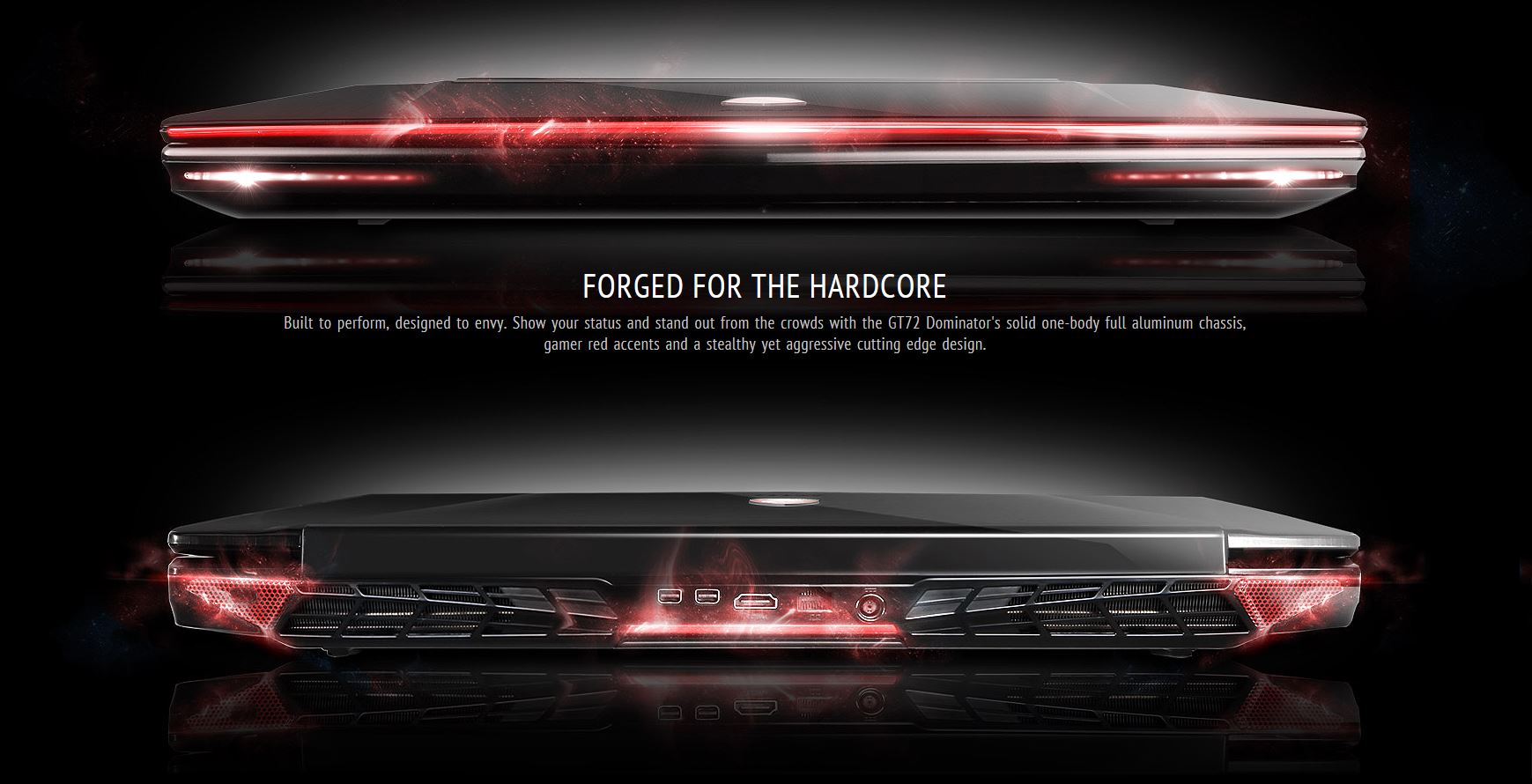
Even though The Dominator Pro isn’t the most beautiful laptop we’ve ever seen, we wouldn’t exactly kick it off our desk. The black aluminum lid of the laptop is quite pretty and we really like the red emblem in the center. MSI added LED strips on the front of the laptop, which reminds us of the Alienware laptops and on the bottom of the laptop, MSI put some very large red vents.

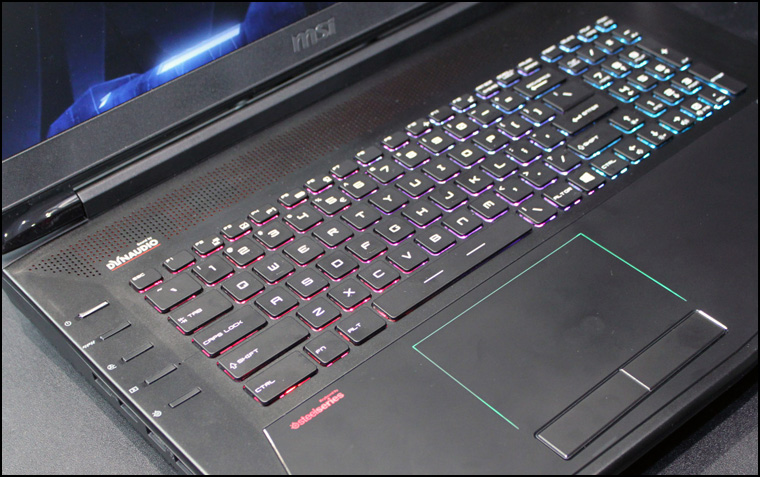
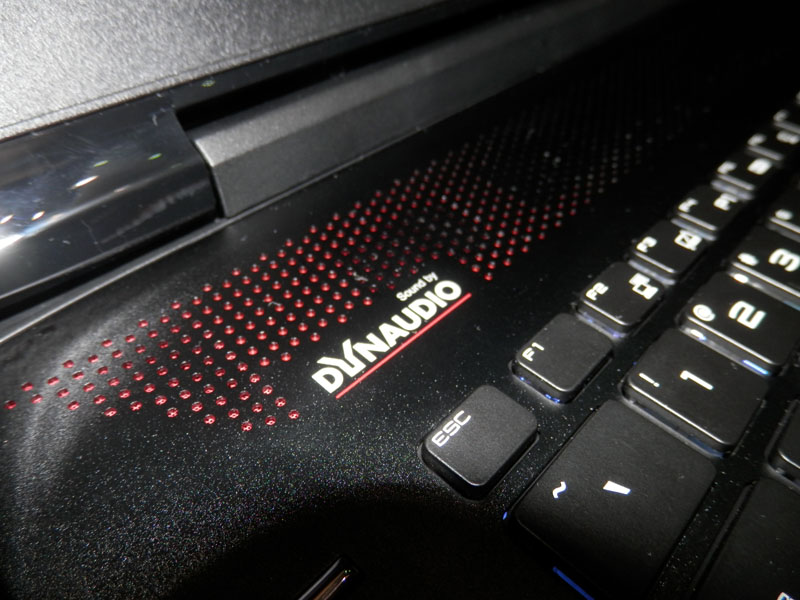
The MSI GT72 Dominator’s interior deck is covered in black aluminum which we believe is quite a nice touch. On the left side of the keyboard there are buttons for the control panel of the SteelSeries Engine, XSplit GameCaster, Fan, Gpu and, of course, power.

The colors on the MSI GT72 Dominator keyboard can be customized by the user, the palm rest on the laptop is a little raised from the rest and made of a black glass and there are little LED lights that surround the touchpad.

MSI GT72 Dominator Pro Keyboard

The Dominator, like most notebooks designed for gaming, has a full size keyboard. Even though the keyboard is quite bright because of its backlight and the spacing is really good, we were a little disappointed. The Dominator’s keys had a travel of 1.7 mm but at a lower actuation of 50 grams which means the typing was a pretty mushy experience on the laptop’s keyboard.

As with previous generations, MSI’s Dominator Pro features a customizable keyboard that makes use of the SteelSeries Engine. The SteelSeries software offers elements of the control panel on Razer’s Synapse 2.0 and of the Command System software on Alienware devices.

1402311893_MSI-GT72-2PE-Dominator-Pro-002

Image Source: Notik.ru

You can create different profiles for use in different applications as well as customizing effects and colors on different zones on the keyboard. Users can designate specific actions to every key found on the keyboard, which is a feature similar to the one offered by the Synapse 2.0. The laptop’s interface also analyzes the way in which a gamer uses the keyboard, showing what keys are being used most.

Our favorite part about the MSI software is the ability to set up a light show. The software features seven effects, such as Gaming, Breathing and Wave. These effects split the keyboard in three sections. The SteelSeries software also offers the ability to create four color levels in one profile.

MSI GT72 Dominator Pro Touchpad

The laptop’s touchpad really has a nice feel to it, mostly because of its pseudo-glass and has a measurement of 4.3 by 2.5 inches. The laptop responded accurately and very quickly as we went between different applications, launched Internet Explorer by pressing three fingers on the touchpad and rotated a few images. There was, however, some issues when highlighting and scrolling down. Every try ended up in arrhythmic movements that quickly become very annoying.

The mouse buttons were, however, very firm and delivered a good feedback.

MSI GT72 Dominator Pro Display

Even though the 17.3 inch Full HD display on the laptop is not bad per se, it isn’t as colorful or as bright as the displays found on its rivals.

The GT72 Dominator reproduced just 88.5 percent of the sRGB scale. This result hardly beats the 88.4 percent by the Krypton and is well behind the 97.2 percent average of a desktop replacement. The Alienware 17 scored 106 and the G751JY from ASUS scored a 99.1.

MSI GT72 Dominator Pro img04

Image Source: HwiGroup

On the test that measures the accuracy of color, the Delta-E test, MSI’s GT72 Dominator scored a very disappointing 10.3, barely beating the Krypton’s 10.2. The Alienware scored a 0.6 and the ASUS G751JY scored a 2. In the Delta-E test the perfect score is a 0.

For brightness, the MSI laptop scored 255 nits, below the average of 276 nits. The Alienware 17 scored 288 nits and the Krypton and G751JY tied at 304 nits.

Audio Capabilities

OLYMPUS DIGITAL CAMERA

Image Source: NotebookItalia

No doubts here; the MSI GT72 Dominator is very loud. In the Laptop Mag Audio Test it hit 93 decibels. It went right by the average of 88 decibels and beat the scores of the ASUS G751JY of 78 dB and the Digital Storm Krypton of 82 dB. Alienware 17, however, was able to hit 99 decibels.

But it’s all about the sound, right? Well, the MSI Dominator Pro really produced balanced and loud audio able to fill the whole audio space.

MSI GT72 Dominator Pro Graphics

The desktop-level Nvidia GeForce GTX 980M GPU has an impressive 8GB of video memory. The GPU produced an incredible 67 FPS on ultra settings of 1080 pixels while playing Lord of the Rings: Shadow of Mordor.

In the 3DMark Fire Strike test, the MSI GT72 Dominator performed amazing as well and scored 8,228. This score was significantly higher than the 4,861 average of a desktop replacement. The Krypton and the Alienware 17, both equipped with Nvidia GeForce GTX 880M GPUs scored 5,527 and 5,389. The Nvidia GeForce GTX 980M on the ASUS G751JY, however, scored a slightly higher 8,367.

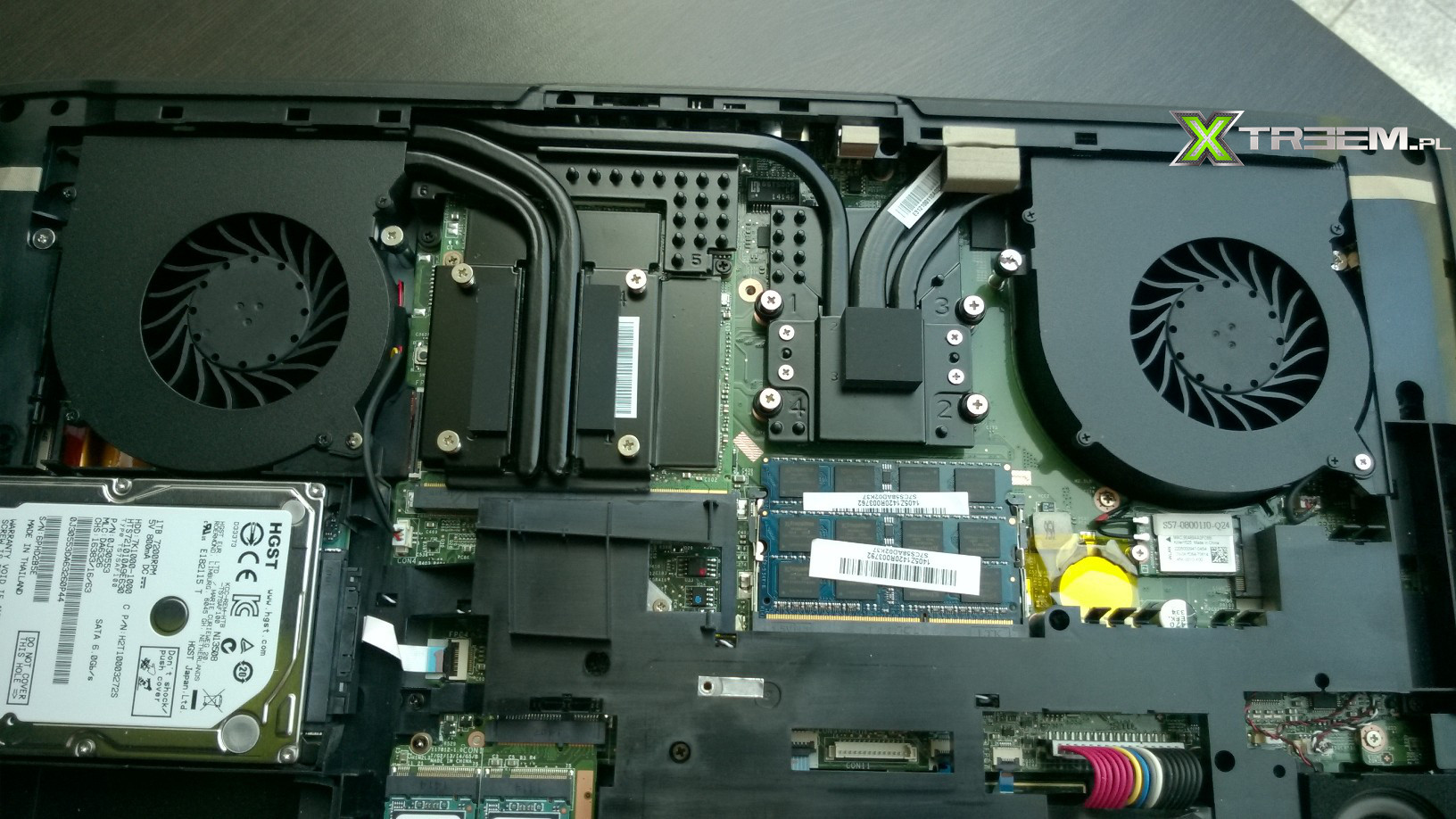
GT72_chlodzenie

Image Source: NHL

BioShock Infinite on the highest settings reached an average of 85 frames per second, way more than the 63 frames per second on the Alienware 17 and 59 frames per second on the Krypton. The ASUS G751JY, however, reached a higher average of 92 frames per second.

However, the Metro: Last Light on the maximum settings was the true test. The Digital Storm Krypton and the Alienware 17 were only able to give 24 frames per second and 20 frames per second. The MSI GT72 Dominator, however, was capable of hitting 34 fps, while the ASUS G751JY hit 37 fps.

MSI GT72 Dominator Pro Performance

The Dominator is equipped with a 2.5 GHz Intel Core i7-4710HQ CPU and 32GB of RAM.

On Geekbench 3, the Dominator scored a 13,018 which is higher than the 12,336 average on the desktop replacement. The Alienware 17, which has a 2.9 GHz Intel Core i7-4910MQ CPU, scored 14,009, the Digital Storm Krypton, with a 2.8 GHz Intel Core i7-4810M CPU, scored 13,774 and the ASUS G751JY, which has the same CPU as the Dominator Pro, scored 12,582.

The Dominator transfers easily huge amounts of data because of its four 128GB SSDs in Raid 3. The Dominator also features a great 1TB 7,200 rpm hard disk drive.

Capture 02

Image Source: GenTechPCForums

In the File Transfer Test, the Dominator duplicated several media files of 4.97GB in only 8 seconds. This means it has a transfer speed of 636.3 MBps, the average being 260 MBps. The Alienware had a transfer speed of 463 MBps and the G751JY had a speed of 339.3 MBps. Hardly worth mentioning, under the circumstances, is the Krypton which was only able to show a transfer speed of just 159 MBps.

In the OpenOffice Spreadsheet Macro Test, the Dominator tied with the ASUS and matched 20,000 addresses and names in just 3 minutes and 53. The average is 4:54 but neither the G72 nor the G751JY were faster than the Alienware 17 at 3:29 and the Krypton at 3:33.

How’s the Heat?

Once we started playing Shadow of Mordor, the temperature on the touchpad increased to 83 degrees Fahrenheit and the part between the H and G keys increased at 86 degrees. The undercarriage of the laptop rose at 102 degrees.

Streaming on Hulu for 15 minutes increased the temperature on the touchpad to 79 degrees and the space between the H and G keys at 89 degrees. These temperatures are still below the comfort threshold of 95 degrees in Laptop Mag.

Other Features

1. Webcam

The Dominator’s 2 megapixel camera is not the greatest in terms of color and detail. In a picture we took, the colors looked very washed out and the individual strains of hair look very blurry and bad.

2. Ports

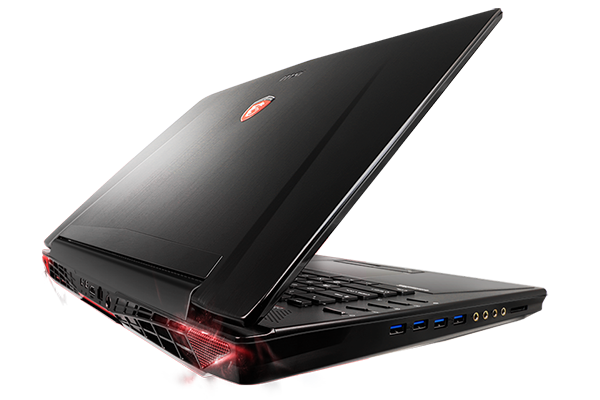
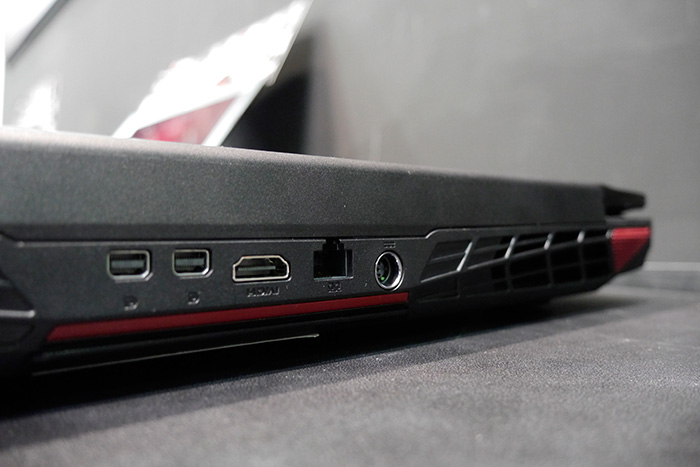
Next to the laptop’s Blu-ray reader there is a pair of USB 3.0 ports and there are four more USB 3.0 ports on the laptop’s left side. The left side of the Dominator Pro also features gold plated jacks for audio, microphones, headphones and S/P-DIF and a 2 in 1 card reader. On the back of the laptop there are an HDMI port, a gigabit Ethernet port and two mini DisplayPorts.

GT72_2PE_Dominator_Pro_back_conect

Image Source: HardwareZone

3. Battery Life

Even though the MSI is very powerful it doesn’t offer very much battery life. The MSI GT72 Dominator Pro lasted just 3 hours and 14 minutes in the Laptop Mag Battery Test. The Alienware 17 lasted on the same test 4:06, the ASUS G751JY lasted 3:53 and the Krypton lasted 2:54.

4. Configurations

We reviewed the $2,999 version of the MSI GT72 Dominator Pro laptop which comes equipped with a 2.5 GHz Intel Core i7-4710HQ CPU, 32GB of RAM, Nvidia GeForce GTX 980M GPU with 8 GB of video memory, 1 TB 7,200 rpm hard disk drive and four 128GB SSDs in Raid 3.

MSI also offers a $1,799 version which has a 2.5 GHz Intel Core i7-4710HQ, 12 GB of RAM, Nvidia GTX 970M GPU with 3 GB of video memory and a 1 TB 7,200 rpm hard disk drive.

Here is a more detailed specs list:

CPU: 2.5-GHz Intel Core i7-4719HQ processor

Operating System: Windows 8.1

RAM: 32GB RAM

Hard Drive Size: 128GB

Hard Drive Type: Quad SSDs

Secondary Hard Drive Size: 1TB

Secondary Hard Drive Speed: 7,200 rpm

Secondary Hard Drive Type: SATA Hard Drive

Display Size: 17.3

Native Resolution: 1920×1080

Optical Drive: BD-R/DVDRW DL

Optical Drive Speed: 8X

Graphics Card: Nvidia GeForce GTX 980M

Video Memory: 8GB

Wi-Fi: 802.11ac

Wi-Fi Model: Killer Wireless-n/a/av 1525 Wireless Network Adapter

Bluetooth: Bluetooth 4.0

Touchpad Size: 4.3 x 2.5 inches

USB Ports: 6

Ports: Mini DisplayPort, HDMI, USB 3.0 Ports, S/PDIF

Card Slots: 2-1 card reader

Warranty: 2 Year Limited Warranty

Size: 16.85 x 11.57 x 1.89 inches

Weight: 8.2 pounds

Wrapping Up…

PROS

– Fast file transfer speeds, great graphics performance, great audio, low heat, customizable keyboard

– Very capable gaming laptop

CONS

– Display lacks brightness and color accuracy

– Very expensive

The Verdict

The MSI GT72 Dominator Pro offers some of the greatest performance we’ve even seen in a laptop designed for gaming. The $2,999 version of the laptop offers a very fast hard drive configuration, a customizable keyboard, Nvidia 900 series GPU, i7 Core CPU and great audio quality. However, we can’t help but wish the display on the laptop was of the same quality as the rest of the laptop’s components.

For $500 less you can buy the ASUS G751JY which offers pretty much the same performance, a more vivid and sharper display and a somewhat longer battery life. But all in all, users that are searching for an absolute monster of a gaming machine should consider buying the MSI GT72 Dominator Pro laptop.

Filed Under: Tech & Science Tagged With: gaming laptop review, gt 72 dominator, gt72 dominator, gt72 dominator pro, gt72 dominator pro gaming laprop, msi, MSI GT72 Dominator Pro Review, msi gt72 dominator review

2014 Christmas Gift Guide for Tech Enthusiasts

December 21, 2014 By Roxanne Briean Leave a Comment

Christmas is less than a week away and closing it at a terrifying speed if you feel you are one of the late shoppers and haven’t managed to finish getting all the presents you needed to.

Getting the perfect present is probably one of the most difficult things to do this time of year – especially given the pressure that might settle in given that the holidays are so close – and that’s taking holiday preparations in consideration.

gift-ideas-for-techies

Image Source: NorthDallasGazette

Christmas has stopped being a holiday just for kids to enjoy a long time ago. Now both children and ‘older’ children – or adults as we like to call ourselves – get to enjoy the holiday in equal amounts especially when it comes to presents that involve technology and clever gadgets. And let’s be honest, tech presents can not only fit every single person that you’re willing to buy a surprise for since they have such a big part in our life nowadays, but offer such great diversity and products to choose from, it’s near impossible to not find something suitable for your loved ones.

While most devices would normally shake quite substantial funds from you, the holidays are not a bad time to consider upgrades and tech-related purchases. A lot of distributors, retailers and even developer companies themselves offer a various and wide array of deals with the occasion, making it a shame to miss on. If you move fast, you might still be in time to take advantage of some of them and make someone tech-happier this Christmas. Even if that someone is yourself.

In order to make your life a little easier, we have compiled a short list of present ideas that you can draw your inspiration from. They include the latest releases on the market and will suit the highest end needs of the most tech-savvy individuals, so brace yourself for tech Christmas is coming with some really great things. Here is our Christmas Gift Guide for 2014.

Smartphones & Phablets

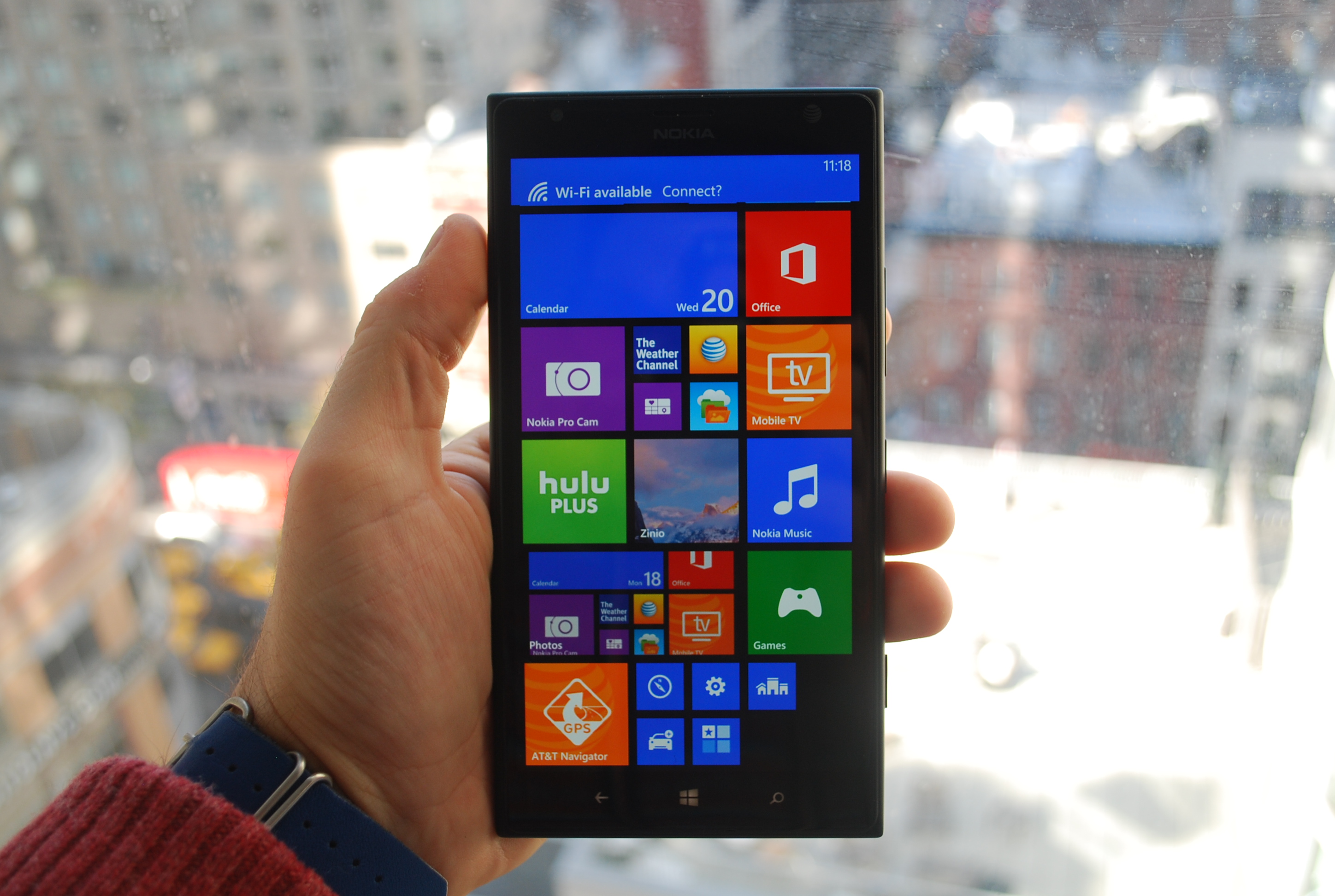
Lumia 1520

lumia-1520-hands-on

Image Source: Gigaom

The first item on our Christmas Gift Guide is the Nokia Lumia 1520, arguably one of the best flagships of 2014.

While it may not be one of the newest releases on the market, the Nokia Lumia 1520 still packs an impressive punch considering it has been out for more than a year. It comes fully equipped with the latest 8.1 Windows version in a 209 gram, 6 inch display phone, easily making it fall into the phablet category. And just like any other phablet, it has to prove it’s got what it takes to still make an impression next to all the other popular devices on the market.

Here are a few things that might help in that direction: when the Lumia 1520 first came out, it was easily one example of state of the art technology, packing a quad-core Qualcomm Snapdragon 800 at 2200 MHz processor, 2 GB of RAM and at last 32 GB of storage, complimented by a microSD card slot that could go as high as 64 GB.

The impressive display will go as high as 1920 x 1080 resolutions with a pixel density of 368 ppi. One of the most impressive features of the powerful phablet is probably its read camera – a 20 megapixel wonder that features the same optical image stabilization that we can find in most recent releases as well, and an auto-focus with two stage capture key. In addition, it features a front HD 1.2 MP wide angle camera as well, capable of recording in 720p quality.

iPhone 6

bgr-iphone-6-1

Image Source: Cdn.bgr

One of the biggest hypes of 2014 by far, the iPhone 6, is not something to be taken lightly. In comparison to what its predecessor’s release meant to iPhone fans all around the world, this time around the transition from the 5th generation to the 6th of one of the most successful smartphone developer out there is finally highly tangible and a real breath of fresh air for us.

The iPhone 6 comes with an all-new design, a much larger display than ever, and even 2 variants – the classic one with a 4.7 inch display, or the phablet variant, with a dazzling 5.5 inch surface. The developers of the iPhone 6 have surely exceeded themselves with the release of this phone, bringing to the table a new generation of Ax processors, much larger storage than what we have been accustomed to so far and the new iOS 8, heavily packed with new apps and functionalities.

People have called it the best phone of the year. We are going to settle for “one of the best phones of the year” since preference does normally play a bigger role in choosing a favorite. But for the tech lovers out there, the iPhone 6 will surely be a delight, no matter the model. Let’s take a look at the next device on our Christmas Gift Guide for 2014.

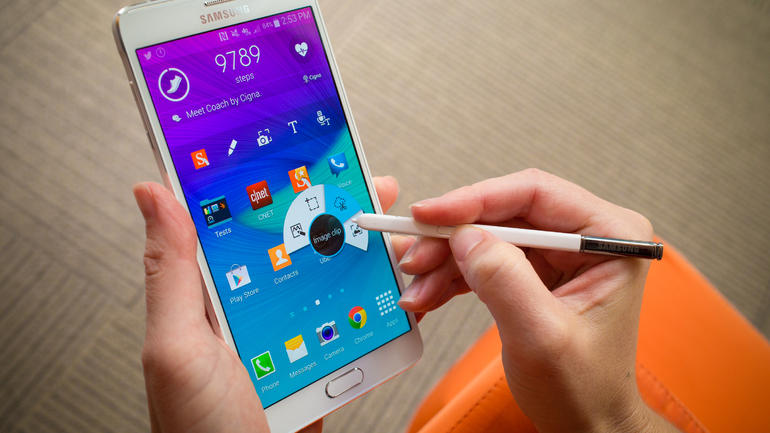
Samsung Galaxy Note 4

samsung-galaxy-note-4-9024

Image Source: Cnet

The most recent Samsung release, and the last before the next Galaxy S comes out has been an absolute blast. The phablet in question is by far a flagship of Samsung and has come in the last quarter of the year, marking it with incredible design and outstanding power in its production.

Everything that represents the Samsung Galaxy Note 4 is a technological wonder from start to finish – the 5.7 inch QHD display is probably the best we have seen on the market until now, sporting a 1440 x 2560 resolution with a shocking 515 ppi pixel density, far superior to most competitors.

Until the Qualcomm Snapdragon 810 processor was released, the 805 model present in the Galaxy Note 4 was undoubtedly the strongest you could get, and probably the only one who could take your phone up to 3 GB of RAM; that’s right, the Galaxy Note 4 if challenging tablets and medium-performance laptops with a rather huge amount of memory contained in the palm of your hand.

The cameras present on the Note 4 are as powerful as 16 megapixel, 5312 x 2988 pixel resolution for the rear, and a 3.7 megapixel front facing camera, capable of recording and streaming video in 1440p. Multitasking is an amazing trait of the phablet, which – come the 5.0 Lollipop update that is scheduled to be released for it by the beginning of February 2015 – will only become better.

And if you have a taste for the unusual, the Galaxy Note 4 also comes in an “Edge” variant, sporting a curved glass strip on its right hand side that acts as a separate display with some nifty utilities attached to it, though at a higher price.

LG G3

visual1_visual1


Image Source: LG.com

Despite some people claiming large screen phones offer incredible display at the cost of difficulty in actually holding the phone or operating it one-handedly, somehow phablets are still currently ruling a grand portion of the market. The last but not least of this list is the LG G3, acclaimed by many and certainly not disappointing.

While some insist on calling it a smartphone still, the 5.5” display is no joke and will definitely fall into phablet territory. The resolution goes no lower than 1440 x 2560 with a 534 ppi pixel density, making it literal eye candy. The Qualcomm Snapdragon 801 processor is nicely complimented by the 3 GB of RAM, giving the LG G3 unfeasible amounts of multitasking power and broad possibilities.

While the camera the LG G3 displays might seem to be running behind in the megapixel race against market rivals, it’s still a pretty powerful tool – 13 megapixel front facing camera with phase detection and laser autofocus, optical image stabilization and a dual-LED flash, managing to make an outstanding impression in bright light too.

It also features the much-wanted front facing camera that can record video at 1080p quality and presents itself with a 2.1 megapixel capacity.


Tablets & Hybrids

Next on our Christmas Gift Guide for tech enthusiasts we would like to take a look at the best tablets and hybrids that have rolled out in 2014. Here they are:

Nexus 9

nexus-9-18

For some, the 4:3 aspect ratio of the Google Nexus 9 might be a letdown. Others will relish it. Depending on what you’ll be wanting to do with the tablet in question, this one might be the perfect fit for you.

The Google Nexus 9 is an 8.9-inch upgrade to last year’s predecessor – the Nexus 7 – and one of the first devices out there that has been released to bring forth into reality the much hyped Android 5.0 Lollipop operating system.

Slim, sleek and powerful is something taken right out of Nexus 9’s book. Google’s “Material Design” they introduced in the last OS is beautifully complimented by the Tegra K1 dual-core processor and 2 GB of RAM. The battery that was implemented in this tablet is a 6.700 mAh one, capable of keeping your tablet going for approximately 9.5 hours of WI-Fi browsing and video playback.

The only downside to it would be the limited, and unable to upgrade storage space – the tablet only comes in 16 GB and 32 GB versions.

Microsoft Surface Pro 3

surface-pro-3

Image Source: Forbes

This one is certainly one of the most adored hybrids of the year. Favored over competitors such as the Asus Transformer Book T100, it will on the other hand cost you much more than the latter. But the reason behind the price is the baffling range of specs it can actually reach.

It comes with a 12” display, only slightly smaller than an actual notebook and packs impressive hardware. The lower end versions start at i3 1.5 Ghz processors and 64 GB of storage space. Not impressed? No problem.

The high end version of the Microsoft Surface Pro 3 will provide you with an i7 1.7 GHz processor, a 256 GB SSD hard drive and up to 8 GB of RAM. All it would need now to be considered a full laptop would be a keyboard, correct? Well guess what – the package includes a keyboard that you can easily attach through magnetic hinges and a stylus that excels at imitating real pens.

Thus, the Microsoft Surface Pro 3 really manages to make the best of both worlds.


Gaming Consoles

If you are looking for gifts for the tech enthusiast, chances are that he is also passionate about games. Therefore, we have included several Gaming consoles in our Christmas Gift Guide for 2014.

Xbox One

XBox_One_35657846_15

Image Source: Cnet

The Xbox legacy has come a long way from its birth and until now. With the latest addition to the family, the Xbox One sealed the deal last year and managed to make it all the way up to the top of the sales charts in 2014.In comparison to its older brother, the Xbox 360, Xbox One came to address many of the issues the former had.

Despite the larger format, the Xbox One is unusually quiet and in comparison to previous models, it is very self-sufficient when it comes to its cooling process. The design, while it may not be of great importance to some, is sleek and minimalistic. Inside the Xbox wonder there is a 1.7 GHz custom AMD APU which is a 2 in 1 system that combines the CPU and GPU into one unit.

There is also a 5400 RPM 500 GB hard drive packed inside the gaming wonder, large enough to hold not only entire games on its internal HDD, but also giving you a lot of space for your media and much more. The controller has also received an uplift even if the Xbox 360 one was one of the most acclaimed and highly used of all time.

The new version is not a very far off version from the previous, but it does display trigger improvements, now featuring rumble motors. Its D-pad has been changed into a cross and the thumbsticks are now smaller but more accurate.

Playstation 4

Sony_PS4_35618167_01

Image Source: Cnet

Xbox One’s primary rival may have lost a little ground in favor of the competition lately, but make no mistake into thinking it’s an inferior console. After the great, multi-year success that the previous, PS3 model had – and for good reason – it was only natural that the subsequent releases would have a considerable amount of fight in them.

The PlayStation 4 comes with an impressive new look with a sharp, angled profile displaying a light bar that acts as a console status indicator. Just like the Xbox One, the PS4 also features a new controller – bigger, more comfortable, with improvements brought to the thumbsticks and refined gyroscopic and accelerometer-based motion control.

The DualShoke 4 is easily the best controller Sony has ever made. The PS4 comes with the same 500GB of storage space for your games and media, but with 8GB of GDDR5 memory, a low power x86-64 AMD Jaguar processor and a 1.84 Tflops AMD Radeon Graphics Core Next engine.

We Wish You A Techy Christmas!

Filed Under: Tech & Science Tagged With: christmas gift guide, christmas gift guide for techies, gifts for tech enthusiasts, tech Christmas gifts, technology gifts

  • « Previous Page
  • 1
  • …
  • 60
  • 61
  • 62
  • 63
  • 64
  • …
  • 114
  • Next Page »

Subscribe to Blog via Email

Enter your email address to subscribe to this blog and receive notifications of new posts by email.

Join 11 other subscribers

Recent Articles

police handcuffs man

German Man Probed In Poisoning That Killed 21 Employees Since 2000

June 29, 2018 By Kenneth Scott Leave a Comment

Chicken wings bar

Intoxicated South Carolina Man Punches Waitress Who Refused to Serve Him Alcohol

June 29, 2018 By Karen Jackson Leave a Comment

gaming

New Zealand gamer Who Flew Halfway Across The World for Virginia Teen Gets Shots By Her Mother

June 28, 2018 By Cristopher Hall Leave a Comment

party

Former Virginia Tech Freshman Sentenced to 50 Years in Prison for Stabbing a Girl to Death

June 28, 2018 By Roxanne Briean Leave a Comment

bonfire

British Couple Sentenced to Life in Prison for Torturing and Murdering French Nanny

June 27, 2018 By Deborah Campbell Leave a Comment

pay phone

Texas Father of Girl Disappeared in the 80s Ignored by Authorities

June 26, 2018 By Cristopher Hall Leave a Comment

bottled water

San Francisco Woman Threatened to Call Police on Girl Who Sold Ice Water for Disneyland Trip

June 25, 2018 By Roxanne Briean Leave a Comment

Maplewood Park

Missouri Man Robbed by Date and Accomplice in Park

June 22, 2018 By Nancy Young Leave a Comment

coding

New York Man Sentenced in Cyberstalking Former Girlfriend, Mailing Drugs to Her Dorm

June 22, 2018 By Deborah Campbell Leave a Comment

headphones

Bose Poised to Launch Sleepbuds, In-Ear Headphones That Help You Sleep

June 21, 2018 By Nancy Young Leave a Comment

Police light

Intoxicated Female Driver in Custody for Pulling Arresting Officer by the Hair

June 21, 2018 By Kenneth Scott Leave a Comment

kitchen

Restaurant Manager Arrested and Charged in Shooting Death of Co-Worker over Negative Yelp Reviews

June 20, 2018 By Karen Jackson Leave a Comment

plastic container

Pennsylvania Couple Charged in Violent Death of Infant Discovered Buried in Cat Litter

June 19, 2018 By Cristopher Hall Leave a Comment

tailpipe

Minnesota Teen Gets Head Stuck In Oversized Tailpipe Winstock Music Festival

June 18, 2018 By Karen Jackson Leave a Comment

Pages

  • About Us
  • Contact us
  • Privacy Policy
  • Privacy Policy GDPR
  • Staff
  • Terms and Conditions

Recent Posts

  • German Man Probed In Poisoning That Killed 21 Employees Since 2000 June 29, 2018
  • Intoxicated South Carolina Man Punches Waitress Who Refused to Serve Him Alcohol June 29, 2018
  • New Zealand gamer Who Flew Halfway Across The World for Virginia Teen Gets Shots By Her Mother June 28, 2018
  • Former Virginia Tech Freshman Sentenced to 50 Years in Prison for Stabbing a Girl to Death June 28, 2018
  • British Couple Sentenced to Life in Prison for Torturing and Murdering French Nanny June 27, 2018
  • Texas Father of Girl Disappeared in the 80s Ignored by Authorities June 26, 2018
  • San Francisco Woman Threatened to Call Police on Girl Who Sold Ice Water for Disneyland Trip June 25, 2018

Categories

  • Business
  • Entertainment
  • Finance
  • Headlines
  • Health
  • Life
  • Nature
  • Science
  • Sports
  • Tech & Science
  • Travel
  • Uncategorized
  • United States
  • World

Copyright © 2026 ArgyllFreePress.com
About · Privacy Policy · Terms of Use · Contact