A little over a month ago, iOS released the 8.1 update for its users. This update came after customers complained about the numerous bugs and glitches on iOS 8.0. For Apple customers, iOS 8.1 was like a breath of fresh air which resolved nearly all usability and app problems. It also introduced several interesting features such as Apple Pay. Camera Roll, one of the most cherished features of iOS 7 was also reintroduced.
Yesterday, November 17, Apple announced its latest update for iOS 8.1, the 8.1.1 update. Unlike the previous update, this one is more or less a usability update which is designed to resolve remaining stability issues. If you are still having problems with the operating system, this update may be incremental for you.
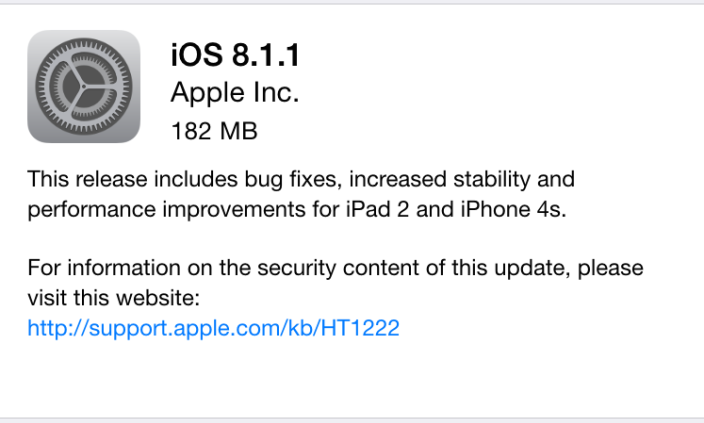
Although Apple usually posts a list of specific bug and updates fixes, it decided not to do it this time. However, they announced that the main objective of iOS 8.1.1 is to increase performance for older models: the iPhone 4S and the iPad 2. These two gray-beards were hit pretty hard by previous iOS updates and we are very happy to see that Apple is showing some love for older models that are still performing well. If you own iPhone 4S, 5, 5C, 5S, 6 or 6 Plus, the 5th Generation iPod Touch or iPad 2 and above you should definitely consider installing the new operating system.
iOS 8.1.1 Impressions & Performance
In the following article we would like to share several steps that you should make before installing this major update. You should never blindly install iOS updates that you know nothing about. Waiting one or two weeks might give you enough time to report potential bugs. This way you will know what you’re getting into beforehand.
In the last couple of months Apple has been releasing update after update in order to curb complaints and issues derived from the iOS 8.0 update. Even if iOS 8.0.1, iOS 8.0.2 and iOS 8.1 came with good fixes and several interesting features, they also brought about several bugs of their own. iPhone 4s and iPad 2 were the devices that suffered the most in the aftermath of these updates, but with the iOS 8.1.1, Apple is trying to boost performance of the two. We’ve installed iOS 8.1.1 on our iPad 2 device, and it works beautifully. We haven’t encountered any bugs or issues, the performance was incredible, and apps work consistently.
We strongly believe that you should update to iOS 8.1.1, especially if you are experiencing bugs and issues with your devices. Updating will make it easier for you to receive the latest features from Apple. Nevertheless, if you want to jailbreak your device you should definitely not update to 8.1.1 because it will not work with the jailbreaking software.
For those in search of a permanent fix for their iPhone issues, we encourage the installation of 8.1.1. It may not be the ultimate relief, because bugs may be reported in the future, but it is a step towards a better operating system. However, before you rush into installing the new iOS, you should make a few preparations.
1. Clean up your Device Prior to Installation
Do you regularly clean up your iPhone device? You should know that this could significantly boost the performance and battery life of your device. We are positive that, over the past few months, you have downloaded many applications, photos and music that you don’t really need. Now is a perfect time to get rid of the files that you are not using. The extra space you create will definitely come in handy once you install the iOS 8.1.1 update.
You should definitely clean up some storage space if you own a 16GB iPhone or iPad, because installing the operating system Over-the-Air will require a lot of free space. We also expect a lot of uninformed Apple users to cause a lot of ruckus over this issue, even if the company announced that Over-the-Air will take up a lot of storage space. A rule of thumb would be to clean up iPhones and iPads as often as possible in order to enhance performance, but if you don’t do this, you should at least have a major clean-up before every operating system update.
2. Charge your Device Prior to Installation
As we already mentioned, the installation requires at least 50% of battery power. This detail may not seem very important, but we urge you to charge your phone to full, to ensure that you avoid issues. You can also perform the installation with your phone charged into a power source. Battery level requirements depend on the age and performance of your device.
3. Update to the Latest Version of iTunes
If it’s the first time updating/downloading iOS 8 updates you should know that the latest version of iTunes is imperative. So before you begin installation, you should remember to update your iTunes. There are two ways of doing this. You can download the latest version for Windows, OS X etc. of iTunes from Apple’s website. You could also manually check for an iTunes update by accessign iTunes – Check for Updates. Windows users can check for updates within iTunes in the Help tab. If you own a Mac you can check updates on the Mac Store.
4. Discuss with your IT Team
Countless of business people use their Apple devices for work, mainly because iOS offers great apps for financial, organizational and accounting activities. We strongly recommend you to discuss with your IT department prior to installation, to make sure that the new operating system will not cause problems for your work. During the first iOS 8 update, tons of enterprises ran into serious problems that compromised their business goals. Worst case scenario, the IT team will tell you to hold off the installation until they gather more intelligence about the new operating system.
5. Update Important Apps
In a previous article we mentioned that some apps may be malfunctioning because they have not been correctly updated for iOS 8, therefore, they are not compatible. App developers, especially third-party developers, have been doing an excellent job in resolving bugs and issues with iOS 8 compatibility. Many bugs were resolved with iOS 8.1, and we expect that the 8.1.1 update will eradicate any remaining problems.
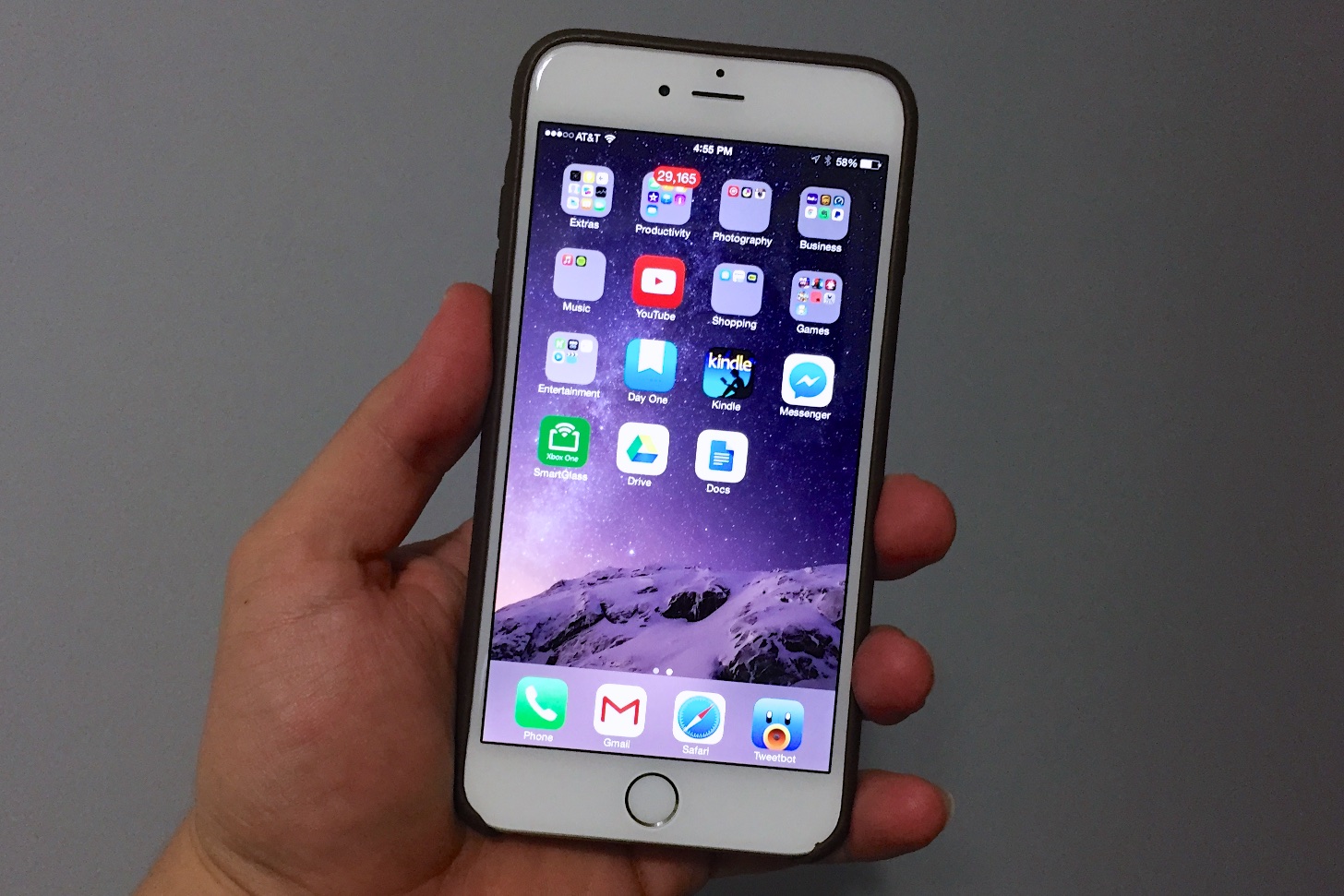
However, to make sure that all updates run smoothly you must update all your apps. In the past, it was possible for users to alleviate some of the issues caused by iOS 8.0 by updating their apps to the latest, bug-proof versions. It would be a wise move to update all your apps before installing iOS 8.1.1. This way, the transition between operating systems will run smoother.
How to install iOS 8.1.1 with iTunes
Although OTA has a convenient installation process, it takes a long time to complete, especially if you have a slow internet connection. Have you updated to the latest version of iTunes? Then you can begin the installation process. Click on iTunes in the menu bar then click on “Check for updates”. Now you have to focus on your device. The following steps will help you update to iOS 8.1.1:
- Step #1: Connect your Apple device to the computer with a USB cable and wait for iTunes to recognize it.
- Step #2: Click on the device button on the left of your iTunes Store button, in the top right corner of iTunes.
- Step #3: You don’t have to hold down the Option key or the Shift key to check for updates. If the iOS 8.1.1 update is available it will be downloaded and updated on your device automatically.
- Step #4: Once you receive the pop-up message that informs you about the update, click Download and Update. Make sure it says that iOS 8.1.1 is the latest version.
- Step #5: If the iOS 8.1.1 update was not automatically available you need to download the firmware files appropriate for your device.
- Step #6: After you click on the update you will be asked to Agree to the terms and conditions of Apple.
- Step #7: By clicking “Agree” iTunes will be prompted to begin downloading the firmware file. The software will automatically download, process, extract, prepare and install the update.
- Note: whatever you do, do not disconnect your device until the installation is complete. It will reboot several times during installation. When the installation is complete you will see the welcome screen with “Hello!”.
How to Install iOS 8.1.1 Over-the-Air (OTA)
The OTA installation process is quite simple. Make sure you plug in your device to prevent your battery from draining during the process. Depending on the version of your operating system, and the speed of your internet connection, it will take between several minutes and an hour to update and install. We strongly recommend you to connect through Wi-Fi to avoid extra-fees after installation.
To begin the process go to your General Settings > Software Update tab. If you are connected to the internet your device will automatically inform you about the iOs 8.1.1 software update. Click on “download” and wait for it to complete. Tap “install” and wait for the process to complete. Your device will continue to download updates and software and notify you when it is done. Then you must go back to Settings > General > Software Update and tap on Install now to Install the now downloaded iOS update file.

Roxanne Briean
Latest posts by Roxanne Briean (see all)
- Former Virginia Tech Freshman Sentenced to 50 Years in Prison for Stabbing a Girl to Death - June 28, 2018
- San Francisco Woman Threatened to Call Police on Girl Who Sold Ice Water for Disneyland Trip - June 25, 2018
- Epping Woman Sentence to 20 Years of Prison for Mutilating Homeless Woman’s Children - June 12, 2018